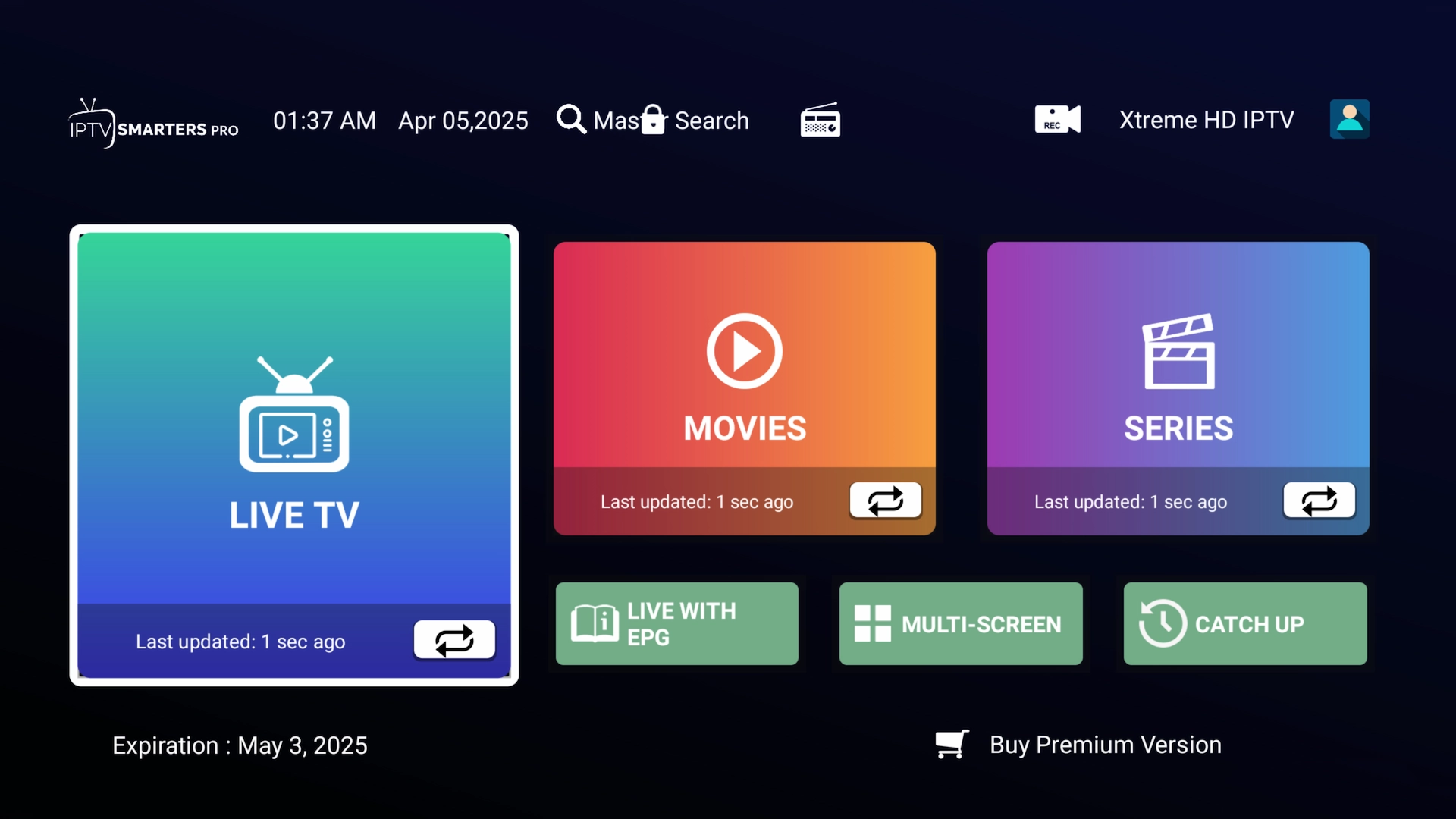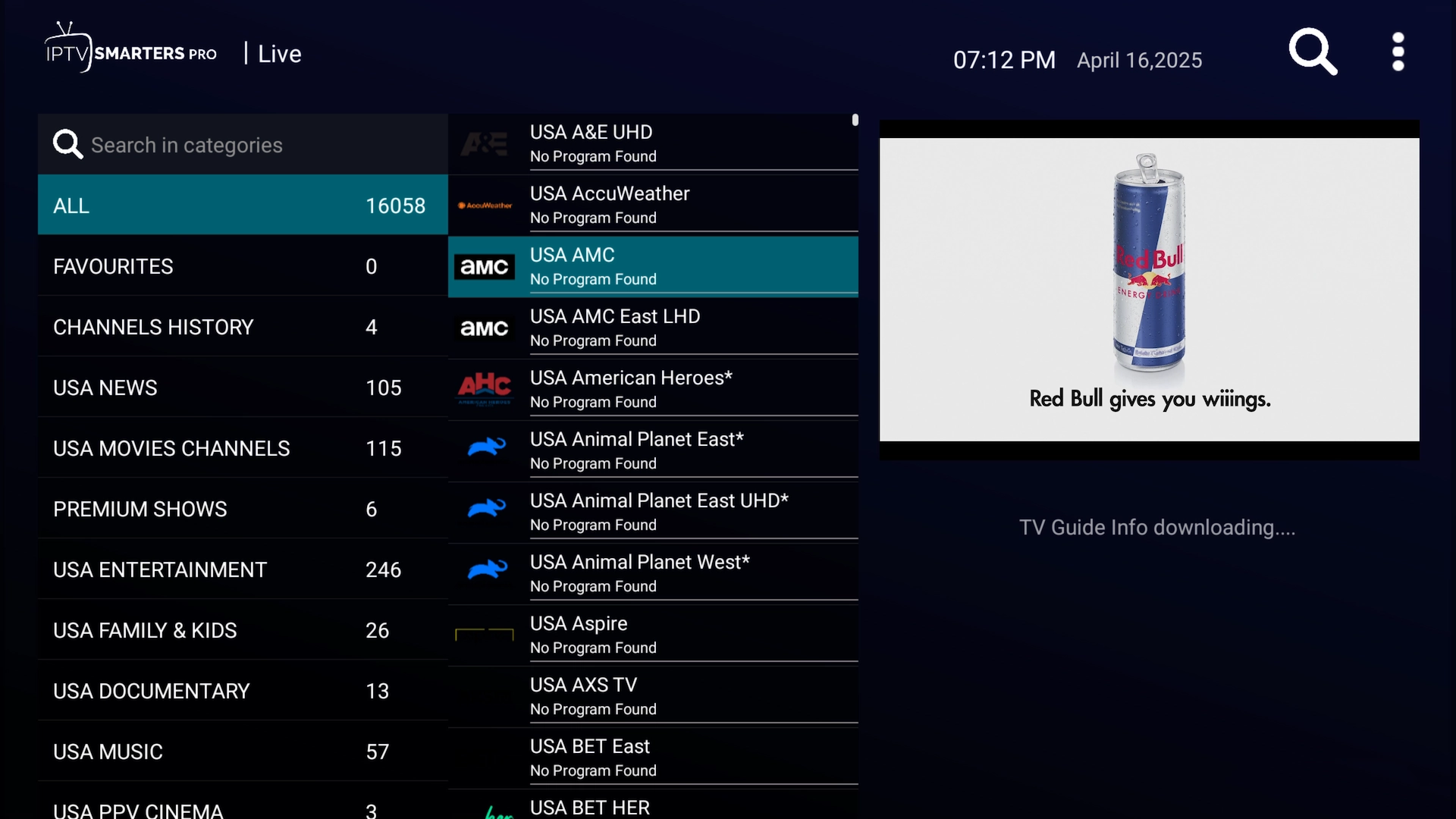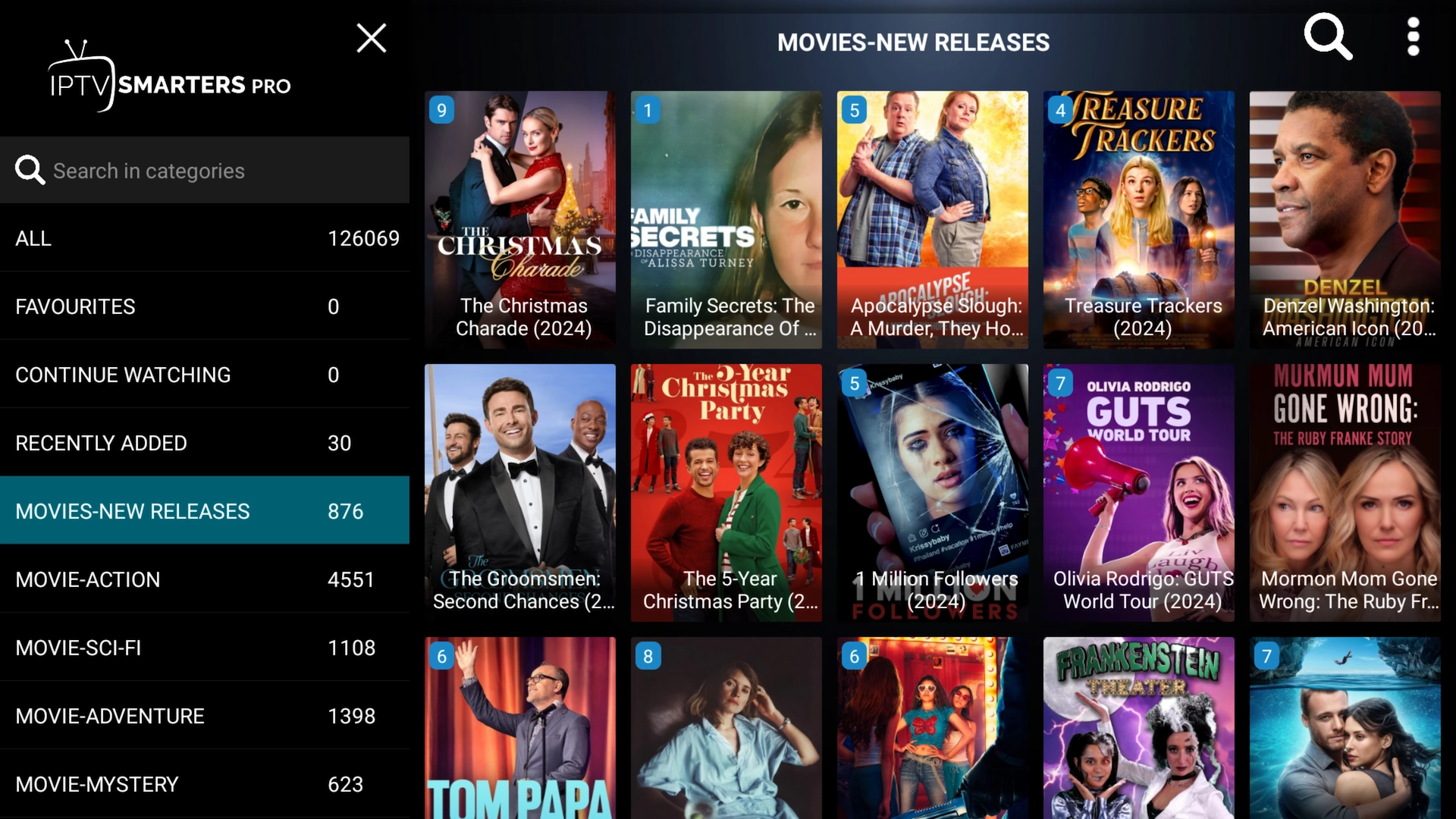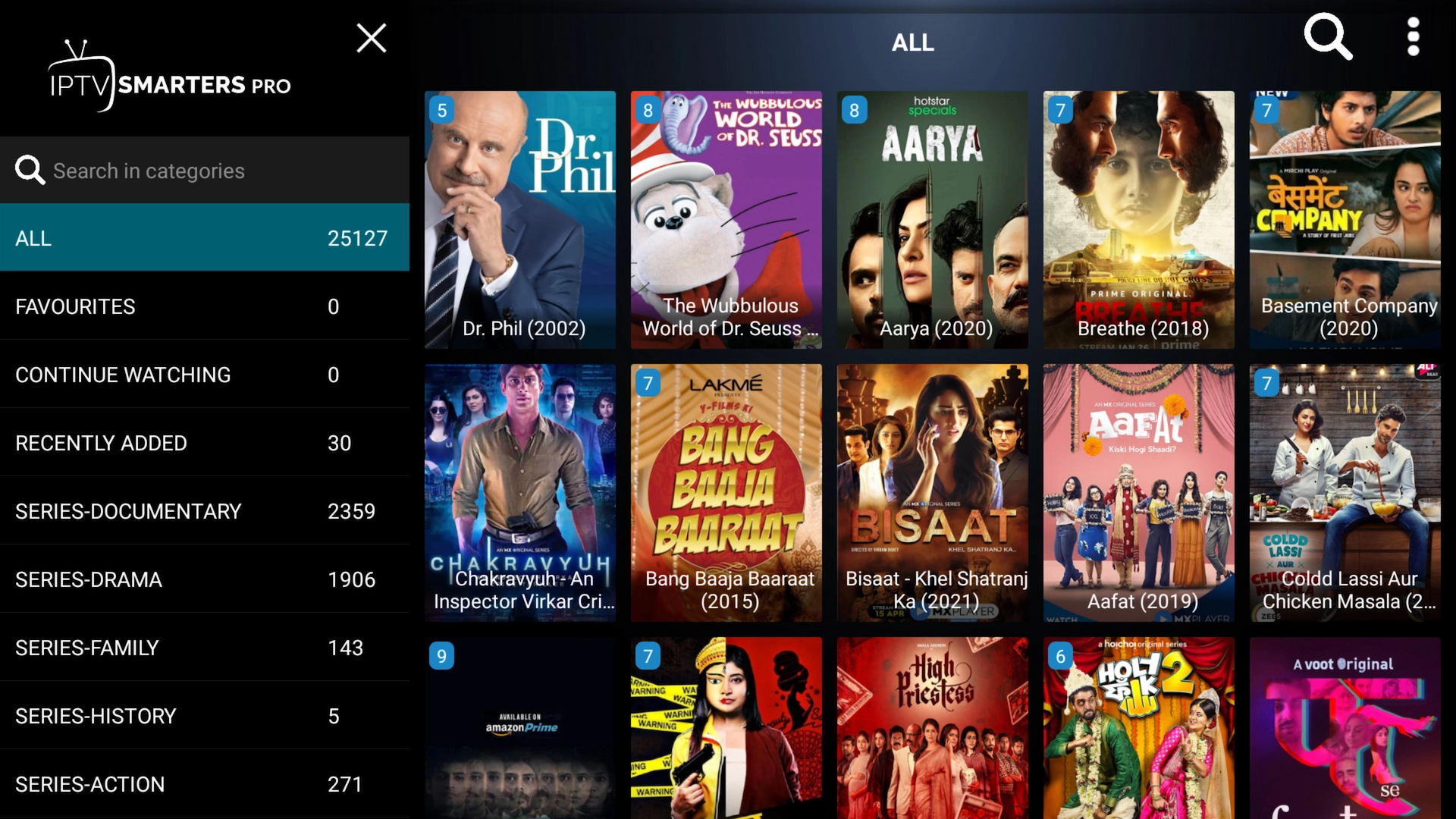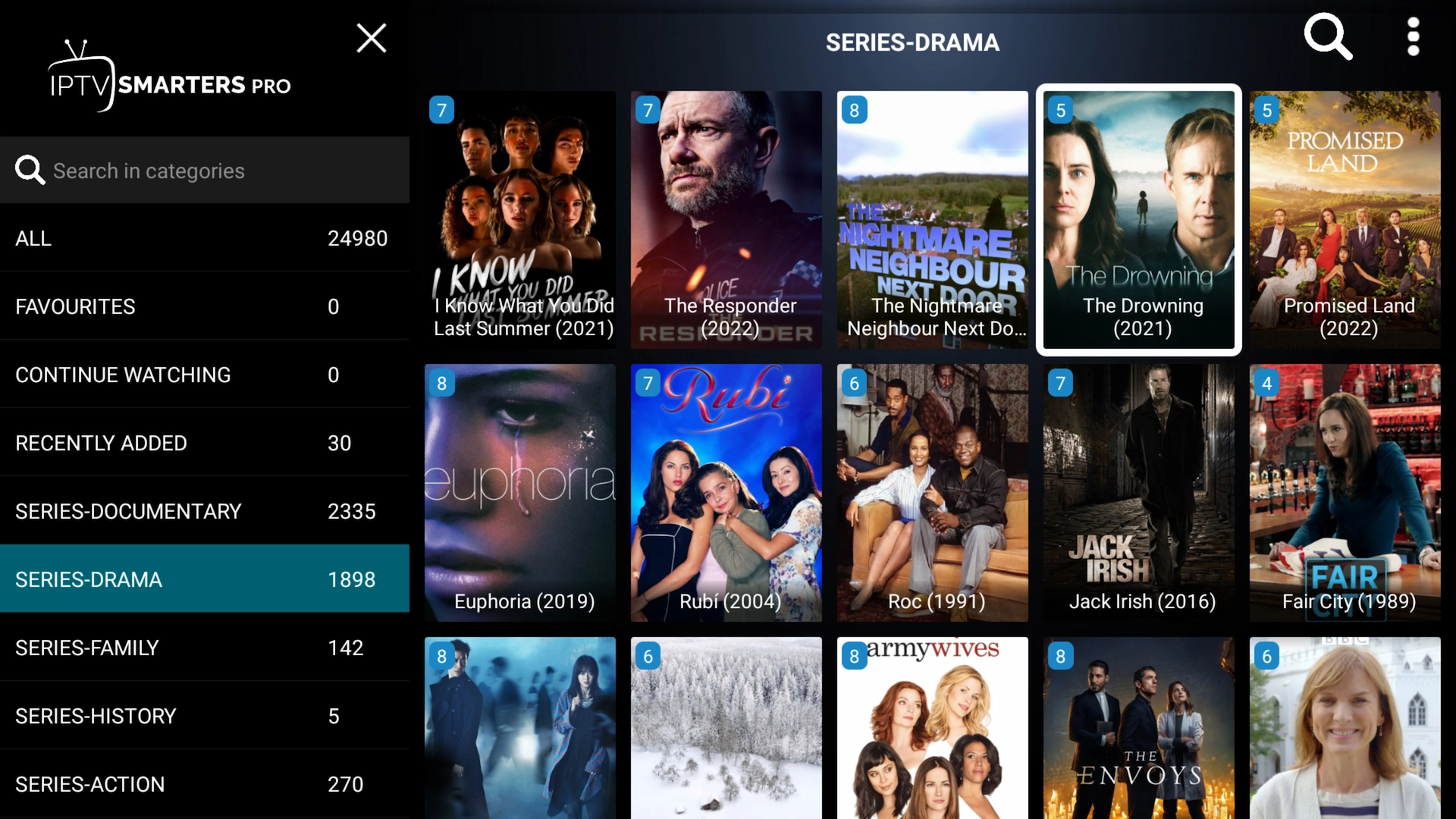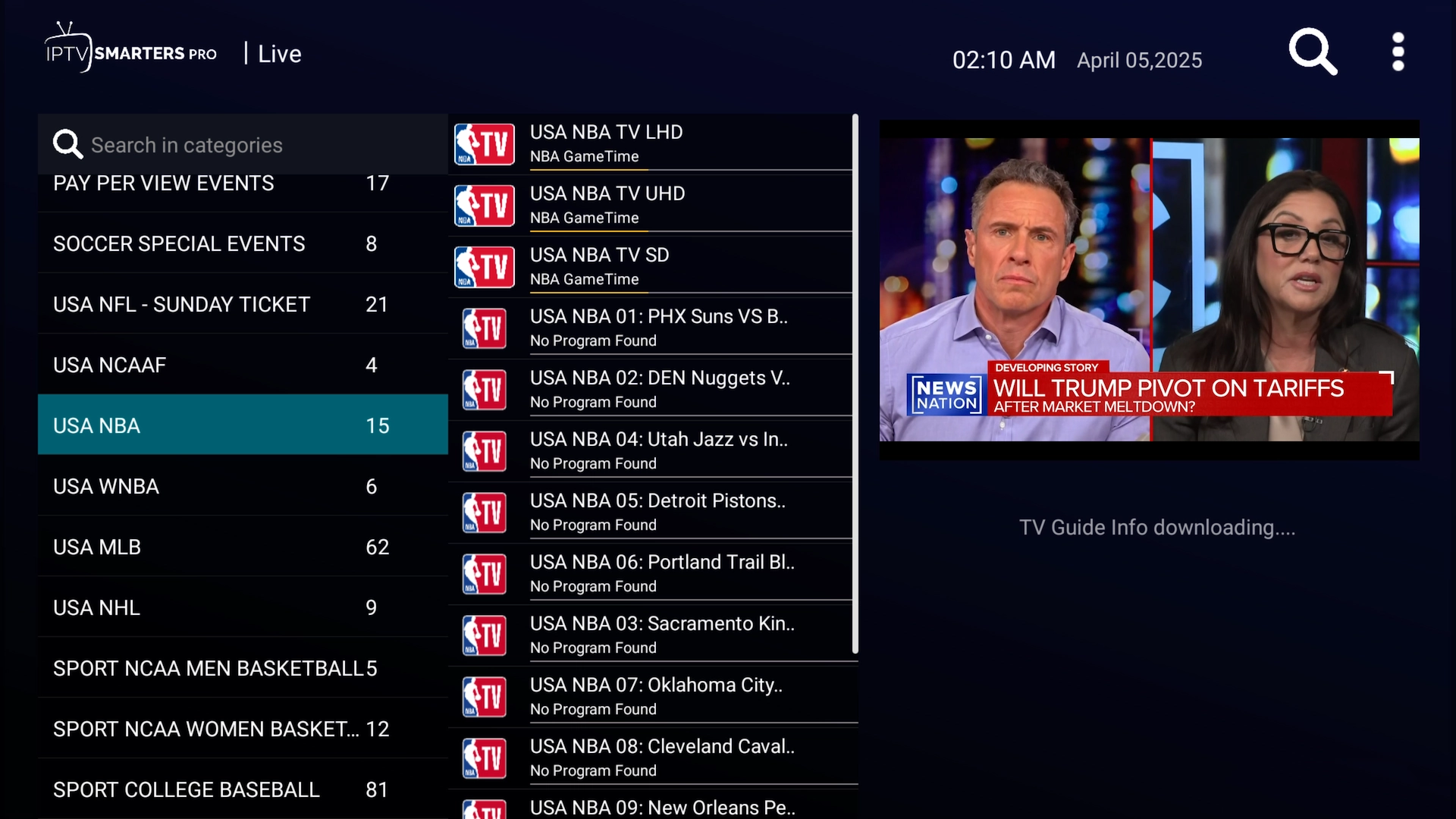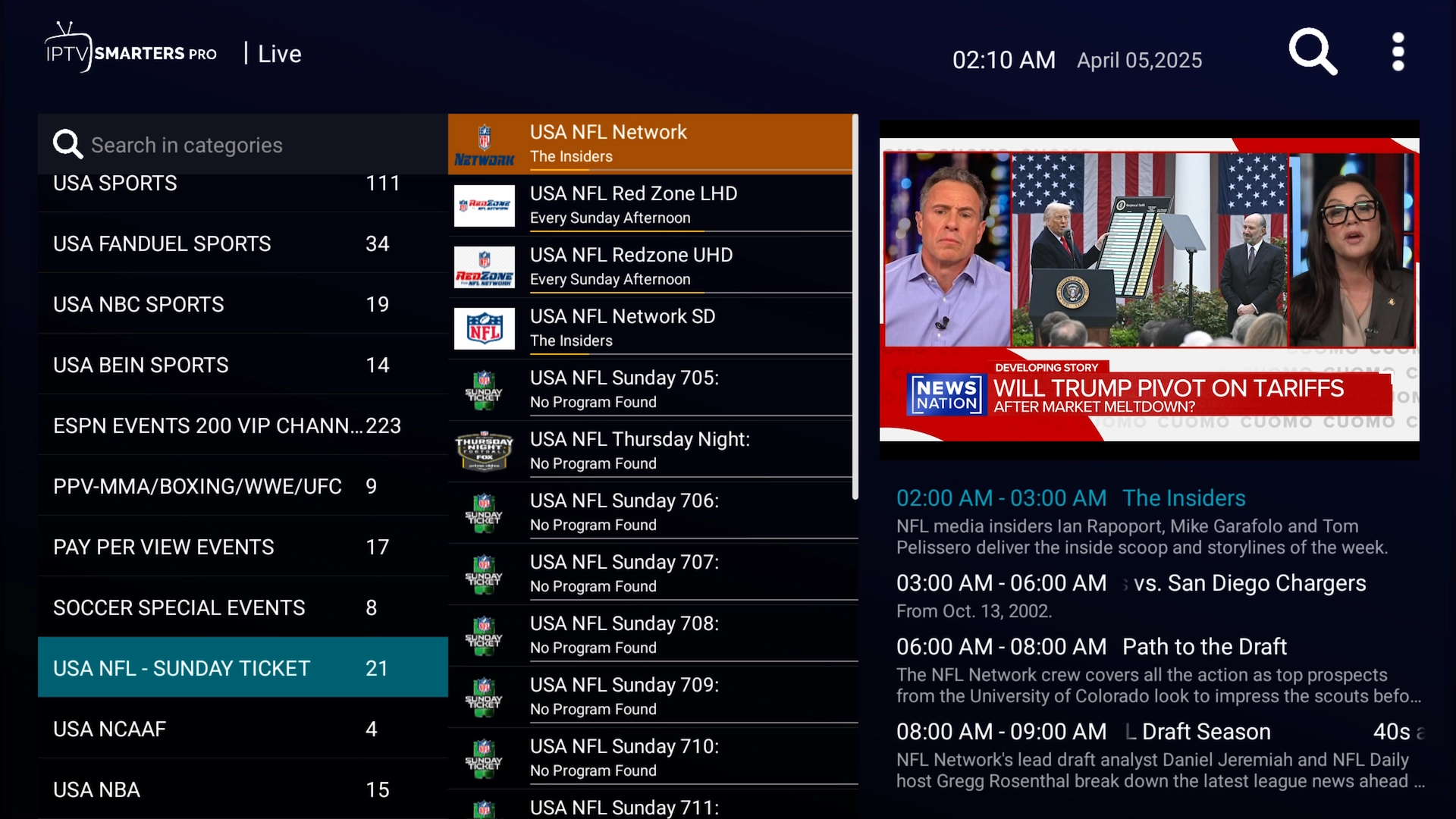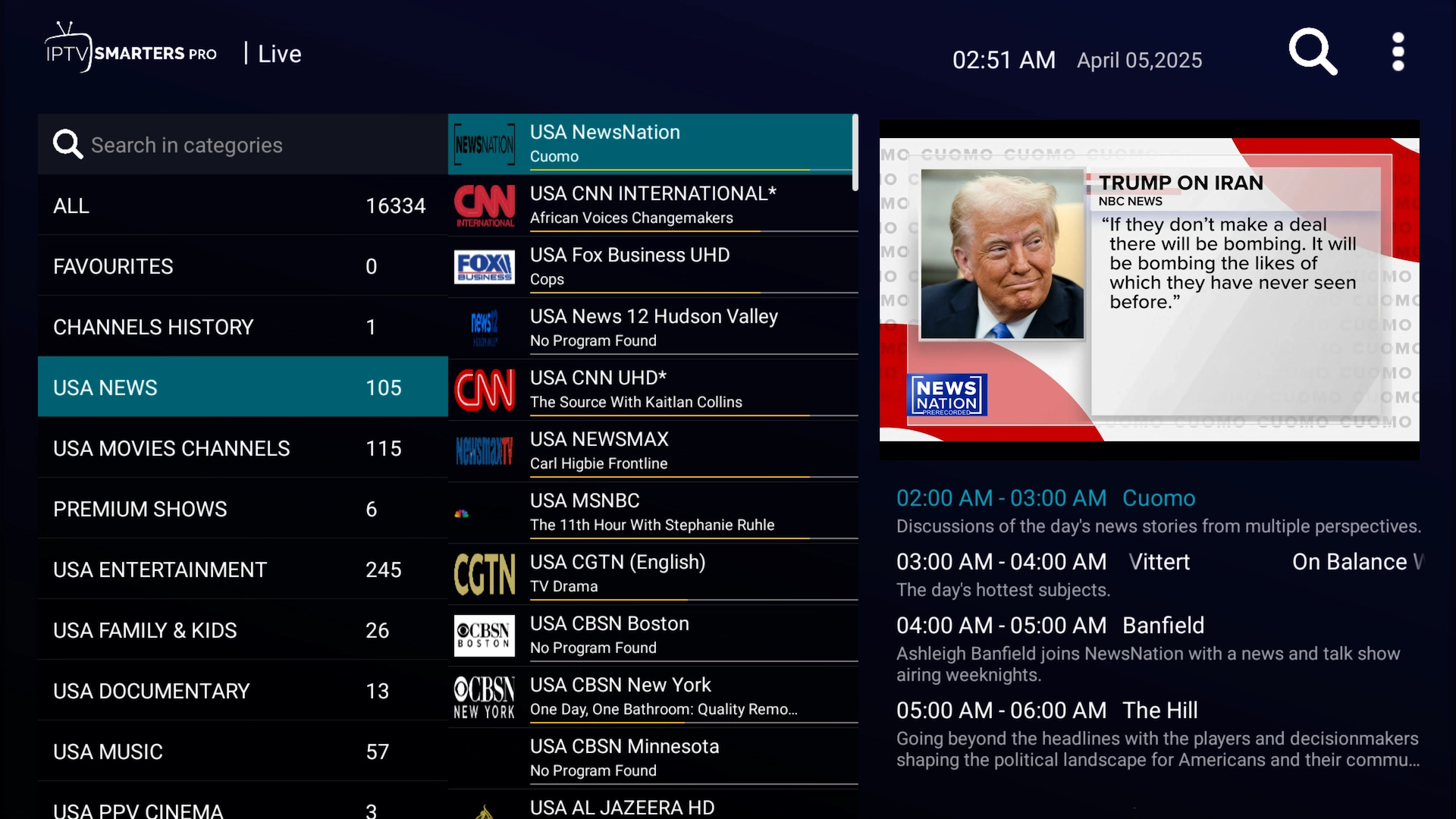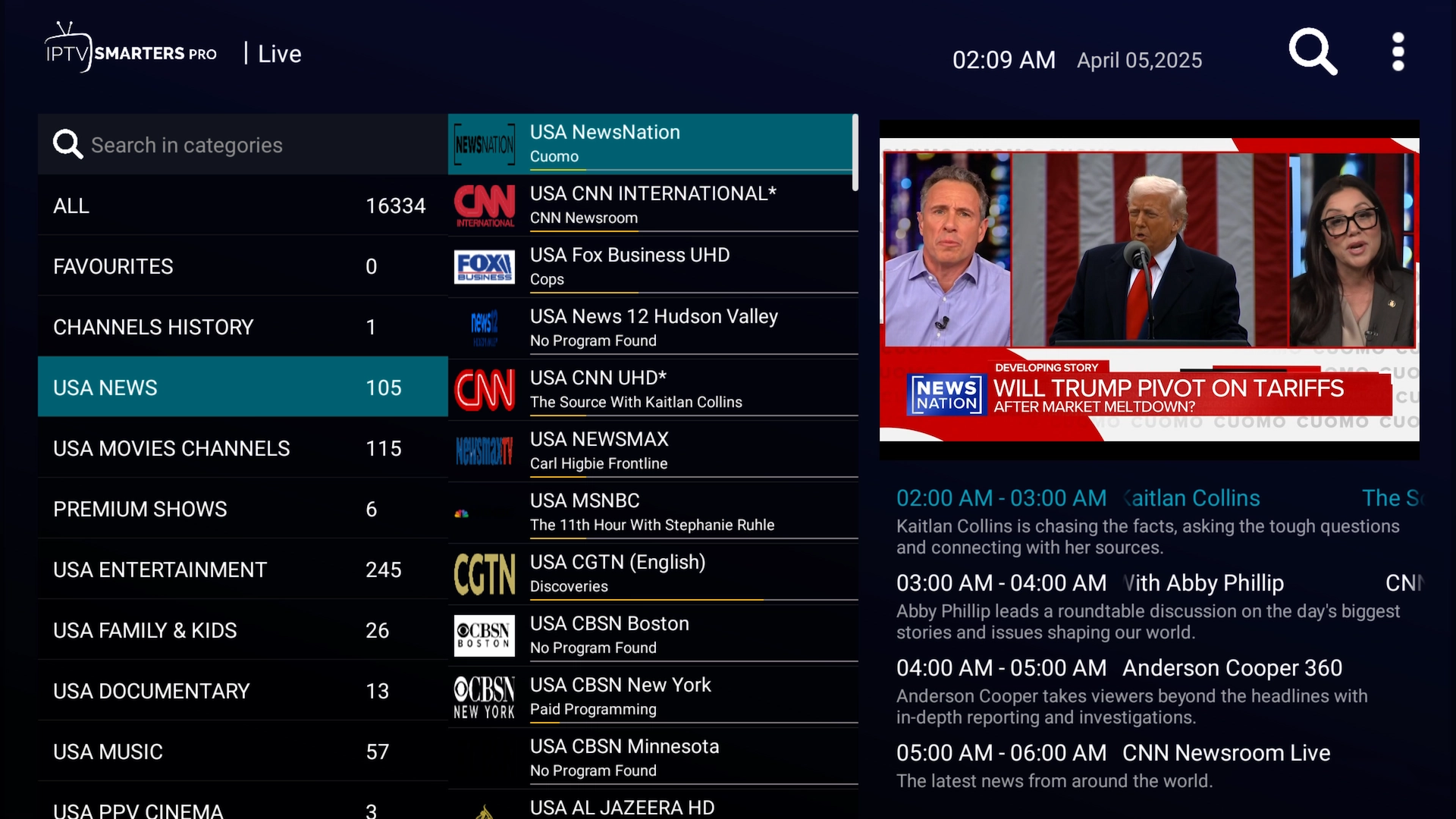
IPTV Smarters is a clean, dependable player that pairs perfectly with Get Streamer HD IPTV. This updated guide covers the whole setup on Firestick, Android TV, Android phones and tablets, iPhone, iPad and Apple TV — from installing the app to logging in and finding your way around.
Android — Firestick, Android TV, phone & tablet
On a Firestick or Android TV box you'll use the free Downloader app to install IPTV Smarters.
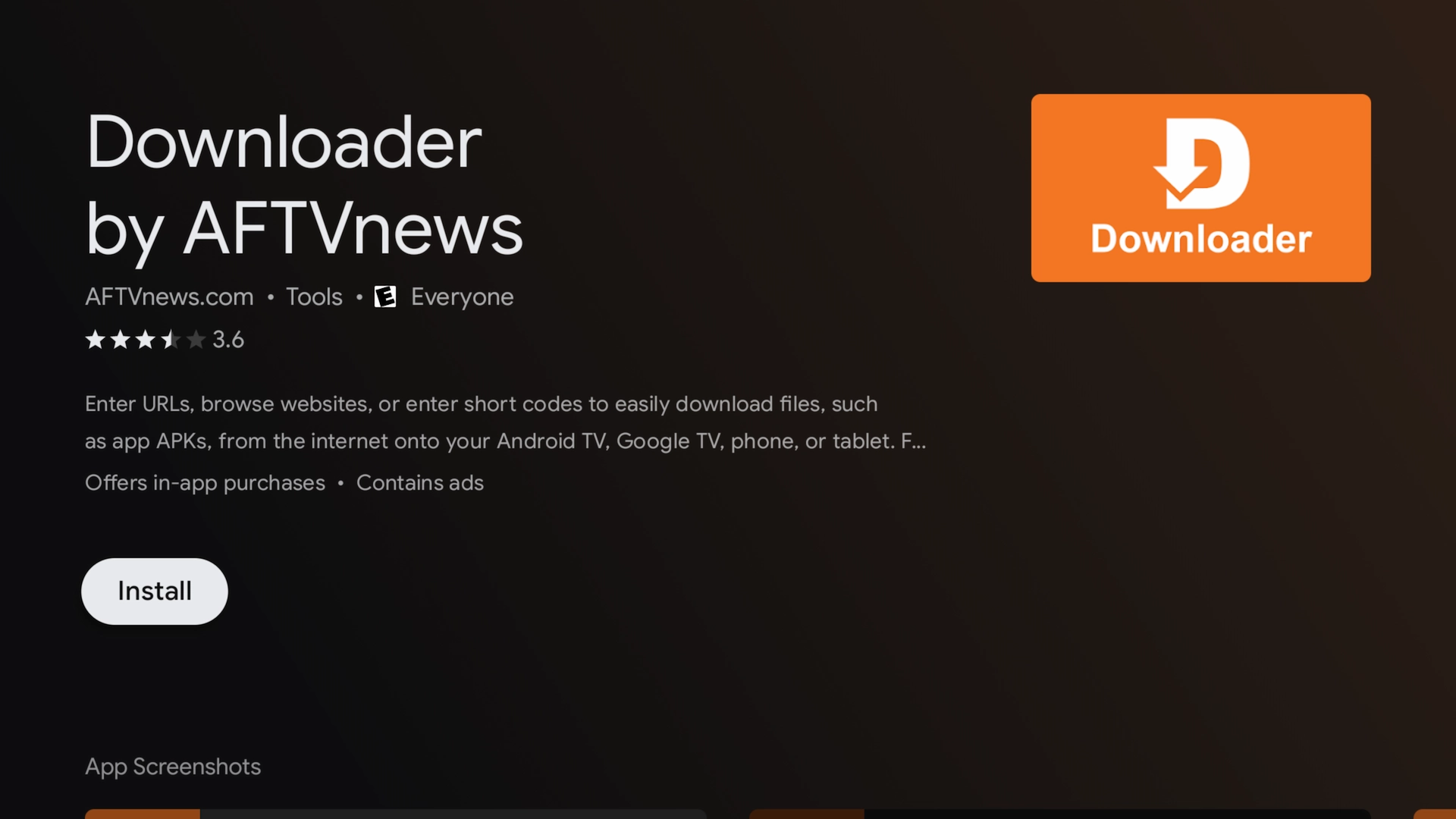
Firestick: search for “Downloader” in the Amazon App Store and install it.
Android TV: search for “Downloader” in the Google Play Store and install it.
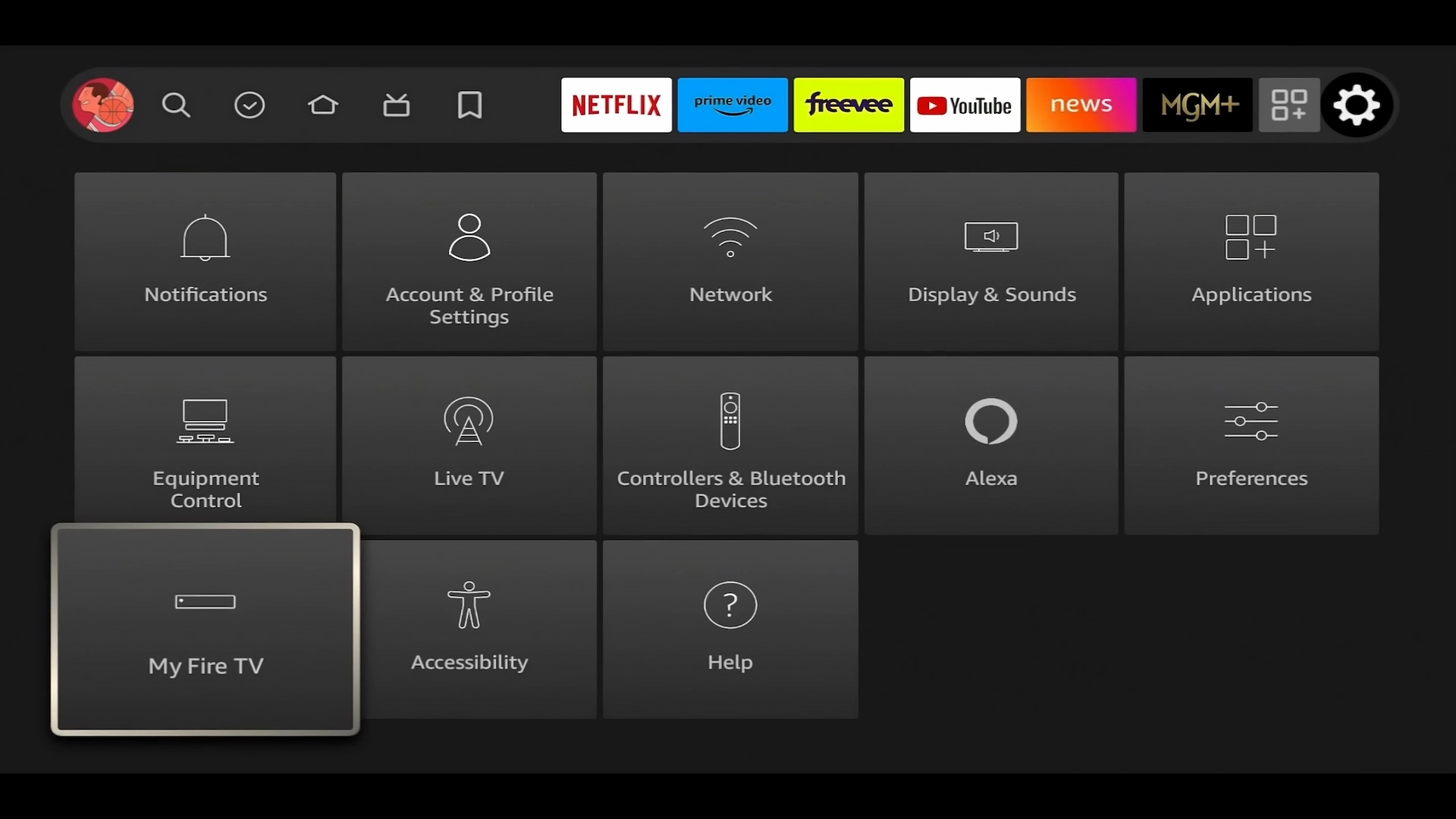
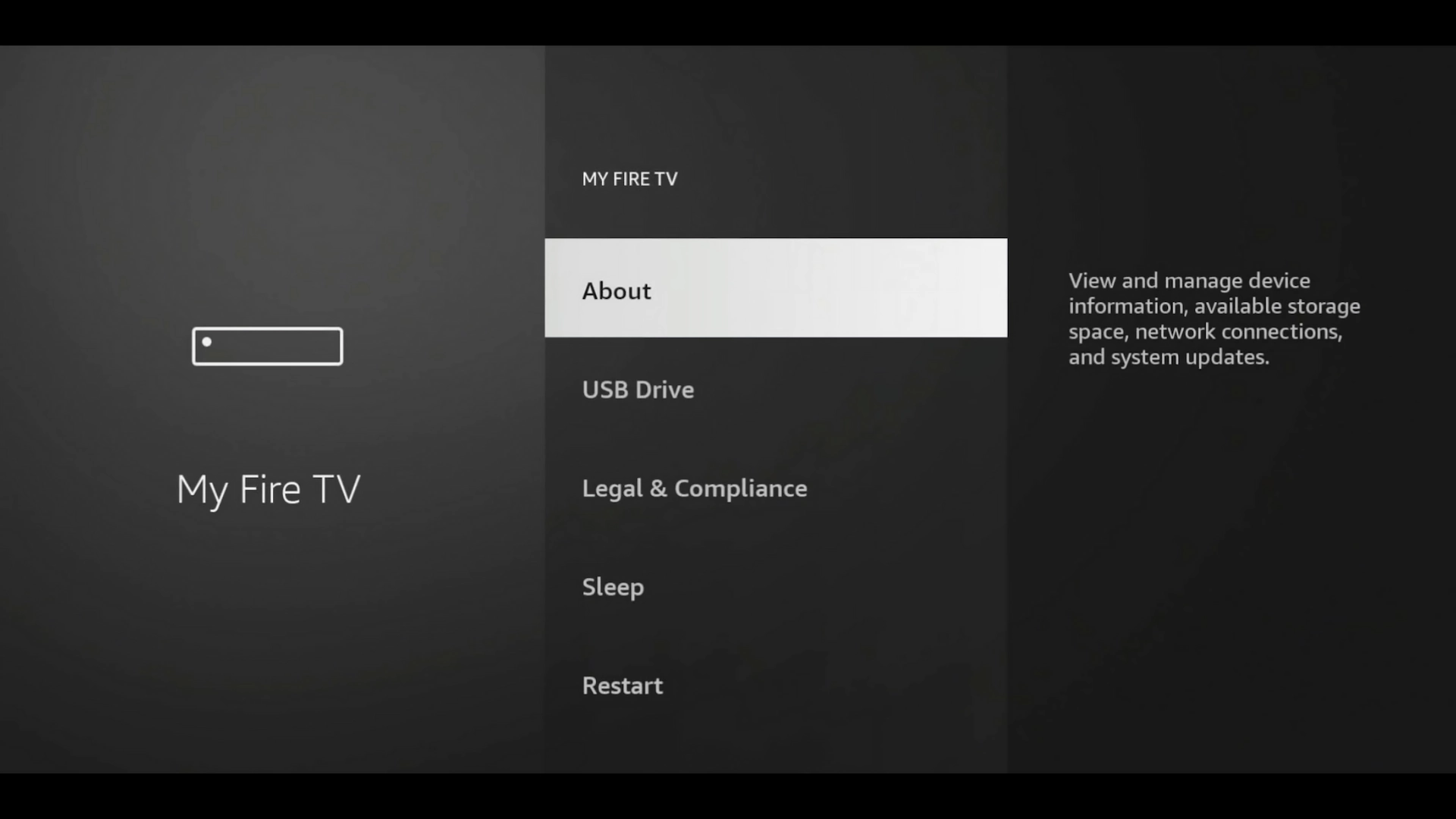
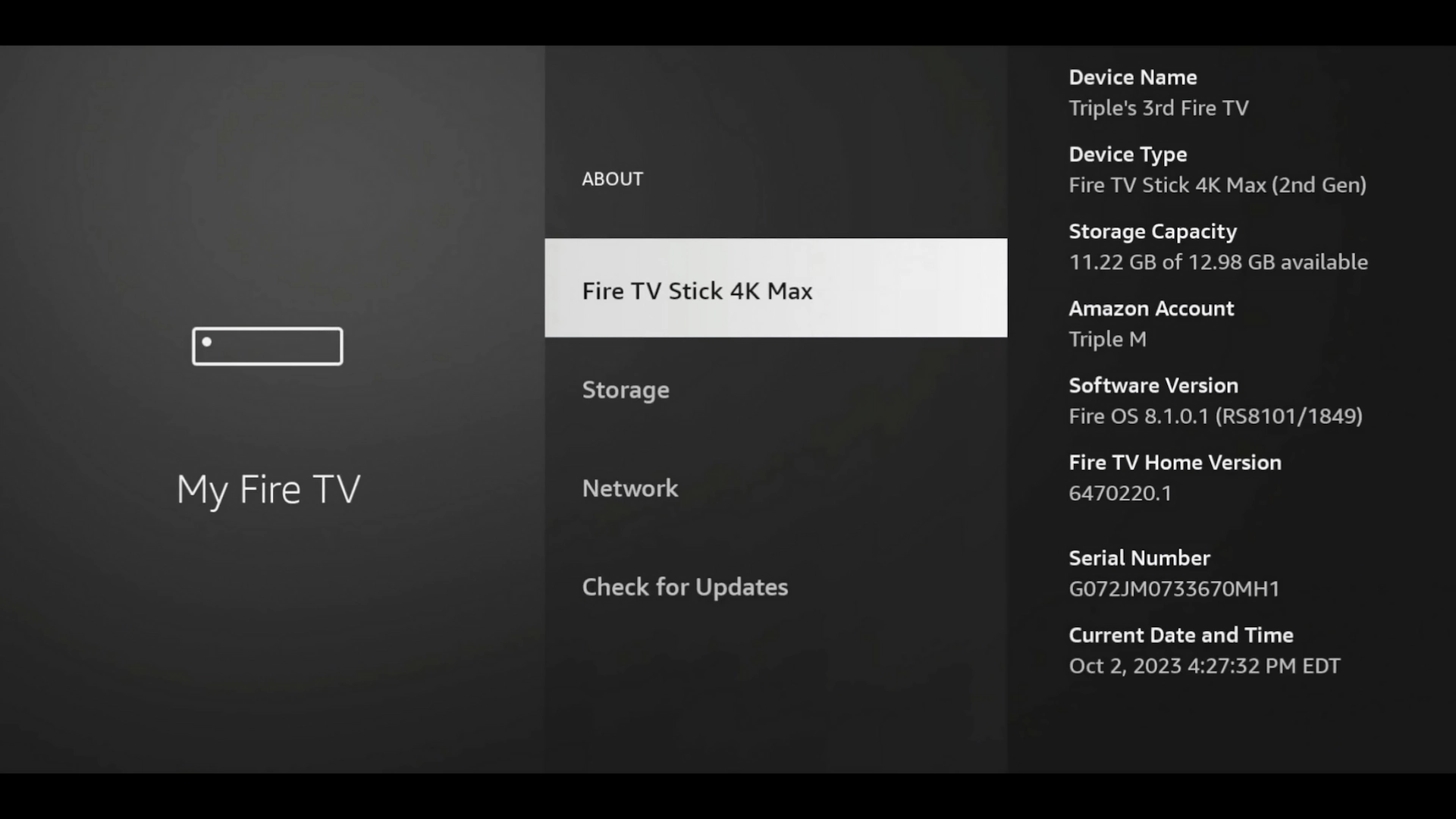
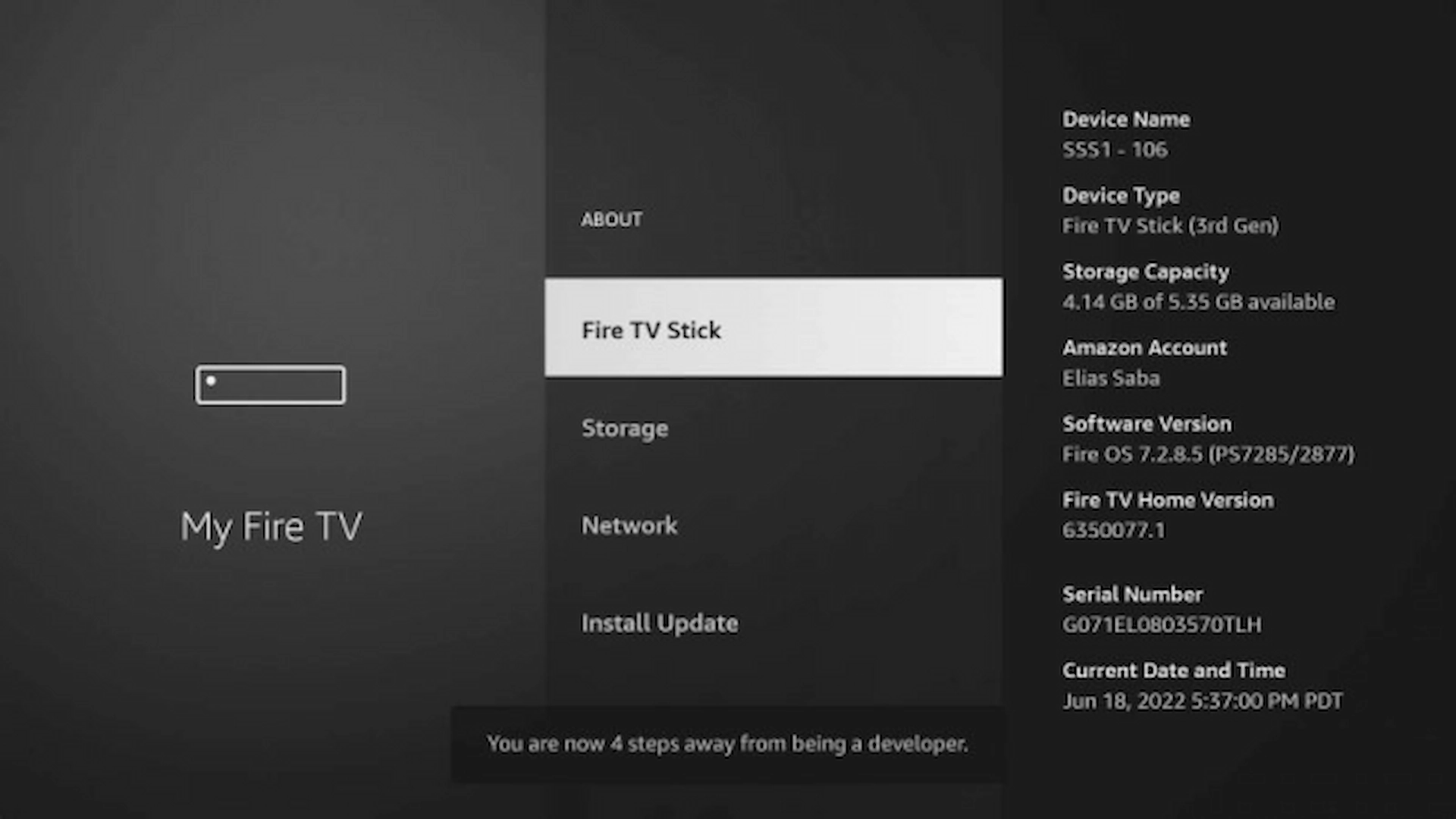
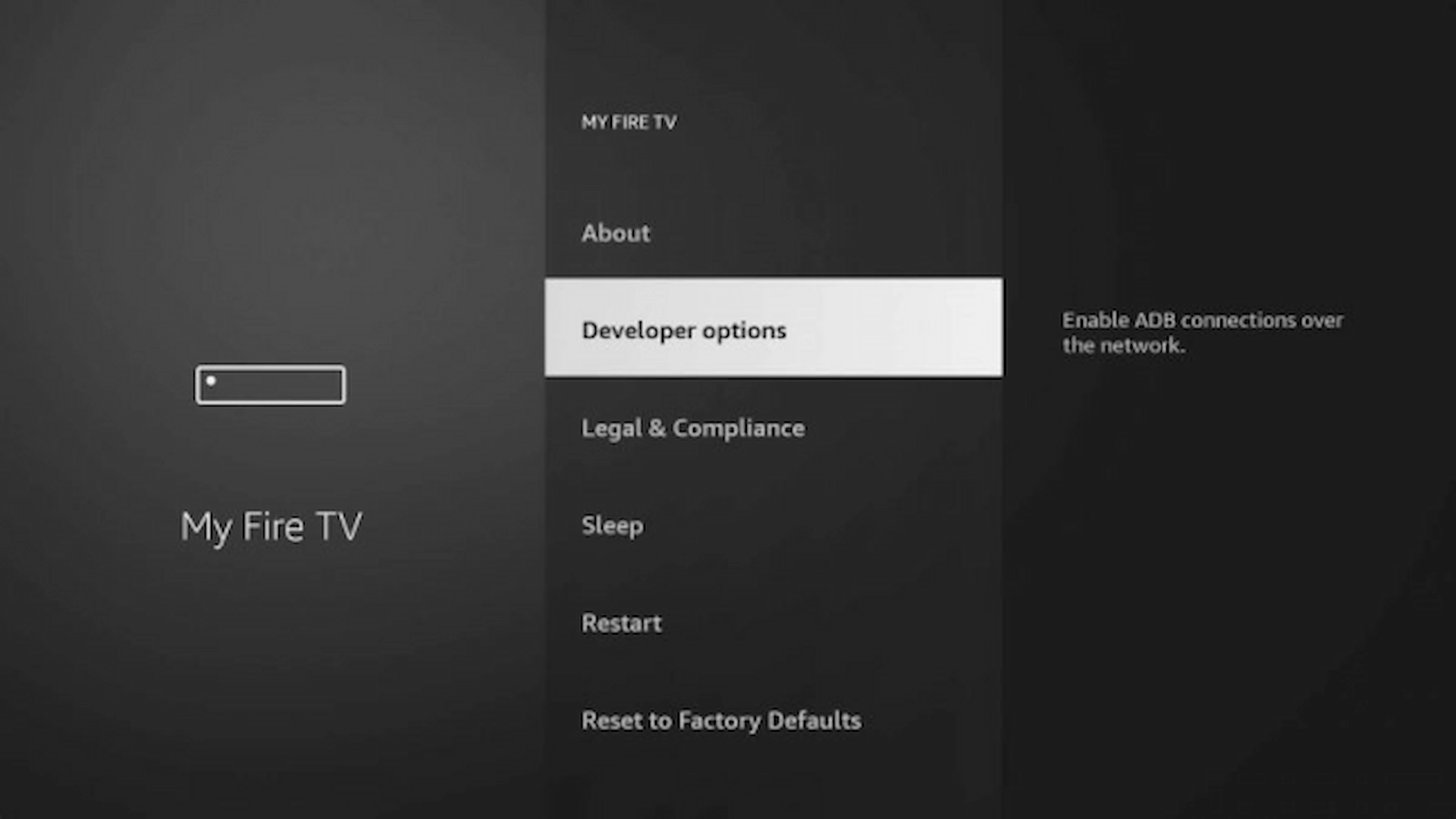
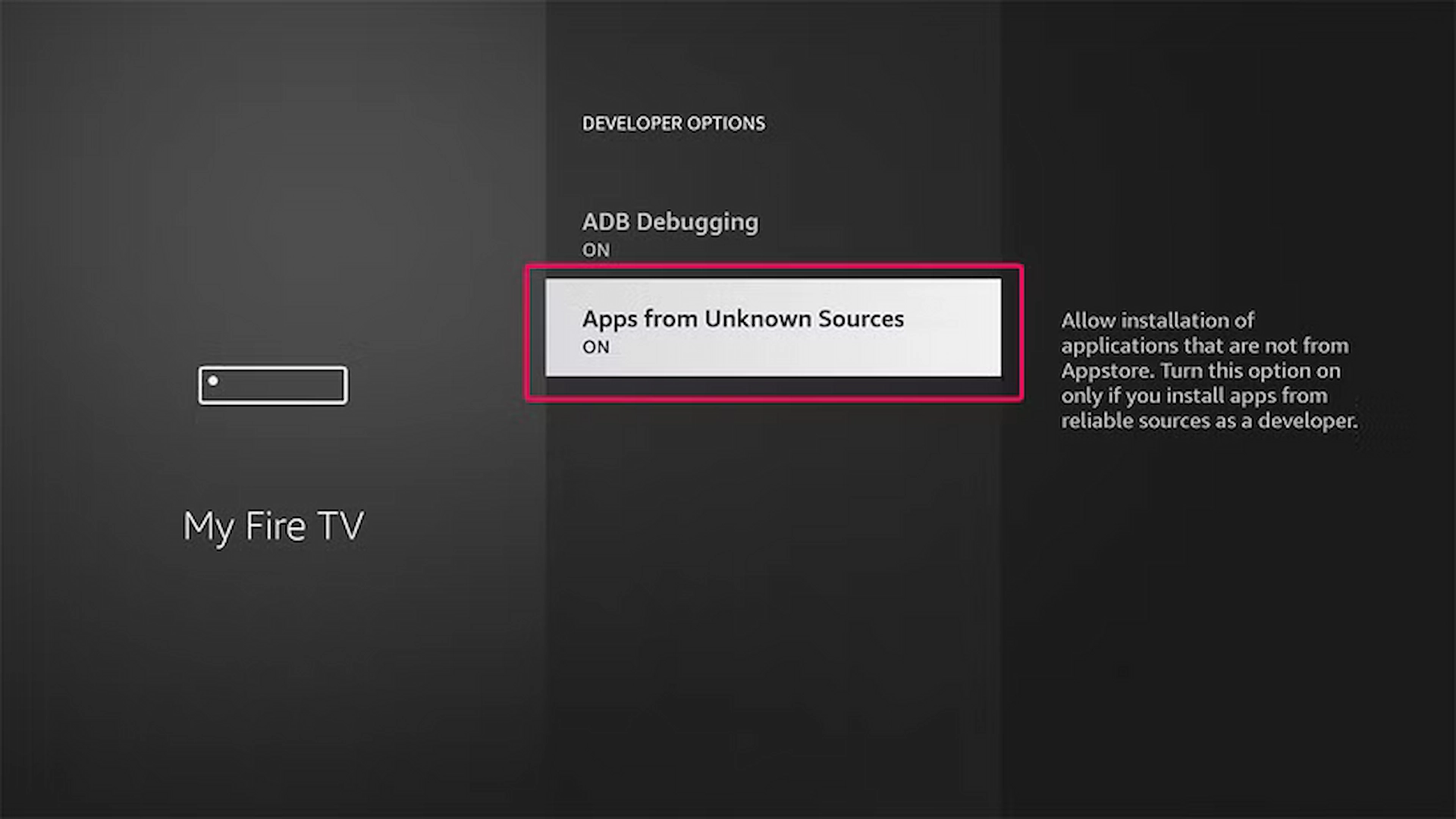
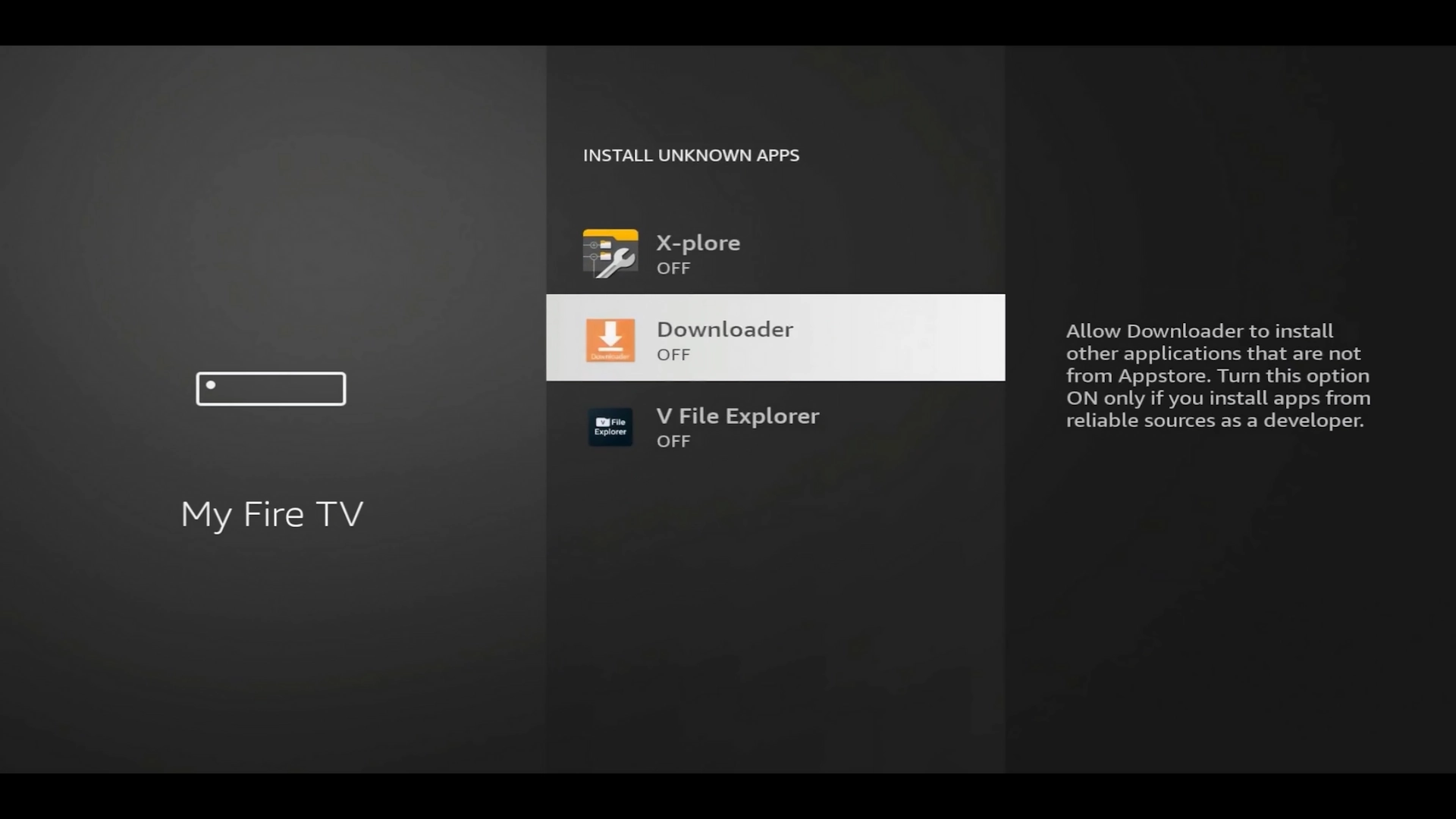
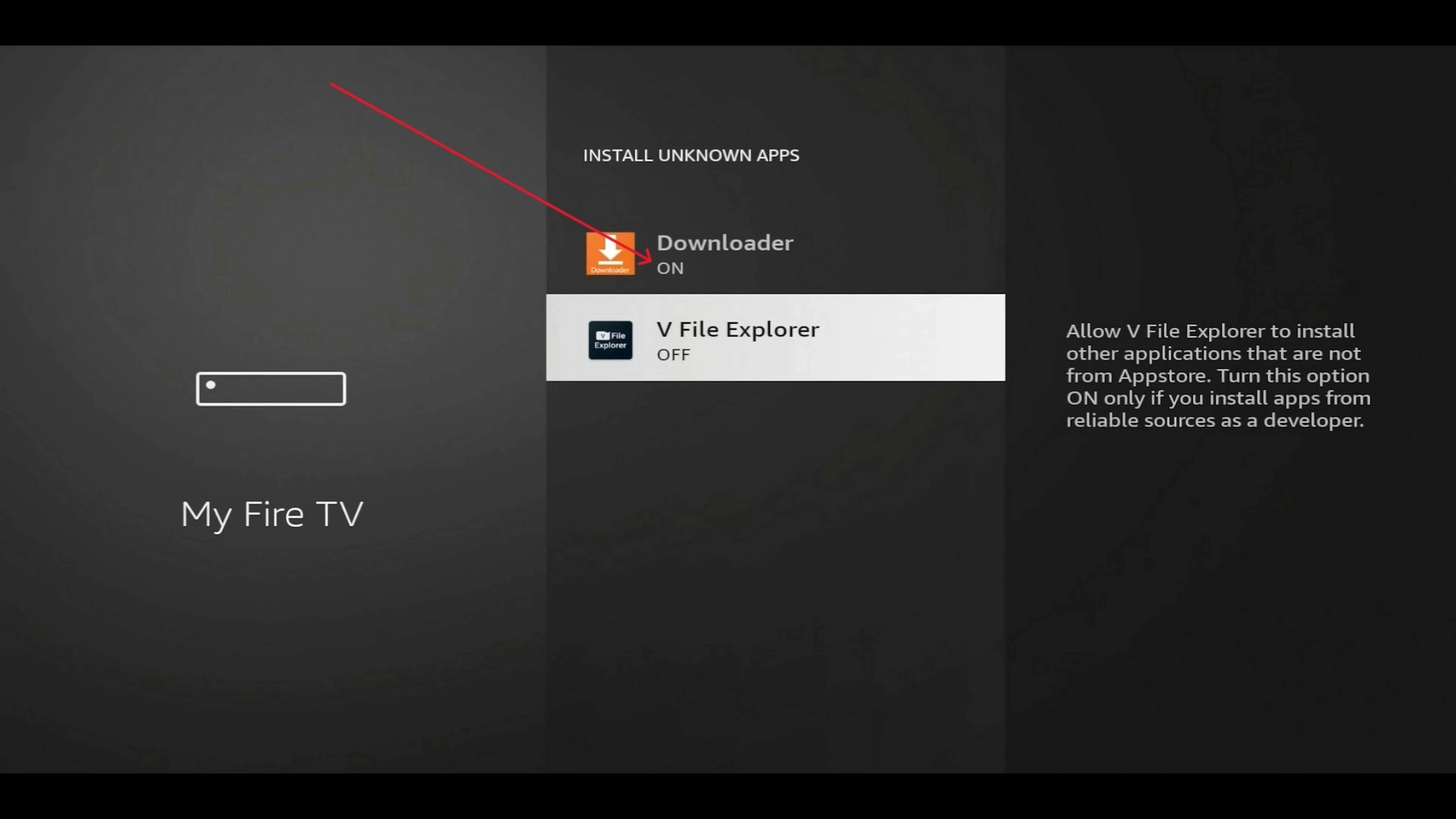
Allow sideloading so Downloader can install the app:
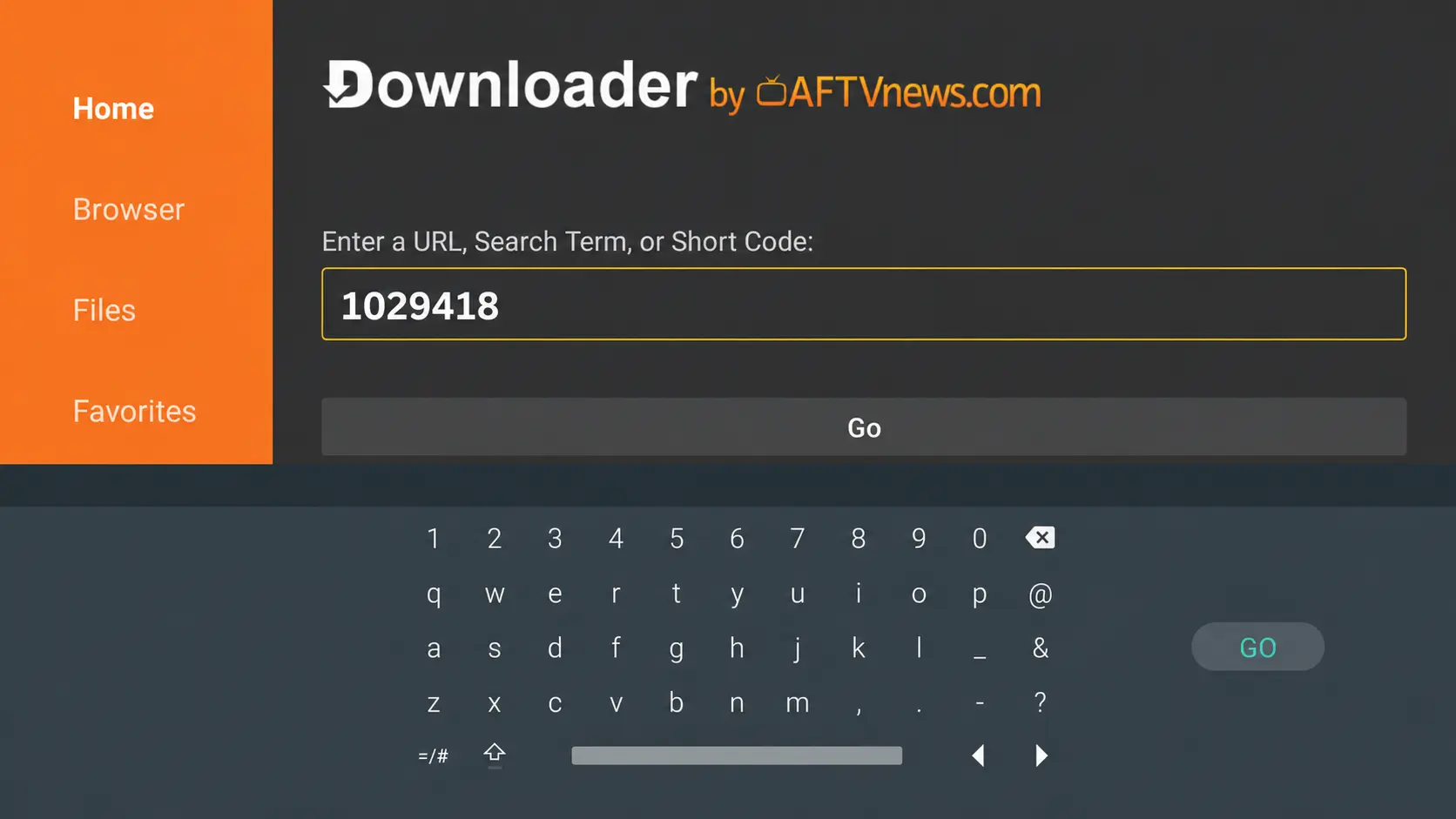
Open Downloader, enter the IPTV Smarters download code (or type the official APK address), then tap Go.
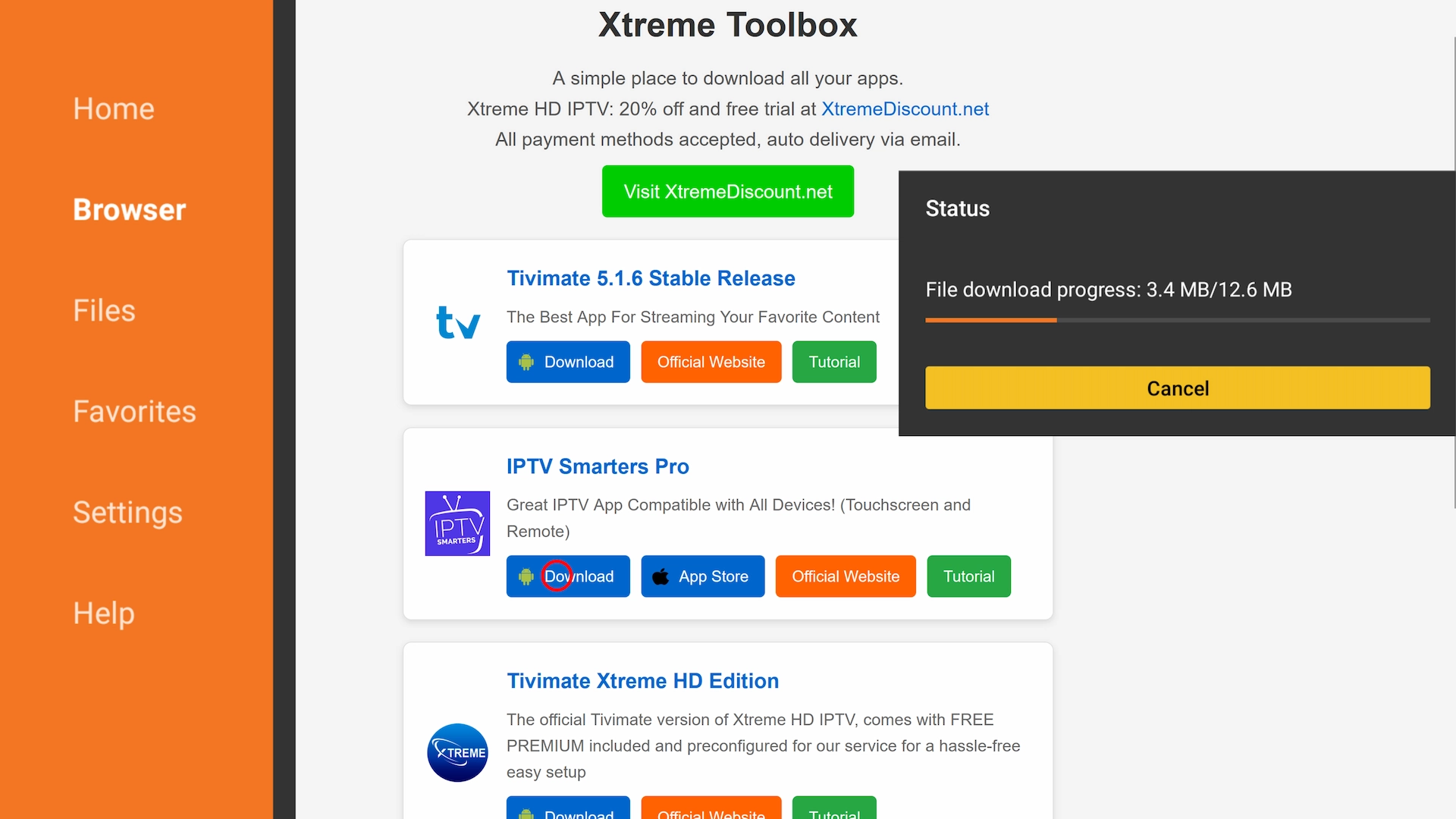
Then download and install the app:
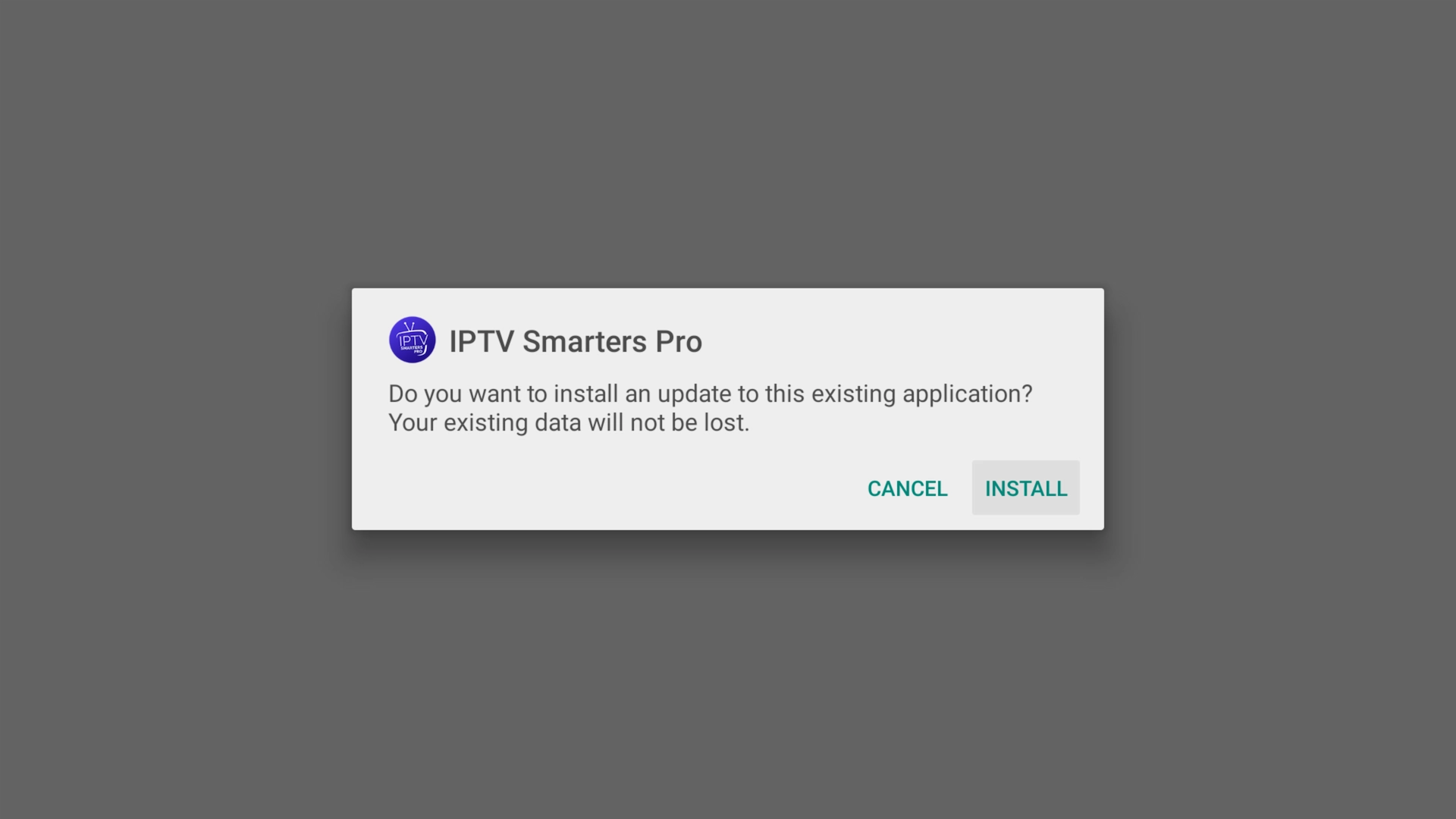
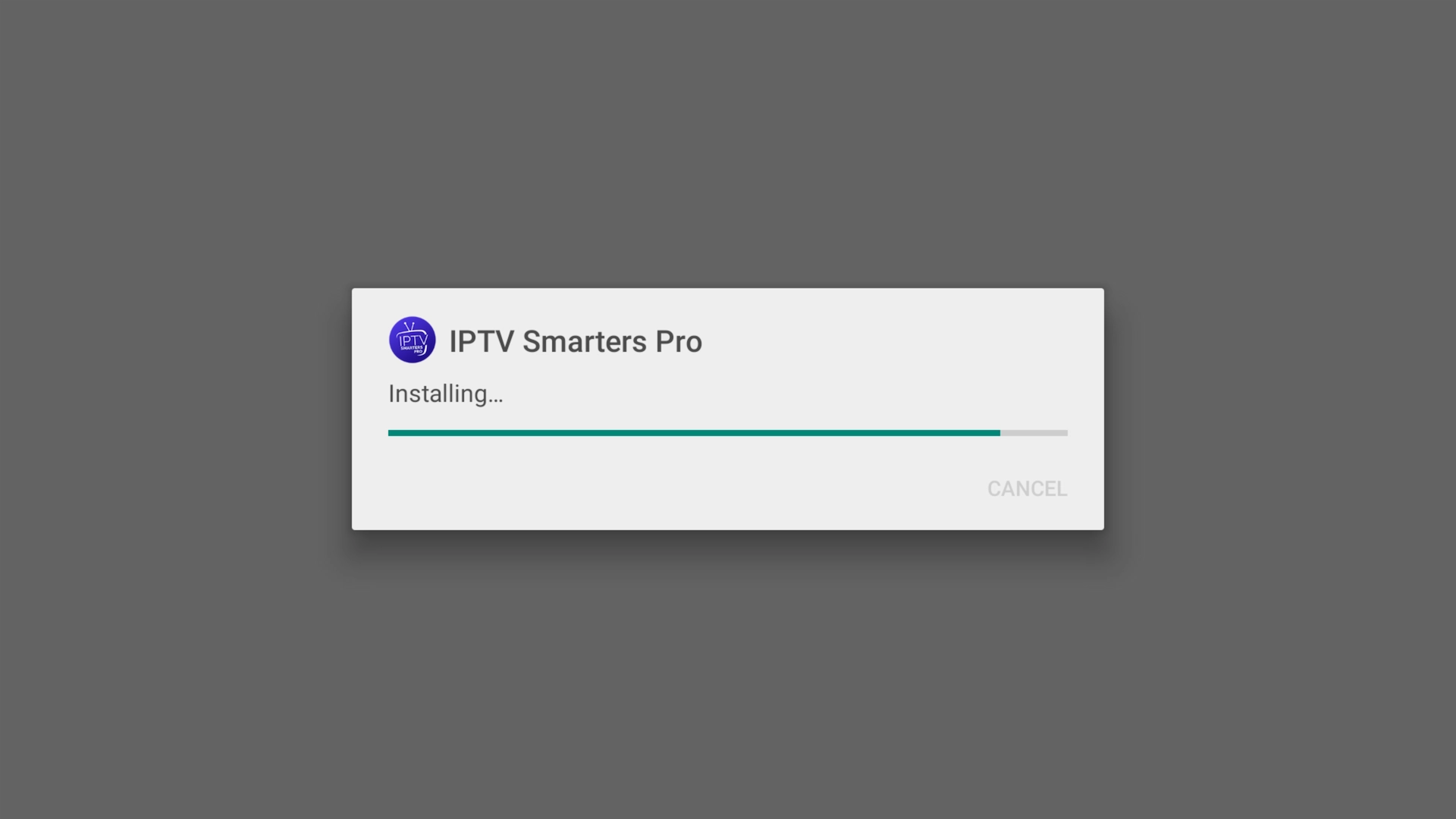
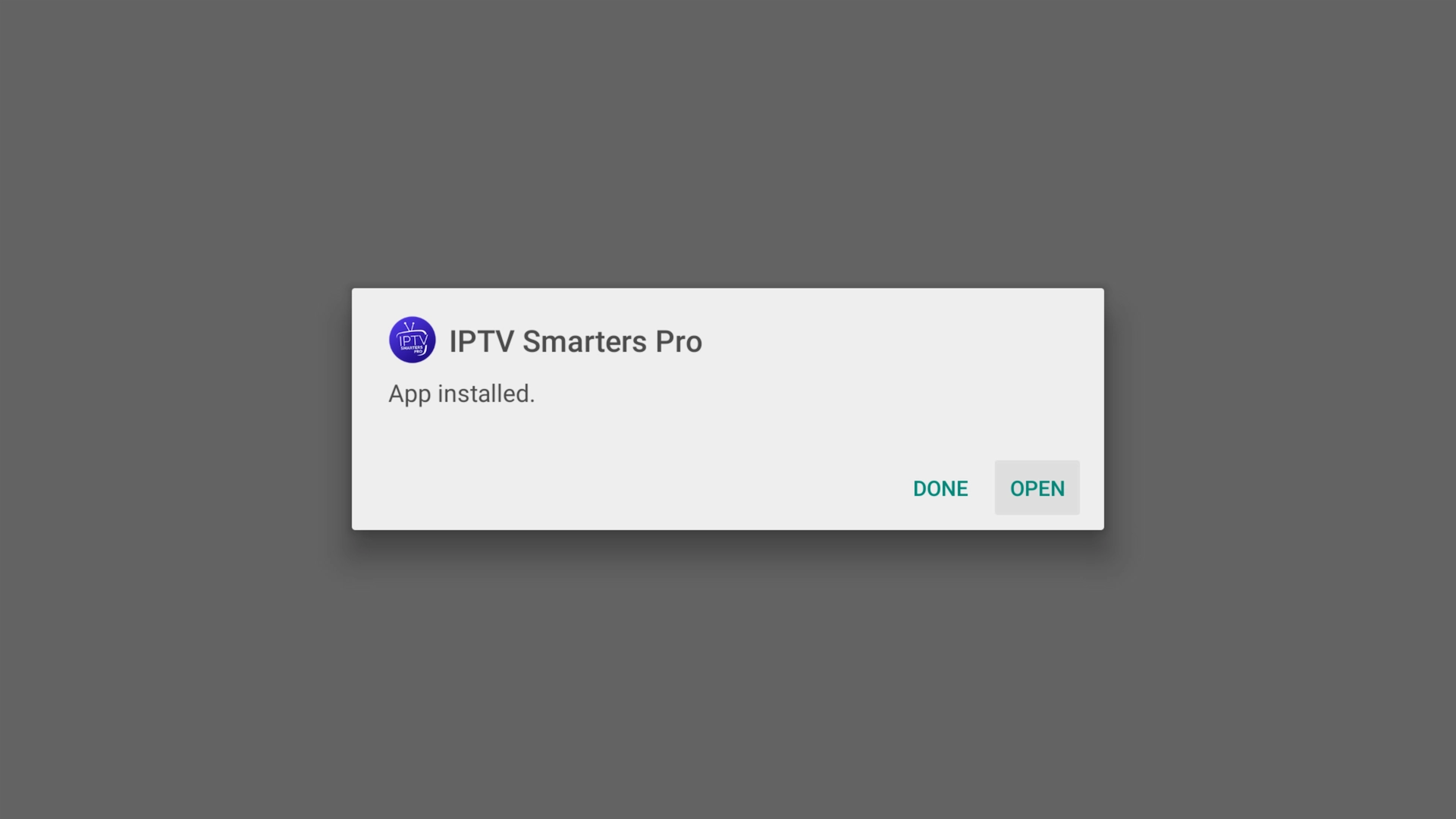
On an Android phone or tablet you can skip Downloader entirely and install the app straight from the official download link if you prefer.
iOS — iPhone, iPad & Apple TV
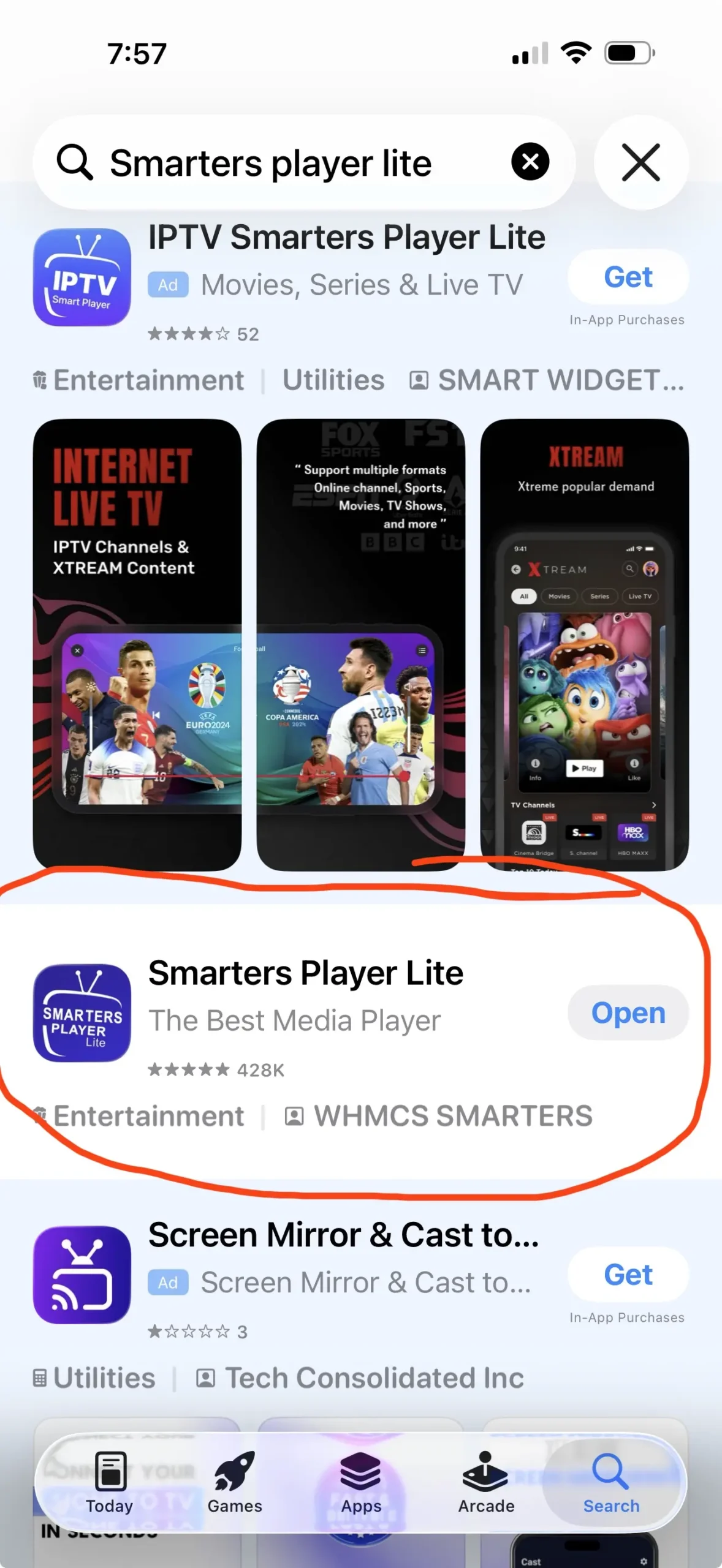
On iPhone, iPad and Apple TV, just open the App Store and search for “Smarters Player Lite”, then download and install it — it works across all current Apple devices.
Log in with your Get Streamer HD IPTV account
Once the app is open:
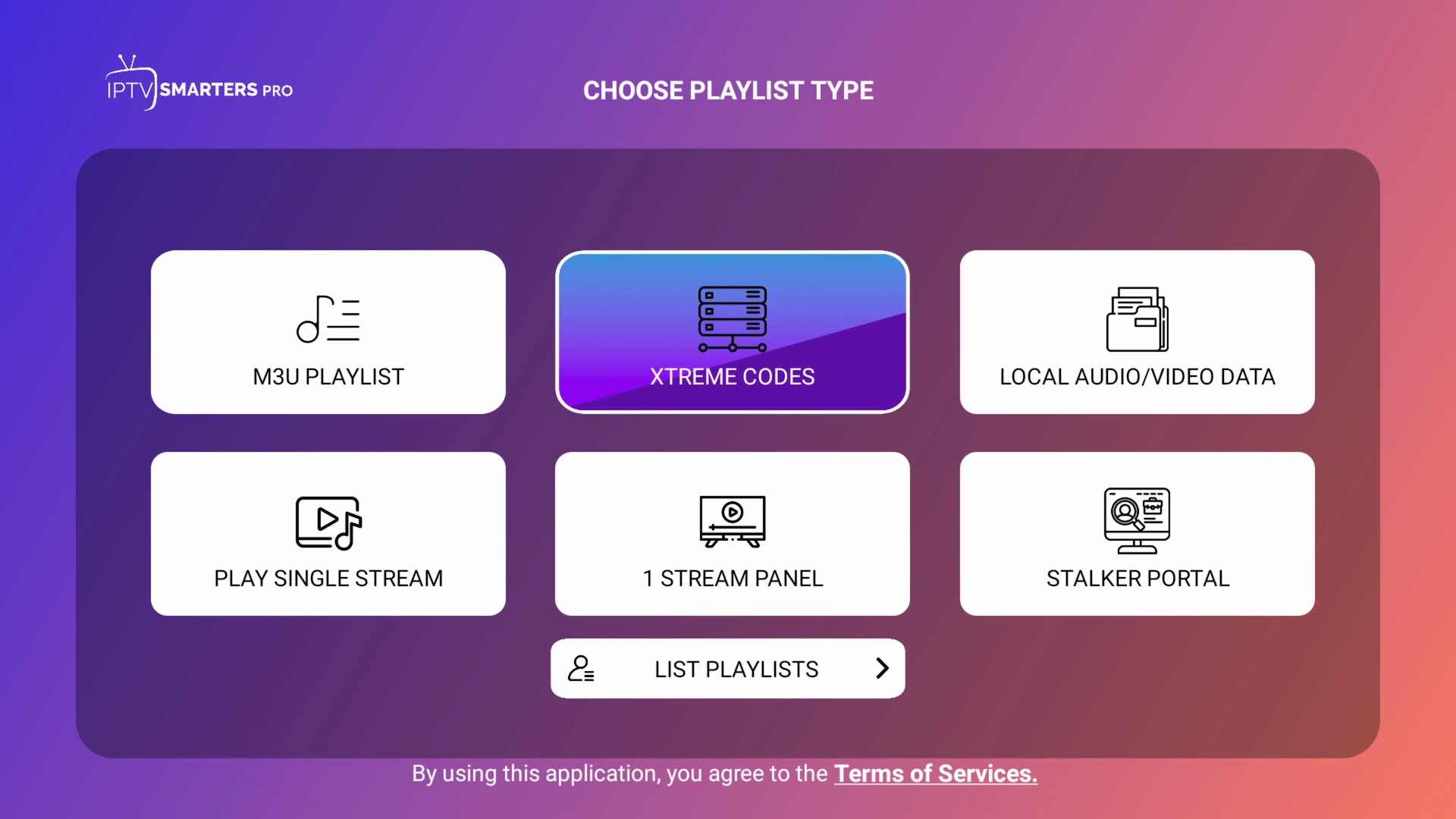
- Choose Xtream Codes API (or “Login with Xtream Codes”).
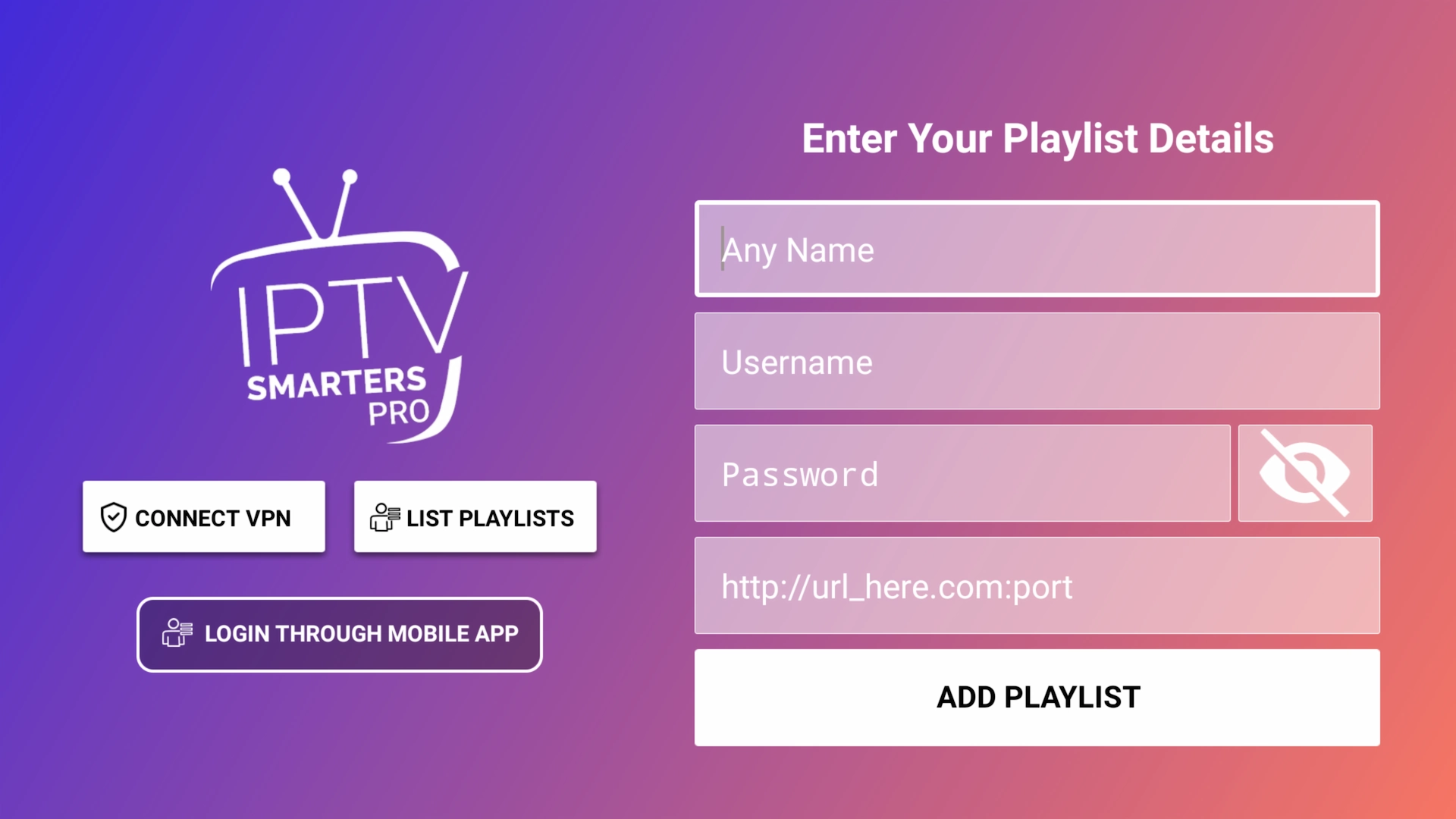
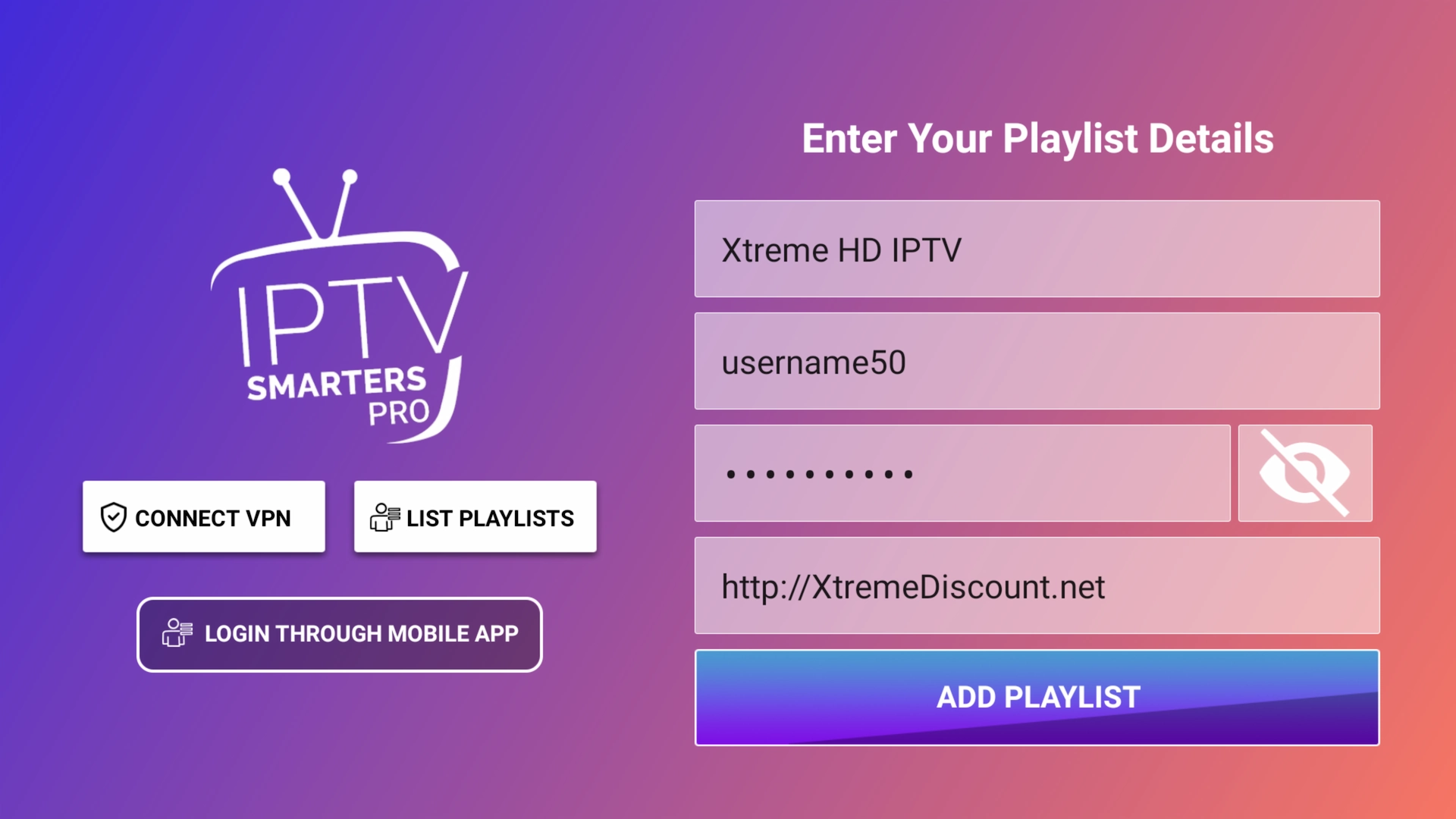
- Enter your Server URL, Username and Password from your Get Streamer HD IPTV account.
- Tap Login.
Don't have a subscription yet? Start a free 36-hour Get Streamer HD IPTV trial — no payment details required.
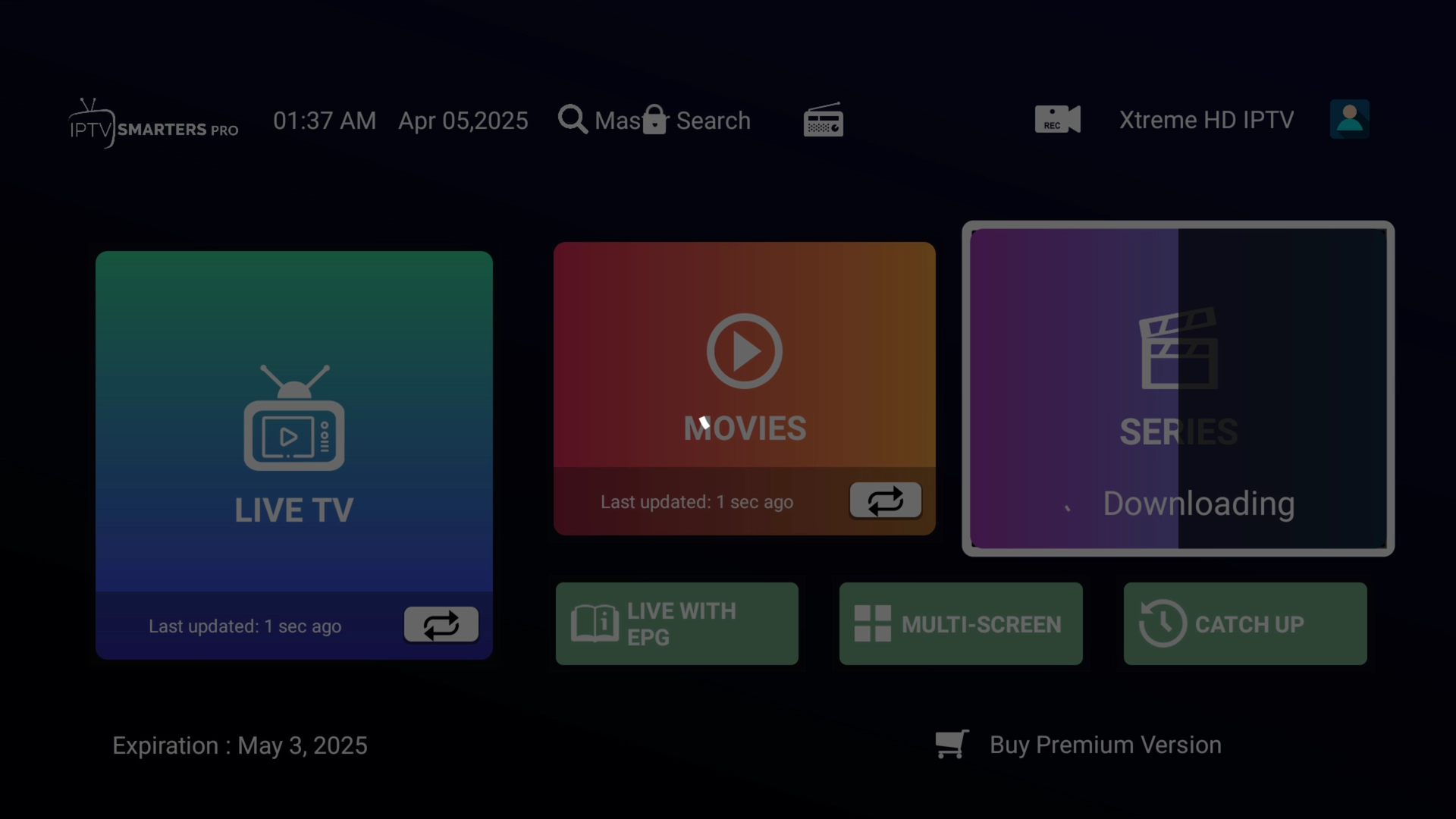
Preview the interface
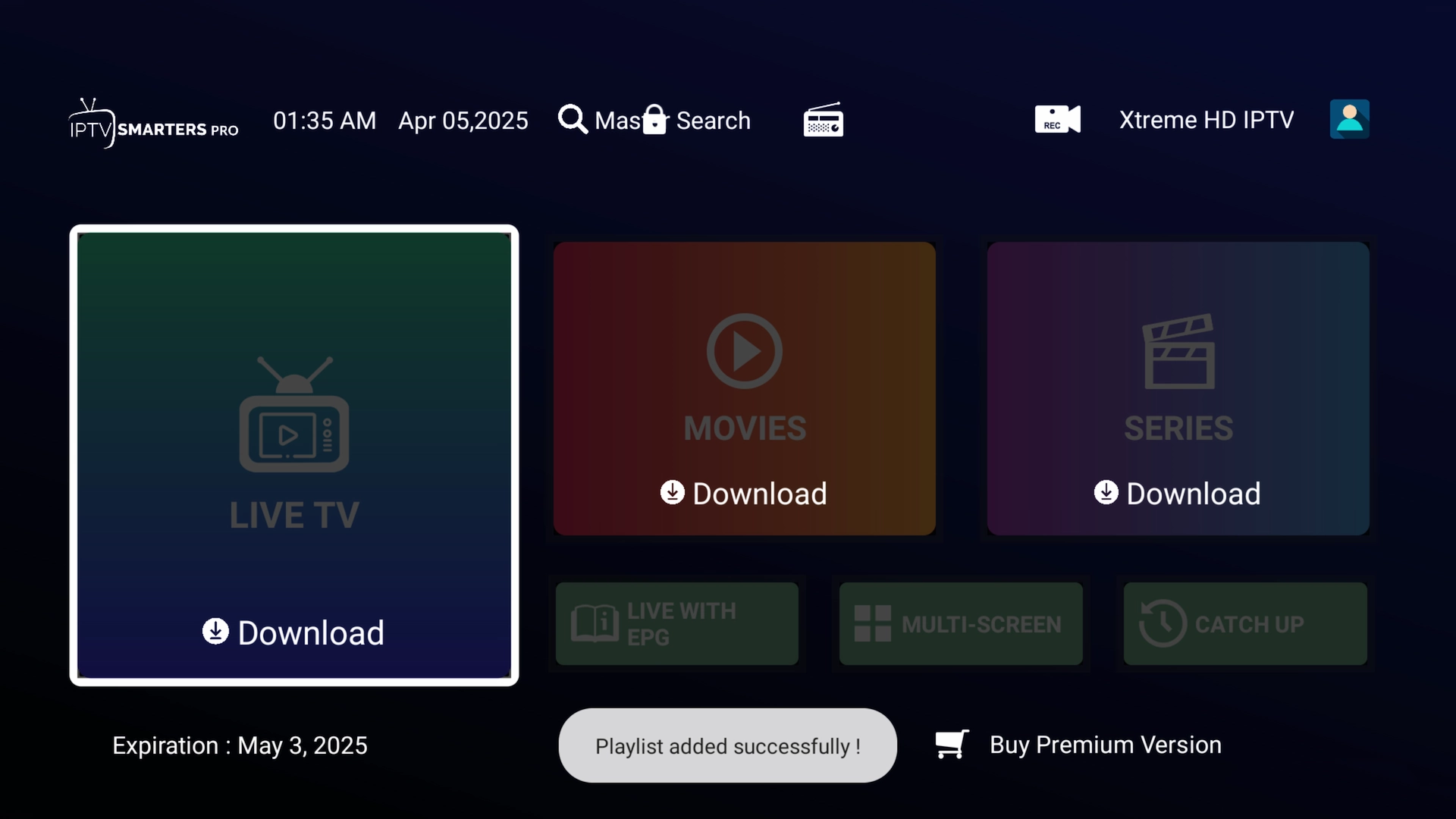
That's everything set up. Here's a quick look at where things live inside IPTV Smarters.