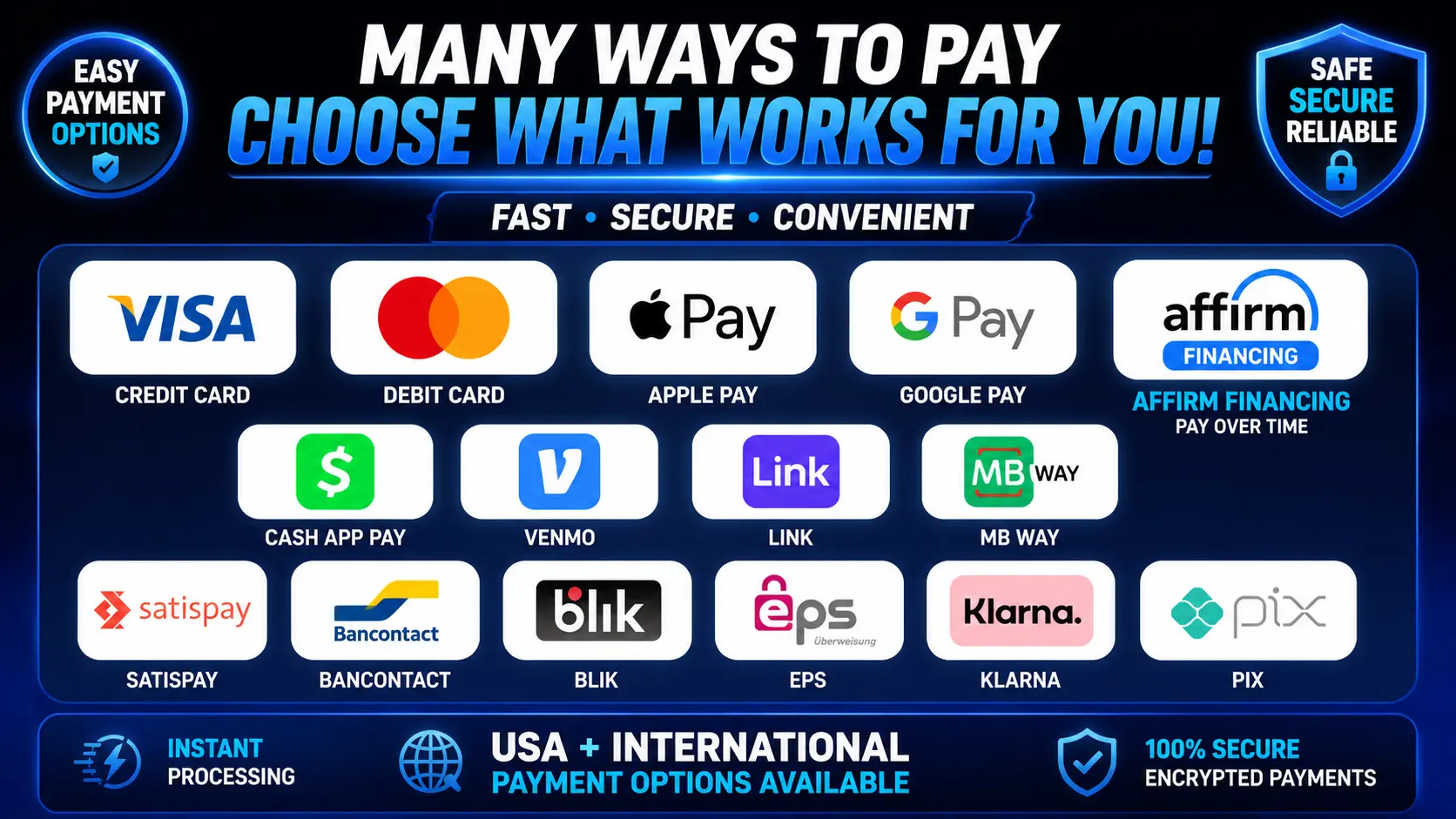
Paying for Get A Streamer HD IPTV is refreshingly simple. Whether you're in the United States or streaming from elsewhere, you can choose from a wide range of convenient options — credit and debit cards, Apple Pay, Google Pay, Cash App Pay, pay-over-time financing and a number of international methods.
And no, you don't need cryptocurrency to subscribe. It's available if you prefer it, but it's entirely optional.
Watch: how to pay for Get A Streamer HD IPTV
Prefer to see it in action? This short walkthrough shows exactly how to check out in a couple of minutes.
Ready to pay?
There are two easy ways to get started:
- Head to our Pricing page, pick the plan and number of devices you want, and check out.
- Or open the live chat on getastreamer.com and choose Pay by Card — or just message us asking how to pay.
Either way you'll get an instant, automated response with secure checkout access and everything you need to get going. No waiting around for a human to reply.
See plans & pricingAll the ways you can pay
You've got plenty of flexibility when buying or renewing your subscription. Available options include:
- Credit cards
- Debit cards
- Apple Pay
- Google Pay
- Affirm financing / pay over time
- Cash App Pay
- Venmo
- Link
- Zelle
- Apple Cash
- Cryptocurrency
- Western Union
- MB WAY
- Satispay
- Bancontact
- BLIK
- EPS
- Klarna
- Pix
Which methods you see can depend on your country, device, eligibility and other factors. Financing and pay-over-time options are always subject to approval and availability.
Can I pay with a credit or debit card?
Yes. Major credit and debit cards are supported. If you've steered clear of IPTV in the past because you didn't want to buy crypto or wrestle with an unfamiliar payment method, you'll find much more familiar ways to pay here.
How to get started
Open the live chat on getastreamer.com and either tap Pay by Card or send us a quick message asking how to pay. You'll receive an instant automated reply with secure checkout access and step-by-step instructions.
Can I use Apple Pay or Google Pay?
Absolutely — both are supported. If you already have a card saved to your phone or another compatible device, these mobile wallets make checkout especially quick. Just start a chat on getstreamer.net and follow the instructions you're sent.
Can I finance or pay over time?
Eligible customers may be able to spread the cost using pay-over-time services such as Affirm or Klarna. That can be handy on a longer or larger package, letting you pay in instalments rather than all at once.
Financing availability and terms depend on eligibility and approval by the relevant provider, and it isn't guaranteed.
Do I have to pay with Bitcoin or crypto?
No. Crypto is still available for anyone who prefers it, but it's never required. There are plenty of alternatives — cards, Apple Pay, Google Pay, Cash App Pay, financing and more.
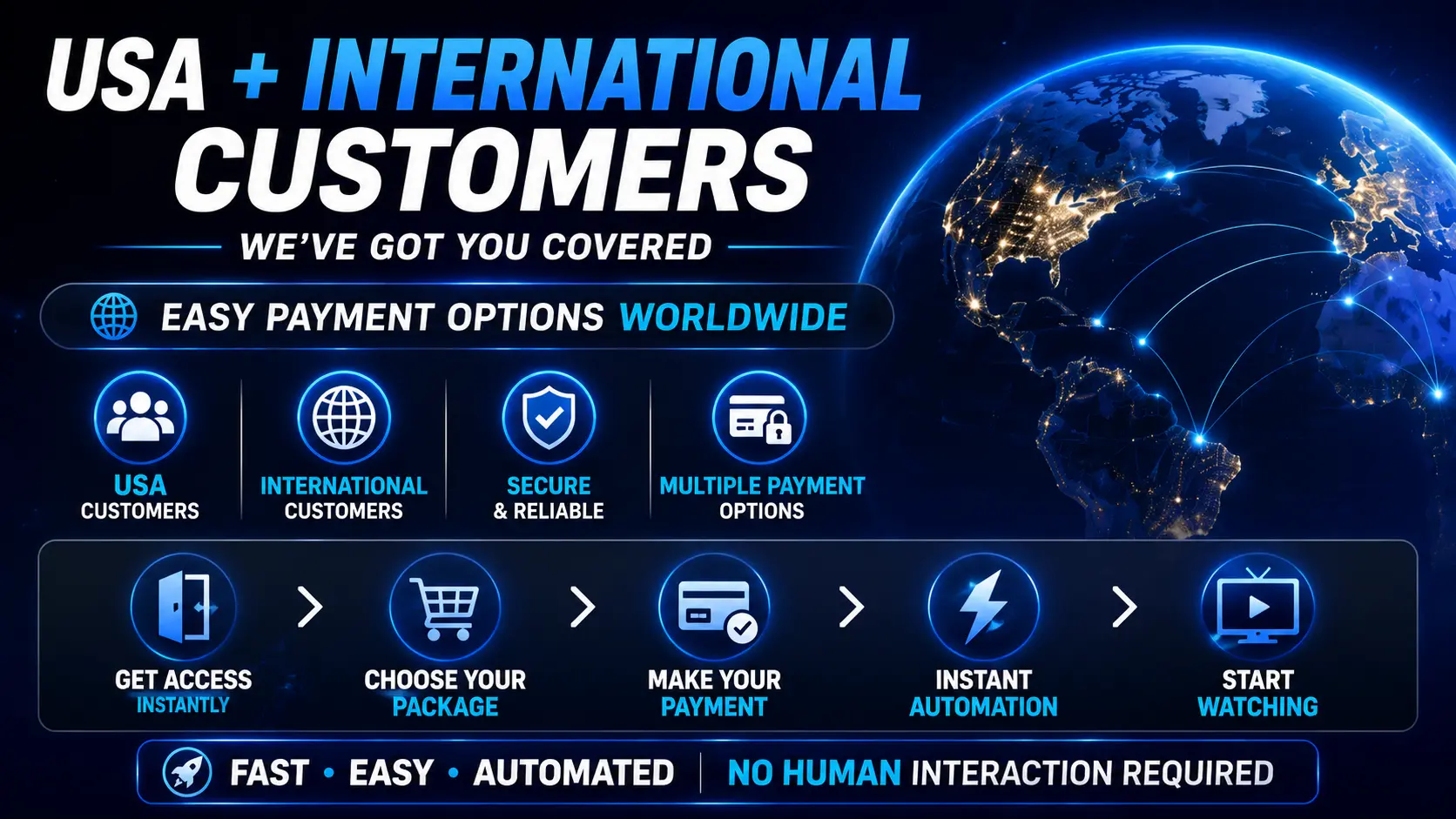
Payment options for international customers
Get A Streamer HD IPTV serves customers both inside and outside the United States, with a range of supported international methods.
Depending on where you are and your eligibility, available methods may include:
- Credit & debit cards
- Apple Pay
- Google Pay
- Link
- MB WAY
- Satispay
- Bancontact
- BLIK
- EPS
- Klarna
- Pix
- Cryptocurrency
- Western Union
Not every method is offered in every country. What you're shown can depend on your location, device, payment provider and eligibility.
How instant auto-delivery works
The whole ordering process is built to be fast and automatic:
- Choose a plan on our Pricing page, or open the live chat on getstreamer.net.
- Tap Pay by Card or send a payment message to get instant checkout access.
- Pick your Get A Streamer HD IPTV package and preferred payment method.
- Complete your payment through secure checkout.
- Your order is processed automatically and your login details are emailed to you.
- Add them to your app and start watching — usually within minutes.
There's no need to wait for anyone to set the order up by hand.
Want to try before you pay?
Free 36-hour trial — instant delivery
Test the full service on your own device and connection before choosing a paid package.
Start your free 36-hour trialWhat is included with Get A Streamer HD IPTV?
- 25,000+ live TV channels
- 160,000+ movies on demand
- 35,000+ TV series
- US & international channels
- HD, Full HD and 4K where available
- Full electronic programme guide (EPG)
- Live sports and events
- Movies & shows on demand
- Dedicated 24/7 support
Content and channel availability can change over time.
Live sports & events
Sports coverage can include popular leagues, networks and events such as:
- NFL & NFL RedZone
- NBA & WNBA
- MLB
- NHL
- College football & basketball
- UFC, boxing & MMA
- Pay-per-view events
- Premier League
- UEFA Champions League
- La Liga, Bundesliga & Serie A
- Formula 1 & NASCAR
- Golf & tennis
Event and channel availability may vary.
Supported devices
Get A Streamer HD IPTV works with a wide range of streaming devices and IPTV apps, including:
- Amazon Firestick & Fire TV
- Android TV & Google TV
- Android TV boxes
- Apple TV
- iPhone & iPad
- Android phones & tablets
- Windows PCs
- Mac computers
- Compatible Smart TVs