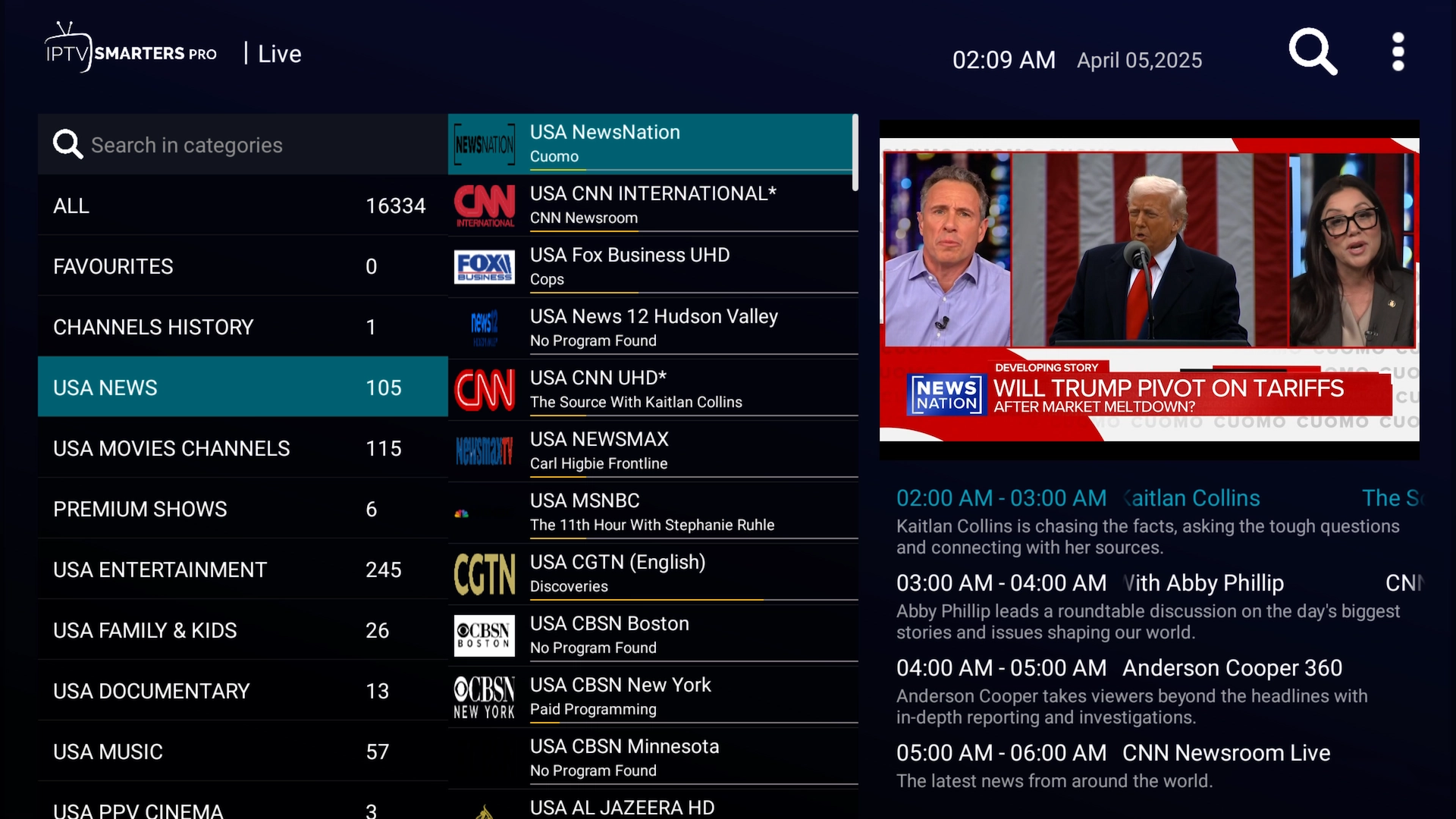
How to install IPTV Smarters on Firestick, Android TV, iPhone, iPad & Apple TV (2026 guide)

Install the app on any device, then log in with your Get Streamer HD IPTV Xtream Codes — the full process, screen by screen.

IPTV Smarters — player for Firestick, Android TV, iPhone, iPad & Apple TV

IPTV Smarters is a clean, dependable player that pairs perfectly with Get Streamer HD IPTV. This updated guide covers the whole setup on Firestick, Android TV, Android phones and tablets, iPhone, iPad and Apple TV — from installing the app to logging in and finding your way around.

Android — Firestick, Android TV, phone & tablet

Step 1 · Install the Downloader app

On a Firestick or Android TV box you'll use the free Downloader app to install IPTV Smarters.
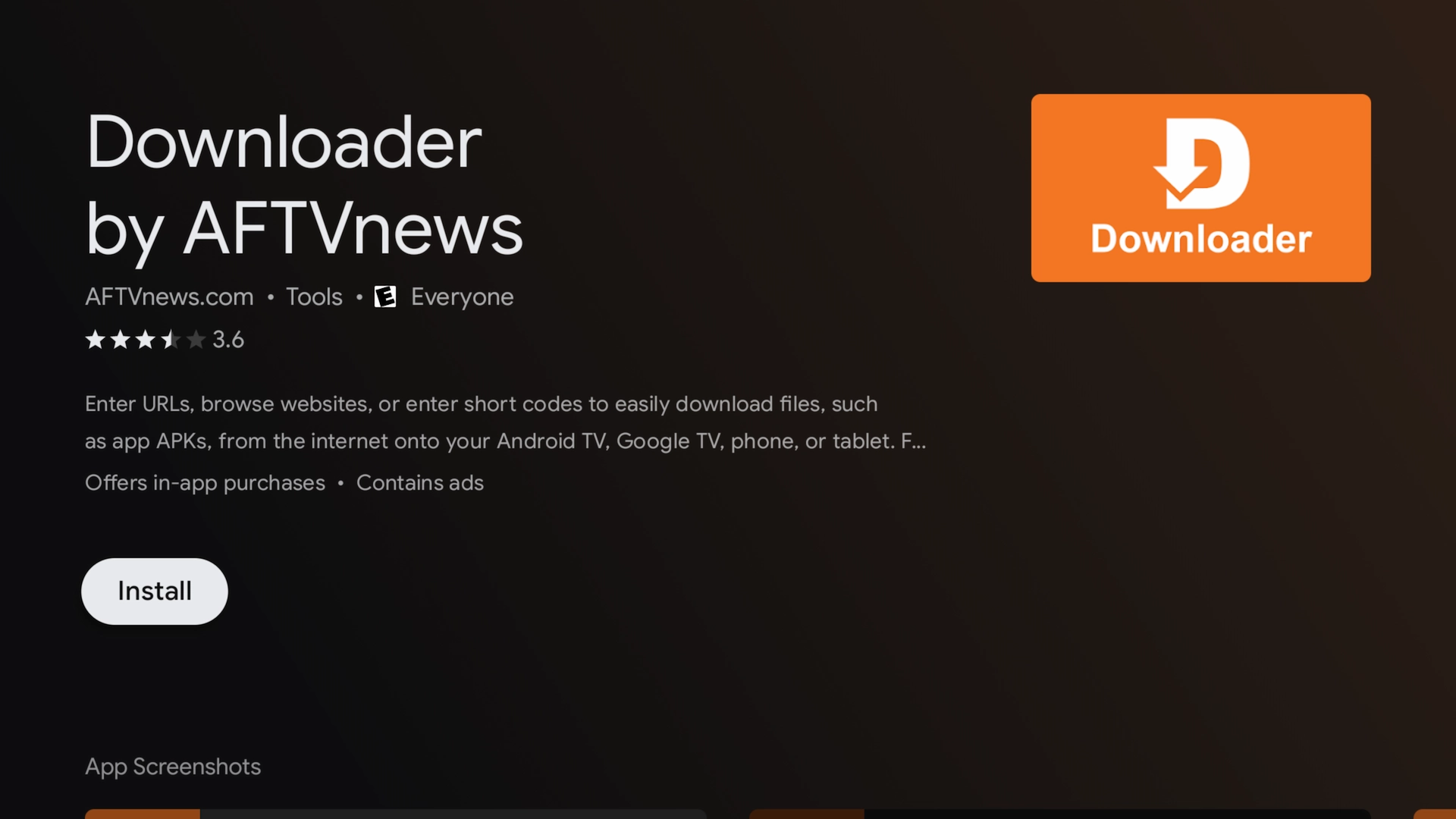
Downloader app highlighted in the Amazon Appstore

Firestick: search for “Downloader” in the Amazon App Store and install it.
Android TV: search for “Downloader” in the Google Play Store and install it.

Step 2 · Enable unknown sources

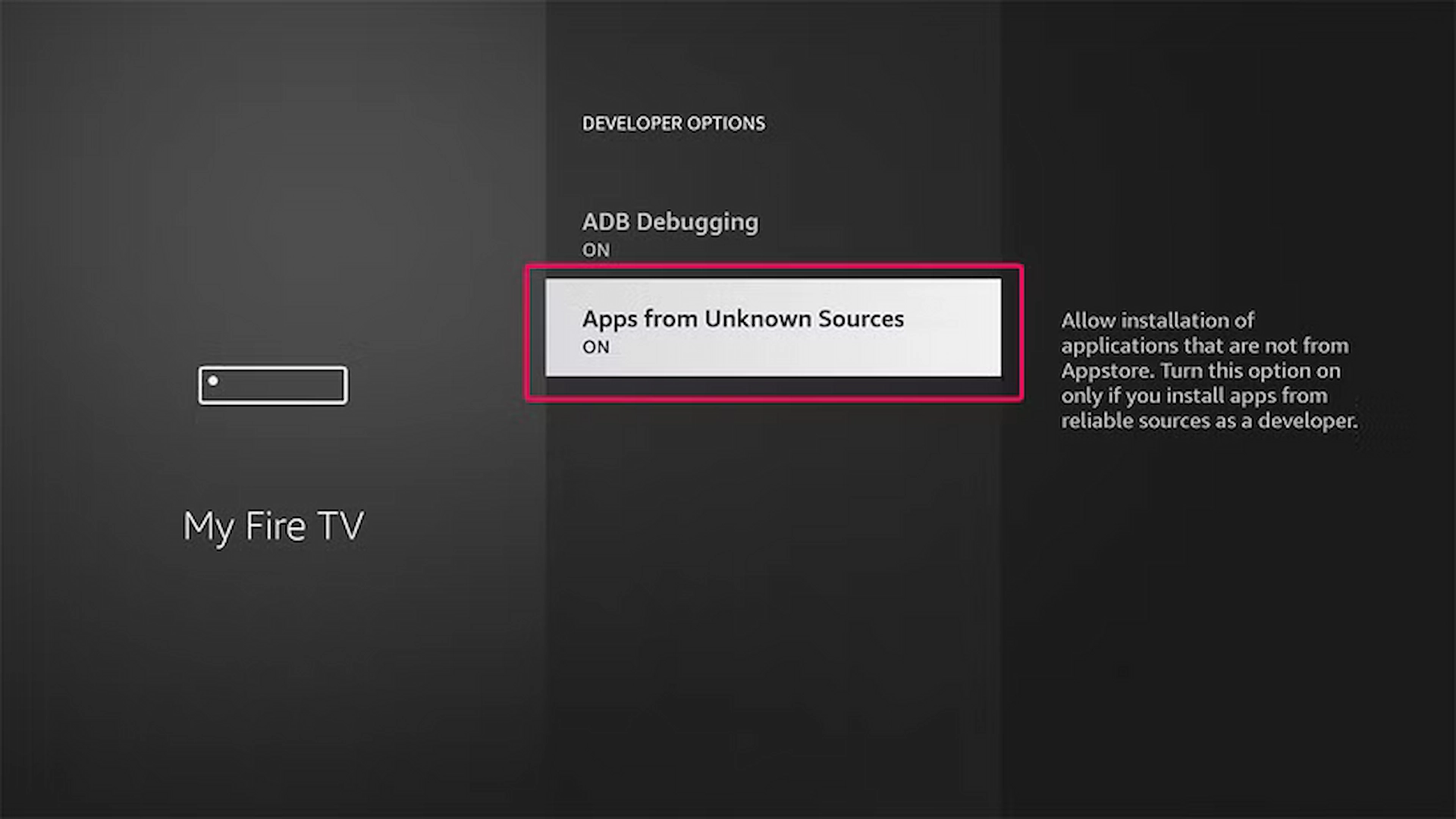
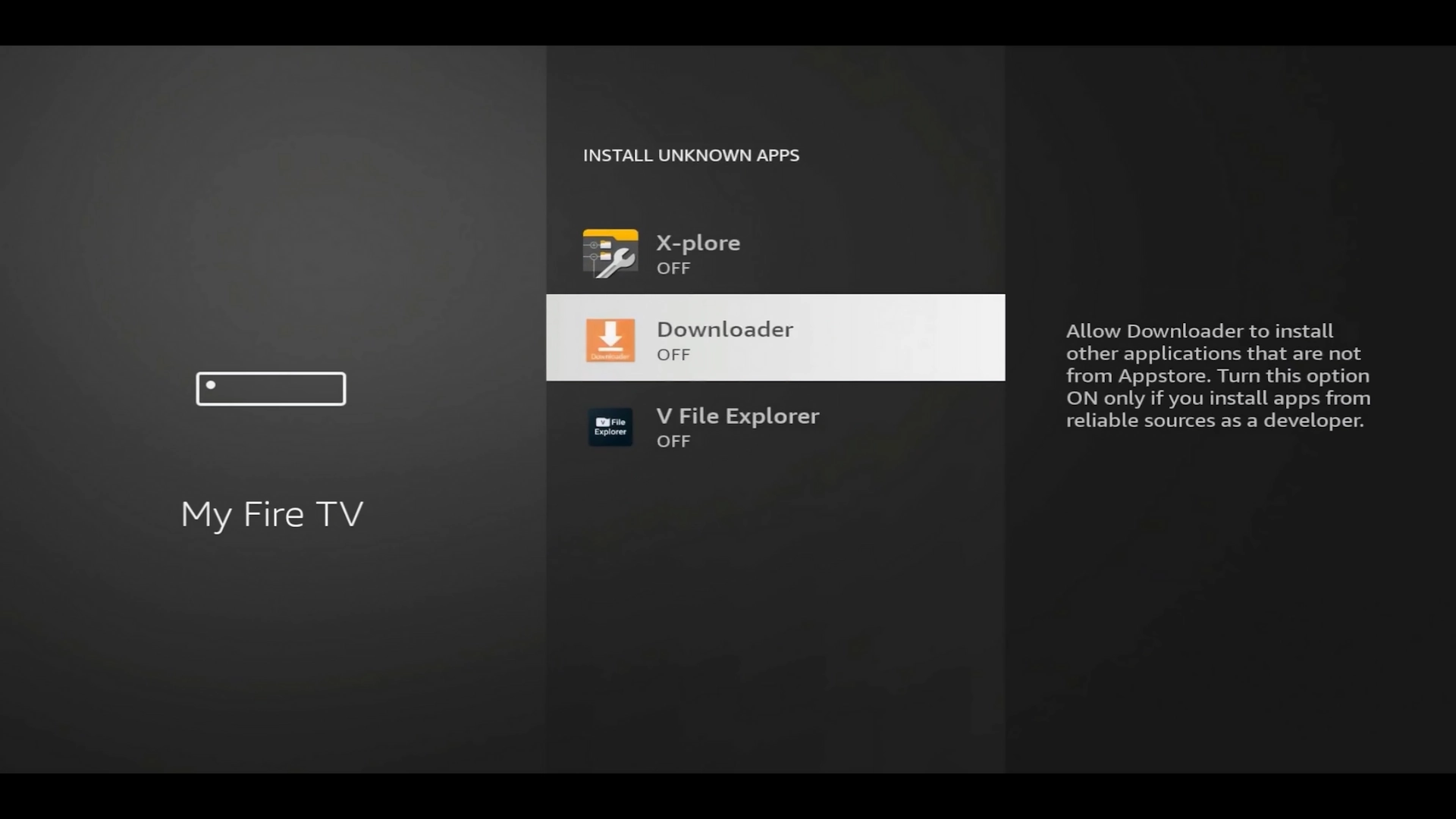
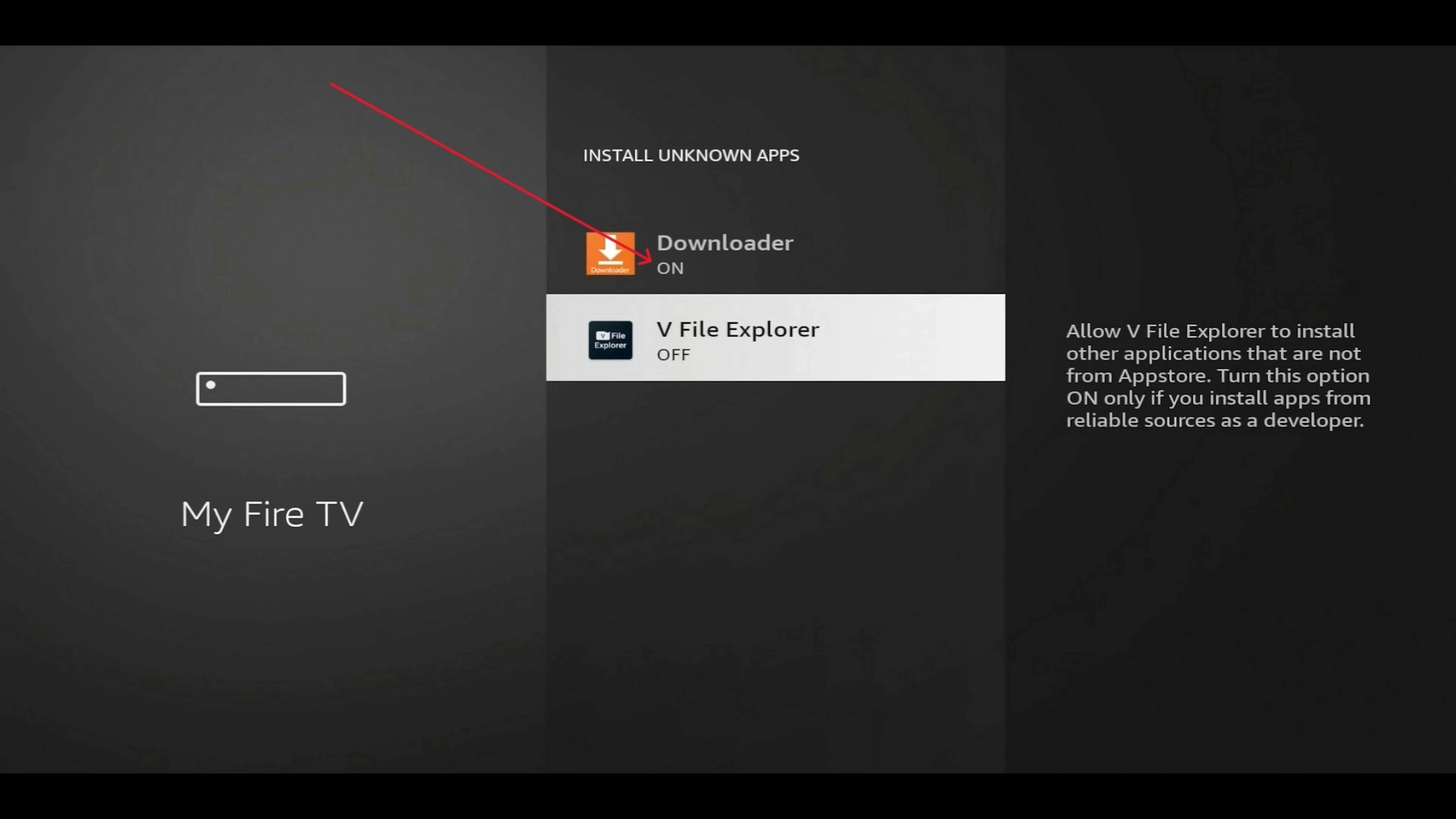
Allow sideloading so Downloader can install the app:
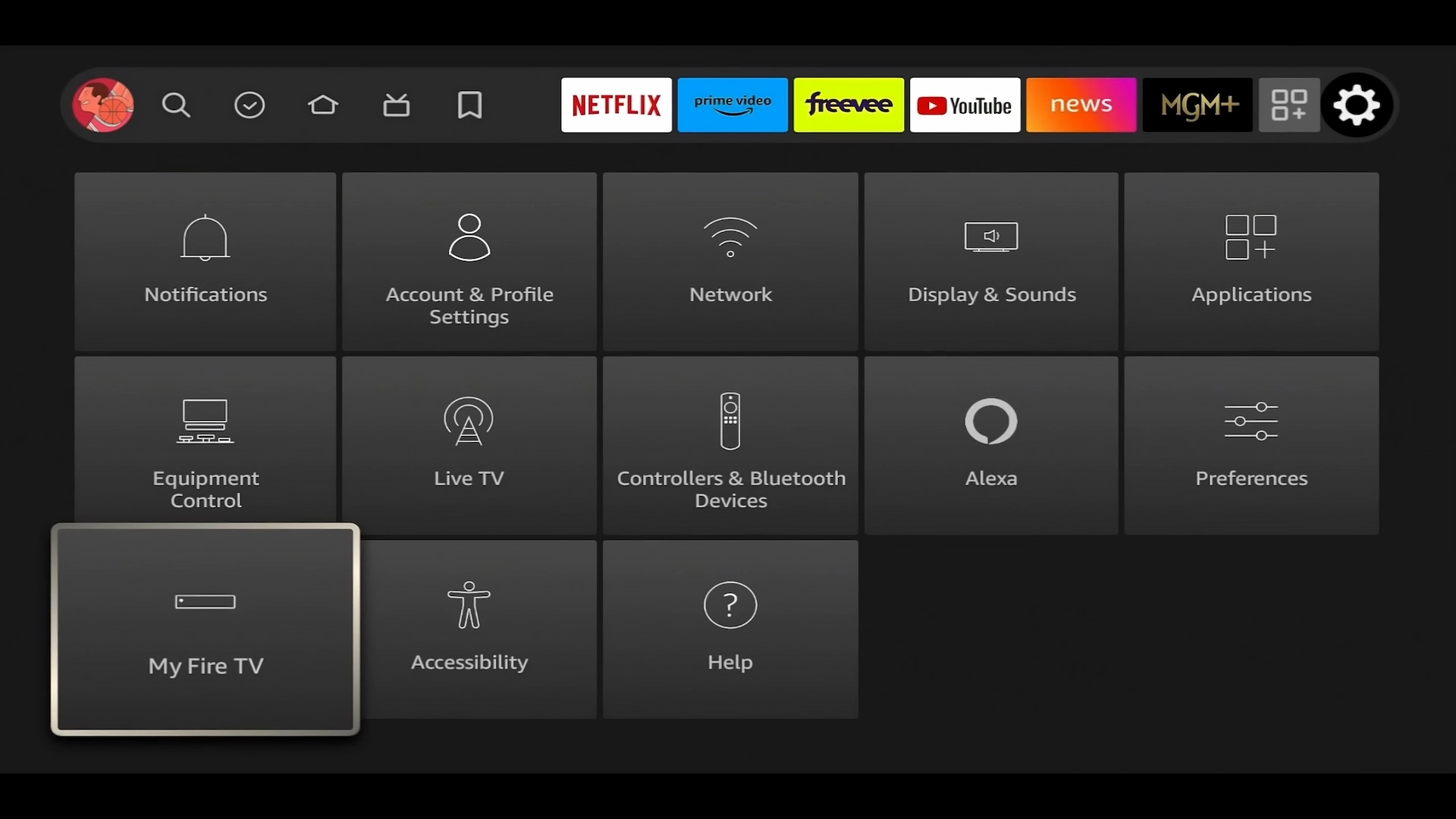
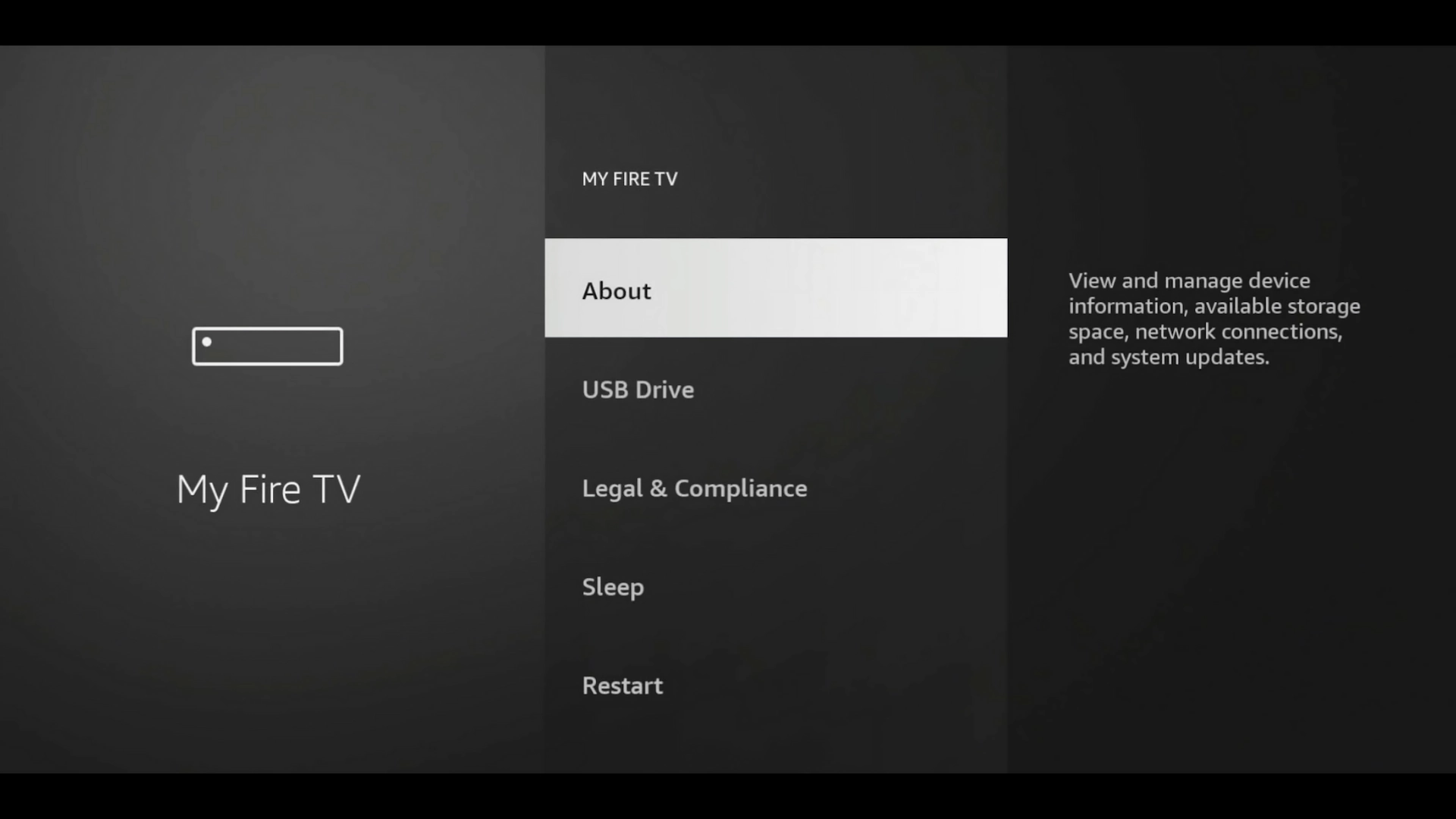
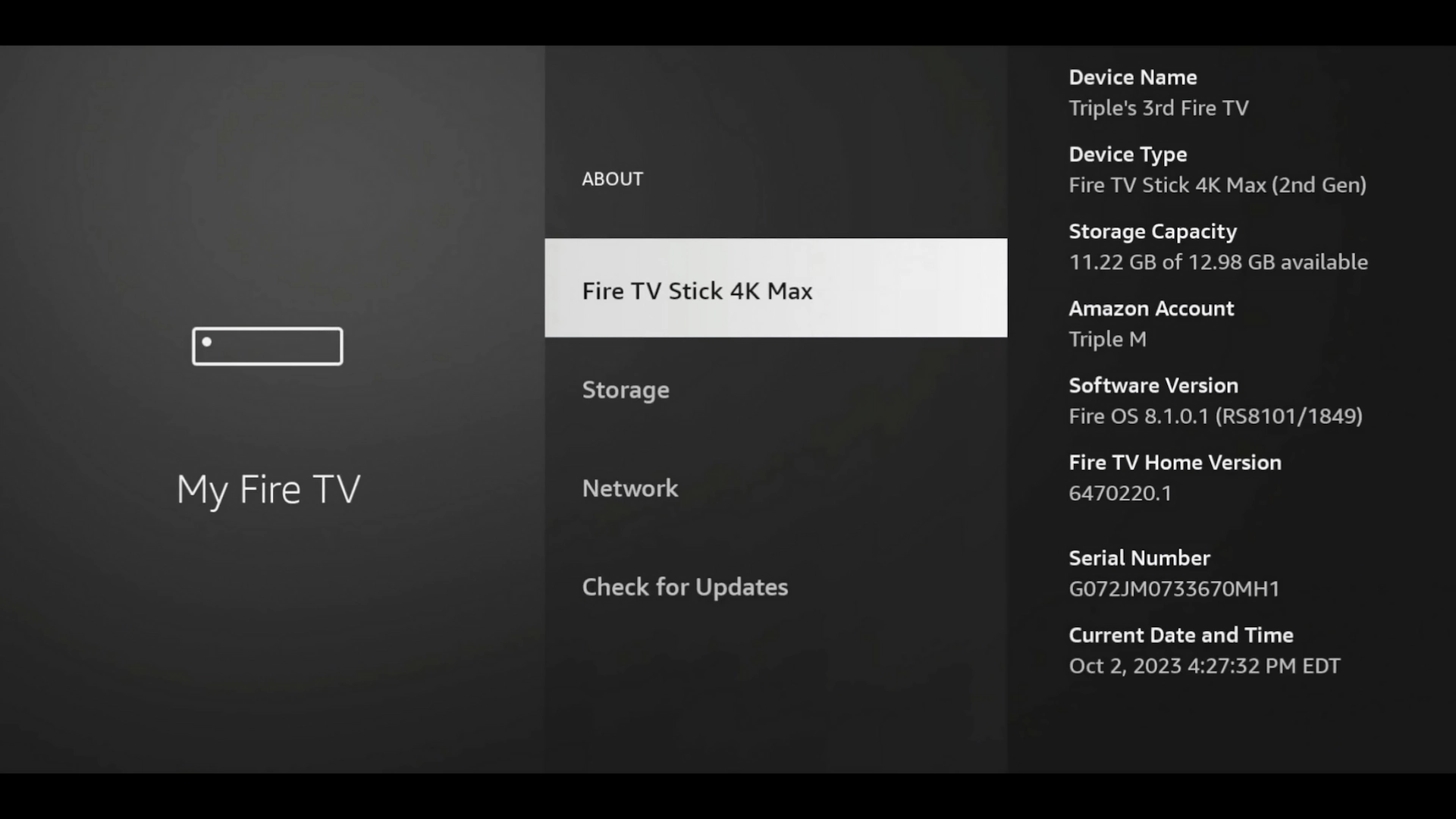
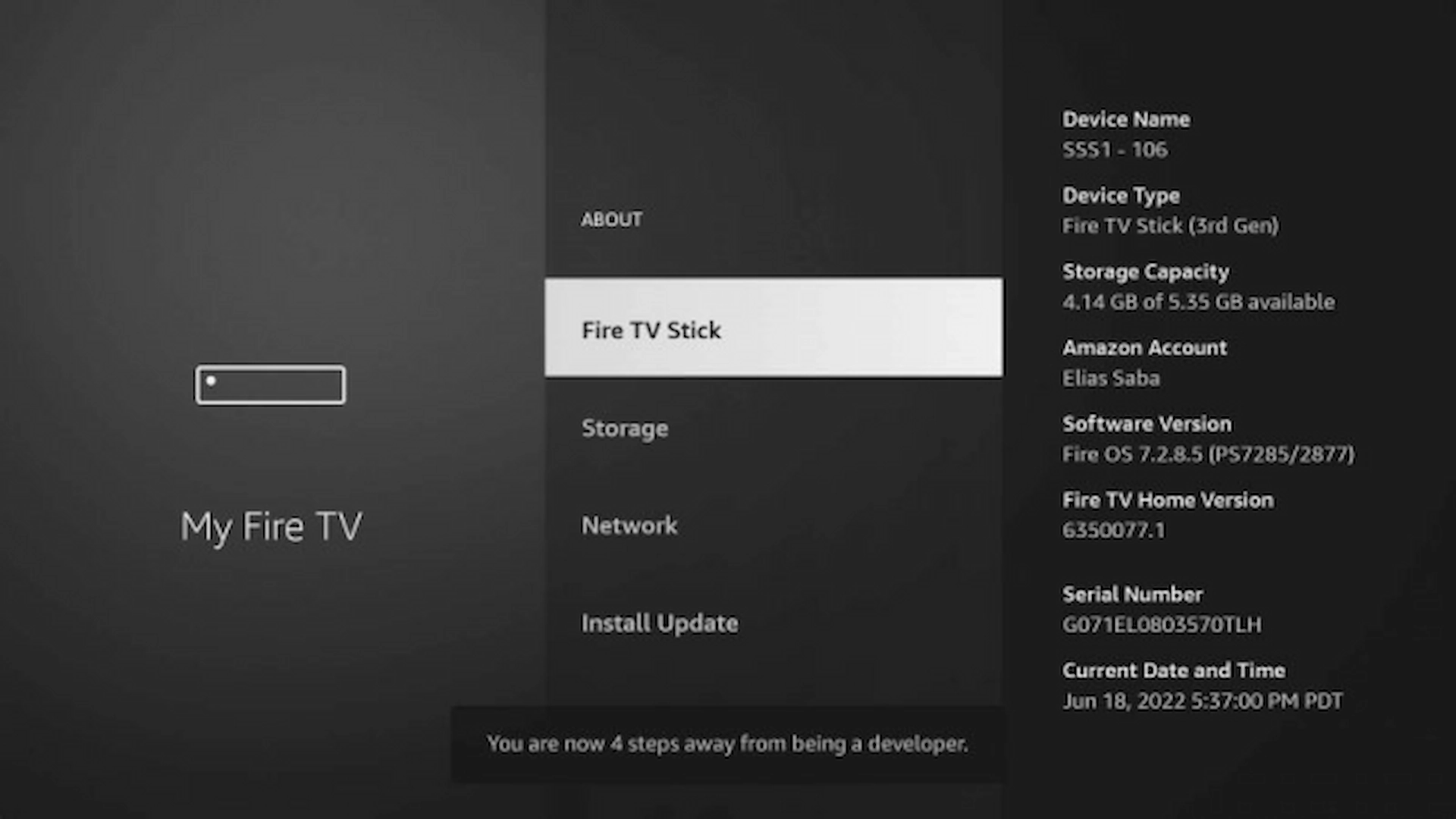
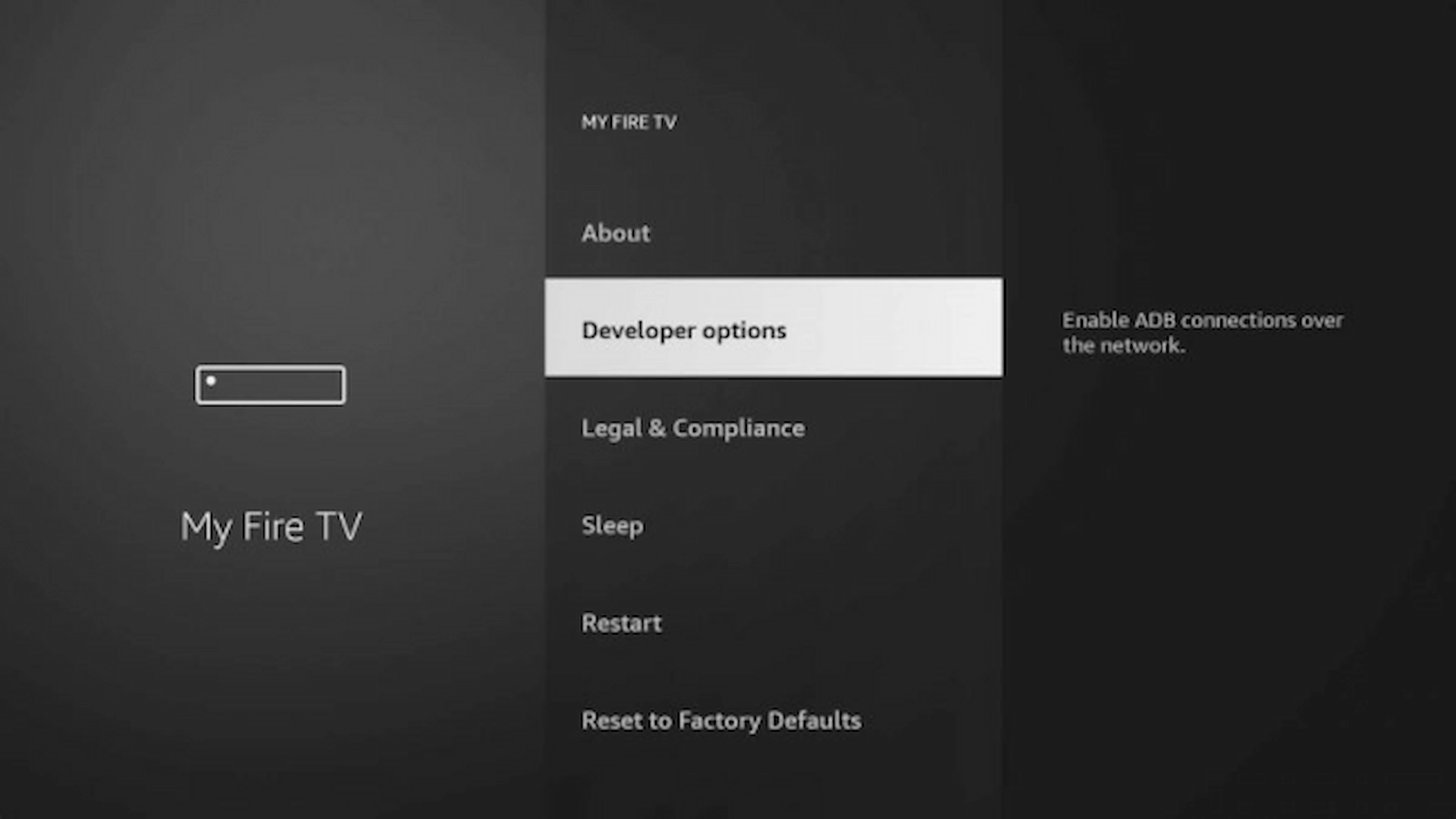
Firestick Settings → My Fire TV highlighted About option highlighted on Firestick Press your device name seven times to unlock Developer Options Developer Options location in Firestick settings Developer Options highlighted Install unknown apps / unknown sources screen Downloader listed as OFF Downloader switched ON under Install unknown apps
Step 3 · Download & install IPTV Smarters

Open Downloader, enter the IPTV Smarters download code (or type the official APK address), then tap Go.
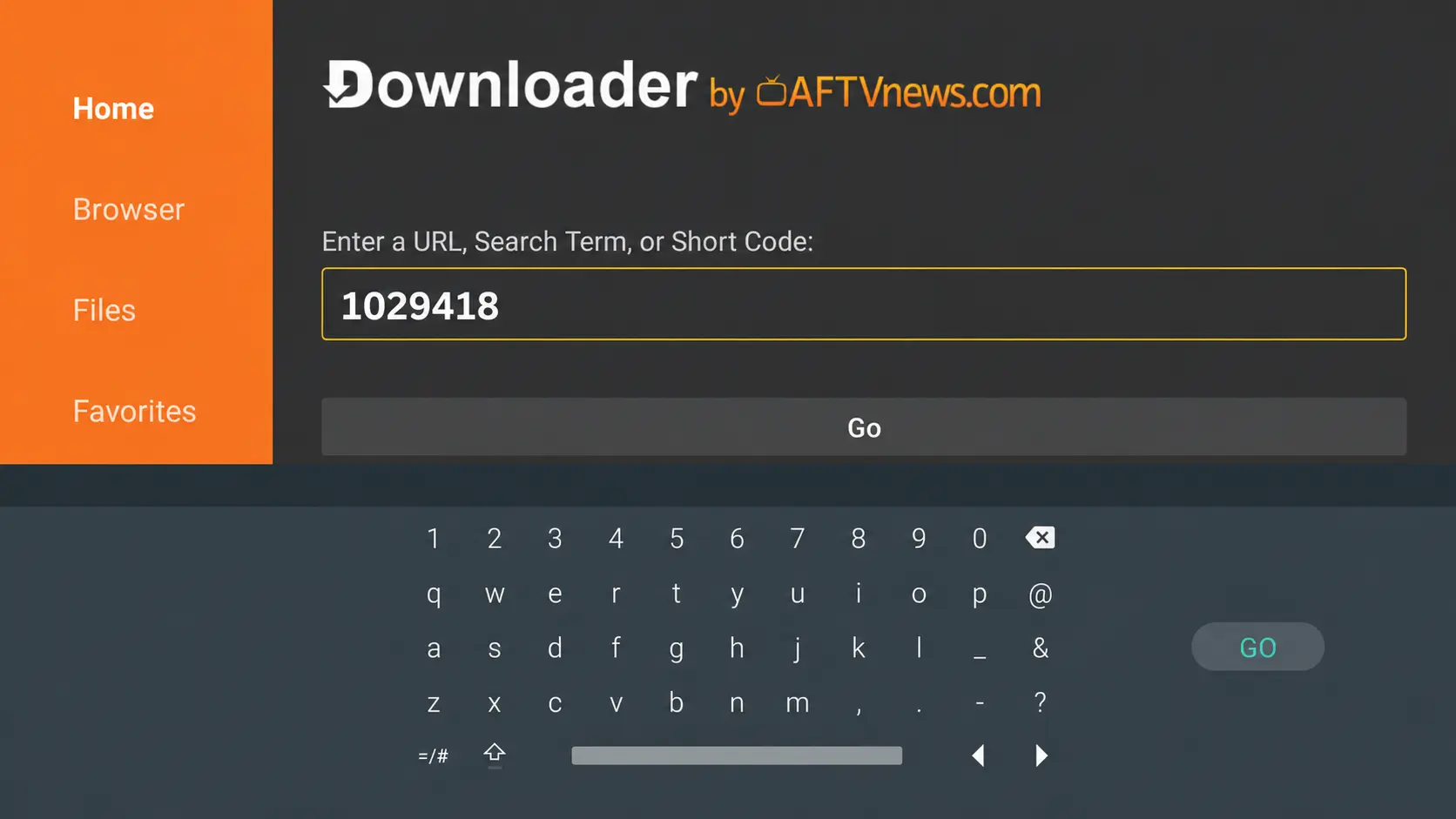
Entering the IPTV Smarters download code in Downloader

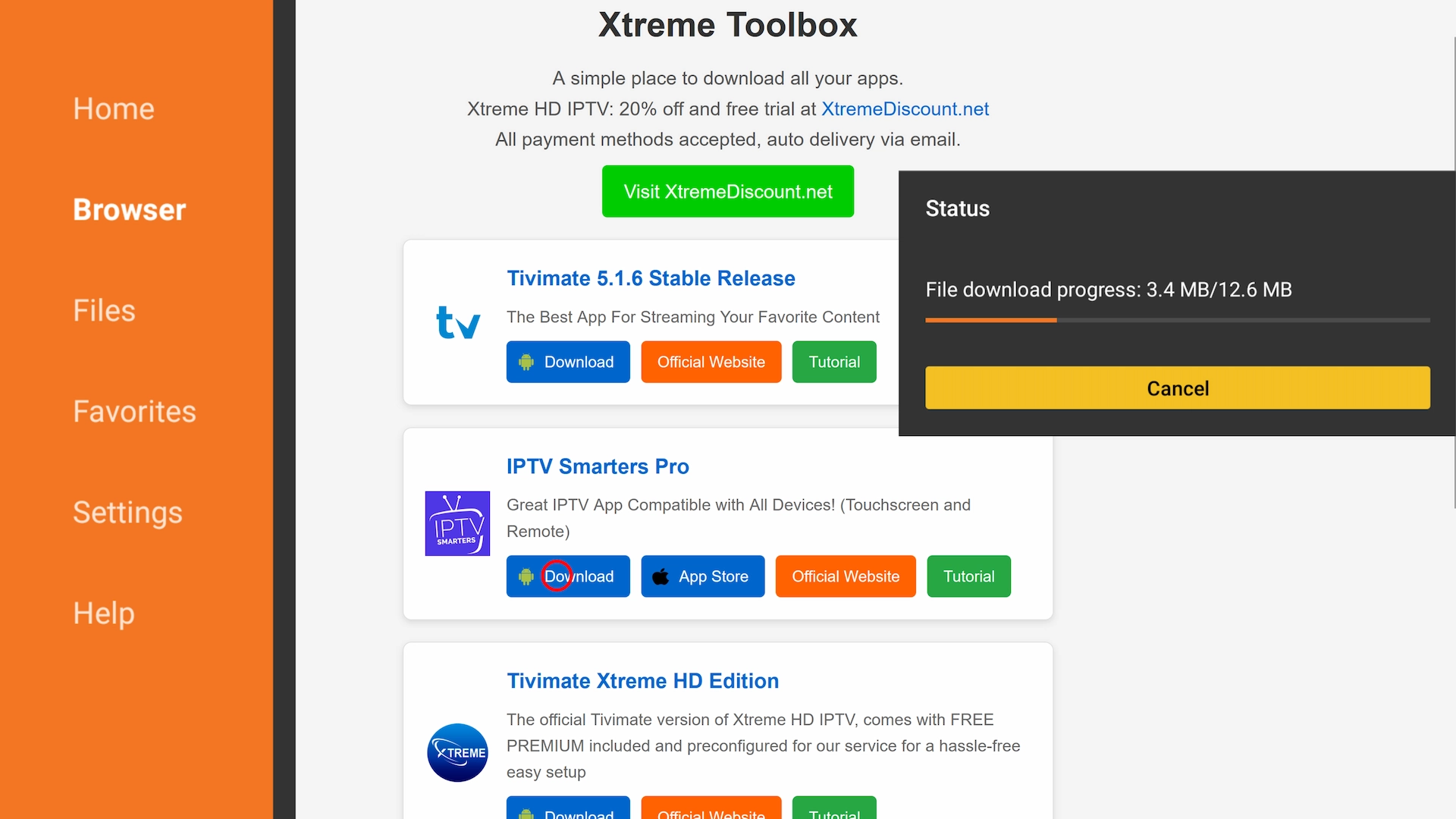
Then download and install the app:
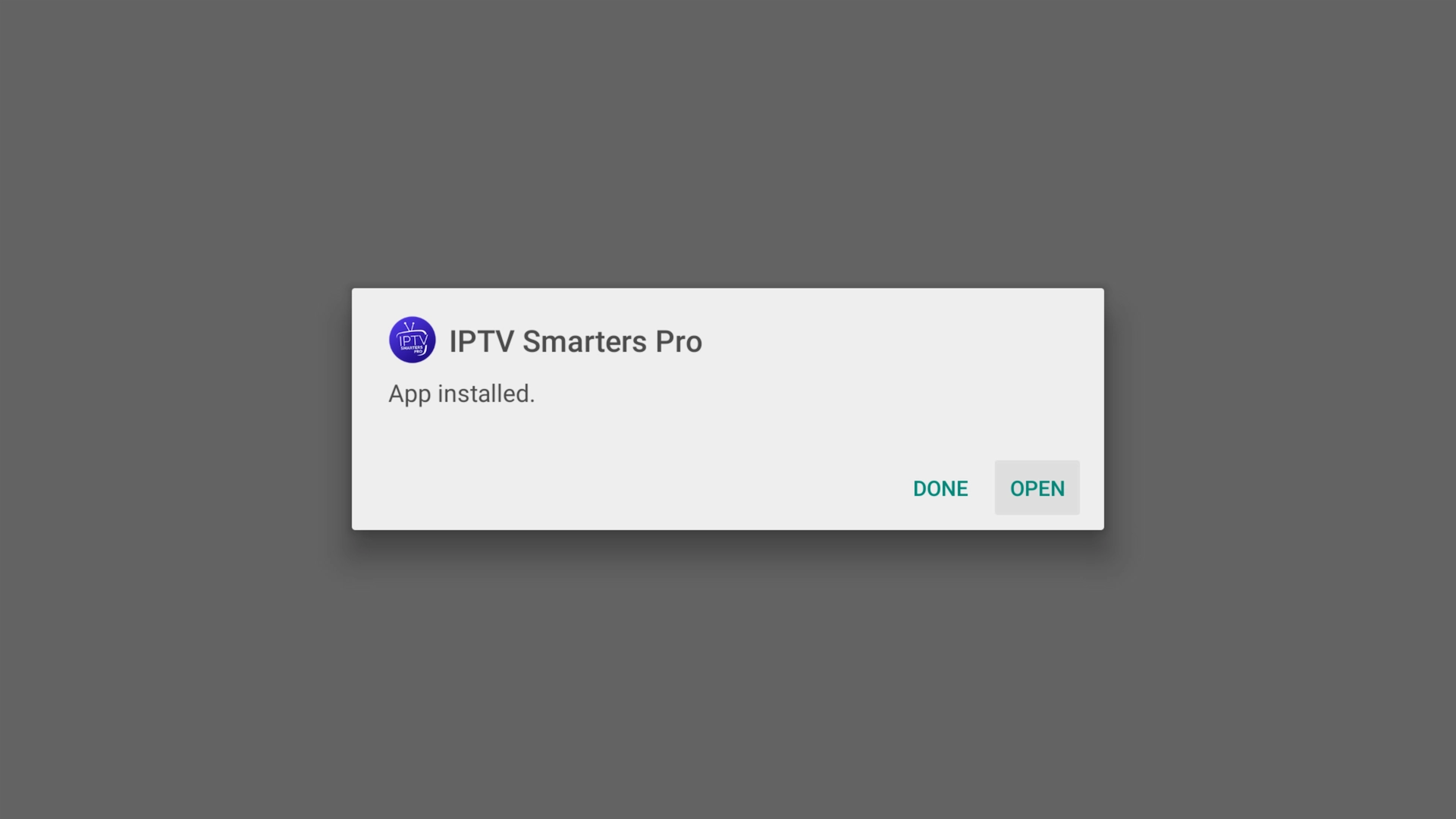
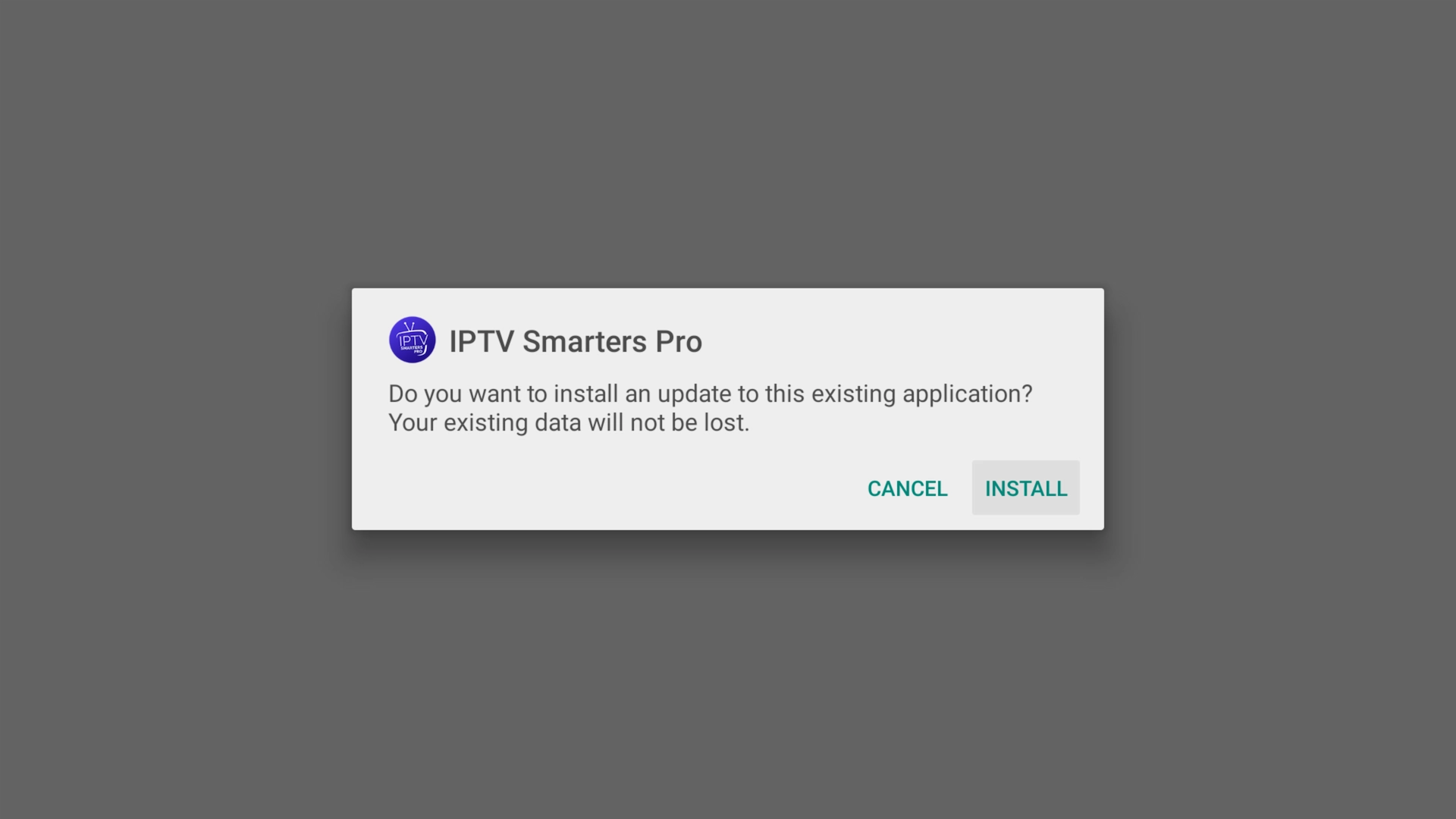
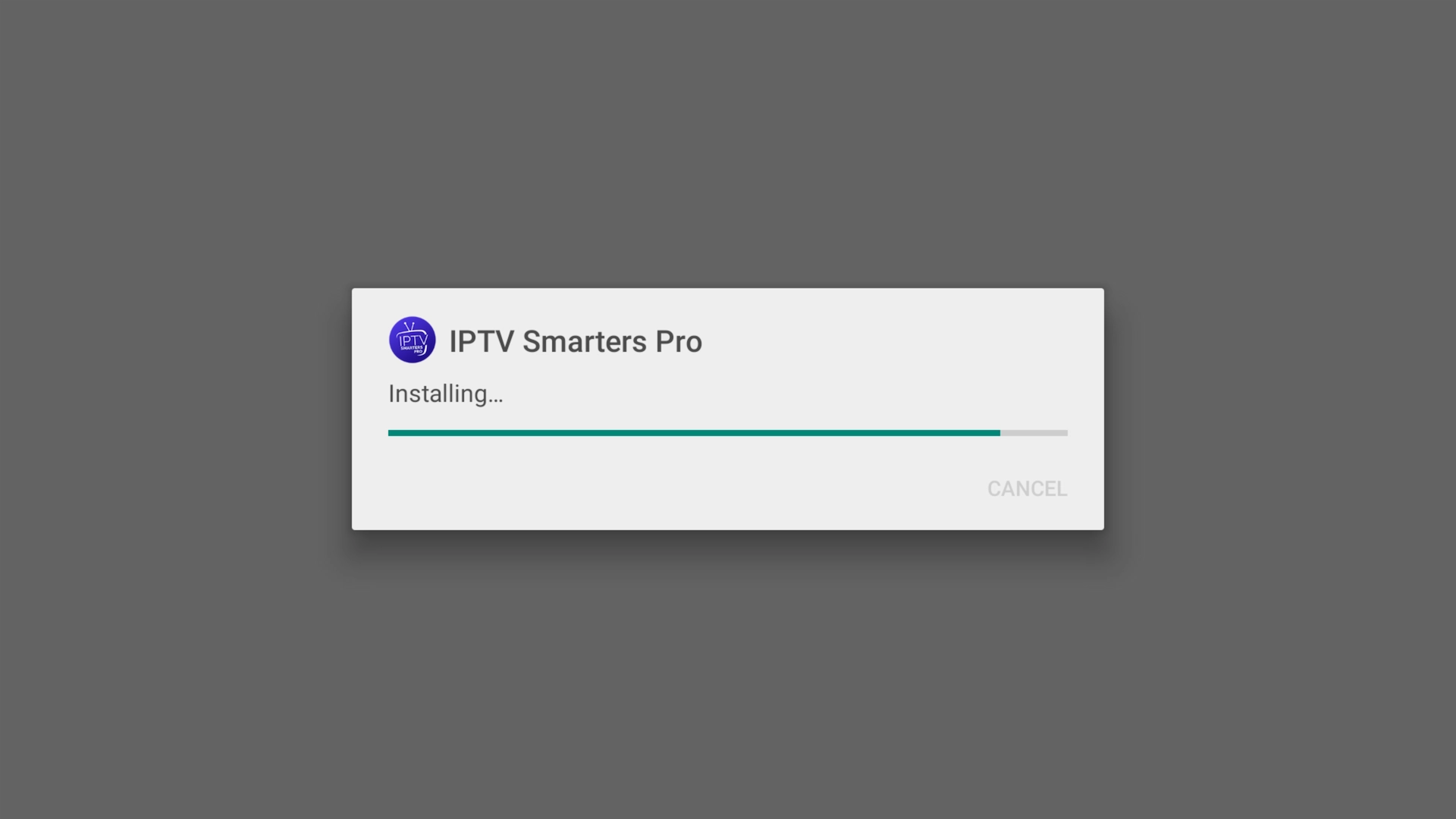
Downloading the IPTV Smarters APK IPTV Smarters install prompt IPTV Smarters installing Open IPTV Smarters once it has installed

On an Android phone or tablet you can skip Downloader entirely and install the app straight from the official download link if you prefer.

iOS — iPhone, iPad & Apple TV

On iPhone, iPad and Apple TV, just open the App Store and search for “Smarters Player Lite”, then download and install it — it works across all current Apple devices.
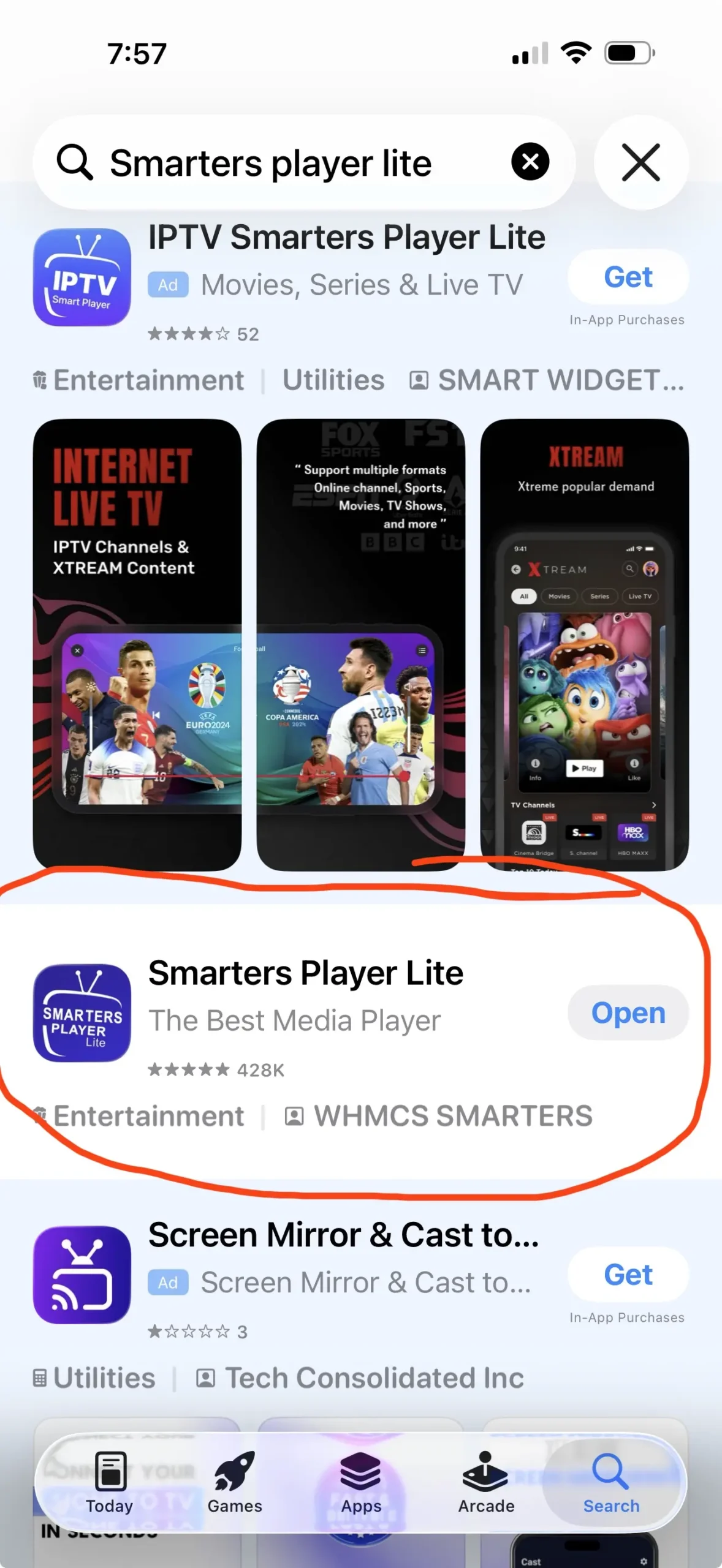
Smarters Player Lite in the Apple App Store (iPhone / iPad / Apple TV)

Log in with your Get Streamer HD IPTV account

Once the app is open:

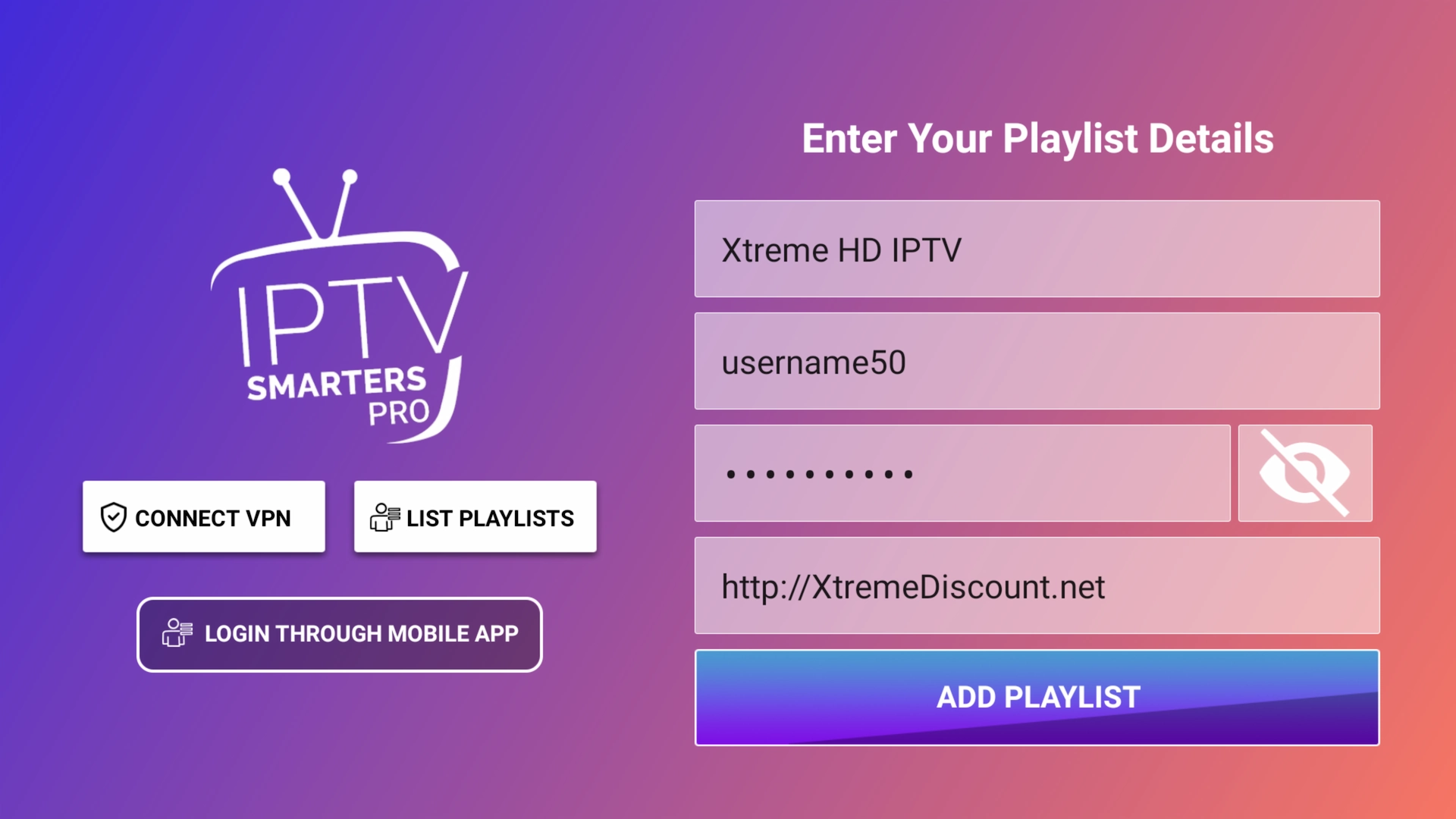
  • Choose Xtream Codes API (or “Login with Xtream Codes”).
  • Enter your Server URL, Username and Password from your Get Streamer HD IPTV account.
  • Tap Login.

Don't have a subscription yet? Start a free 36-hour Get Streamer HD IPTV trial — no payment details required.
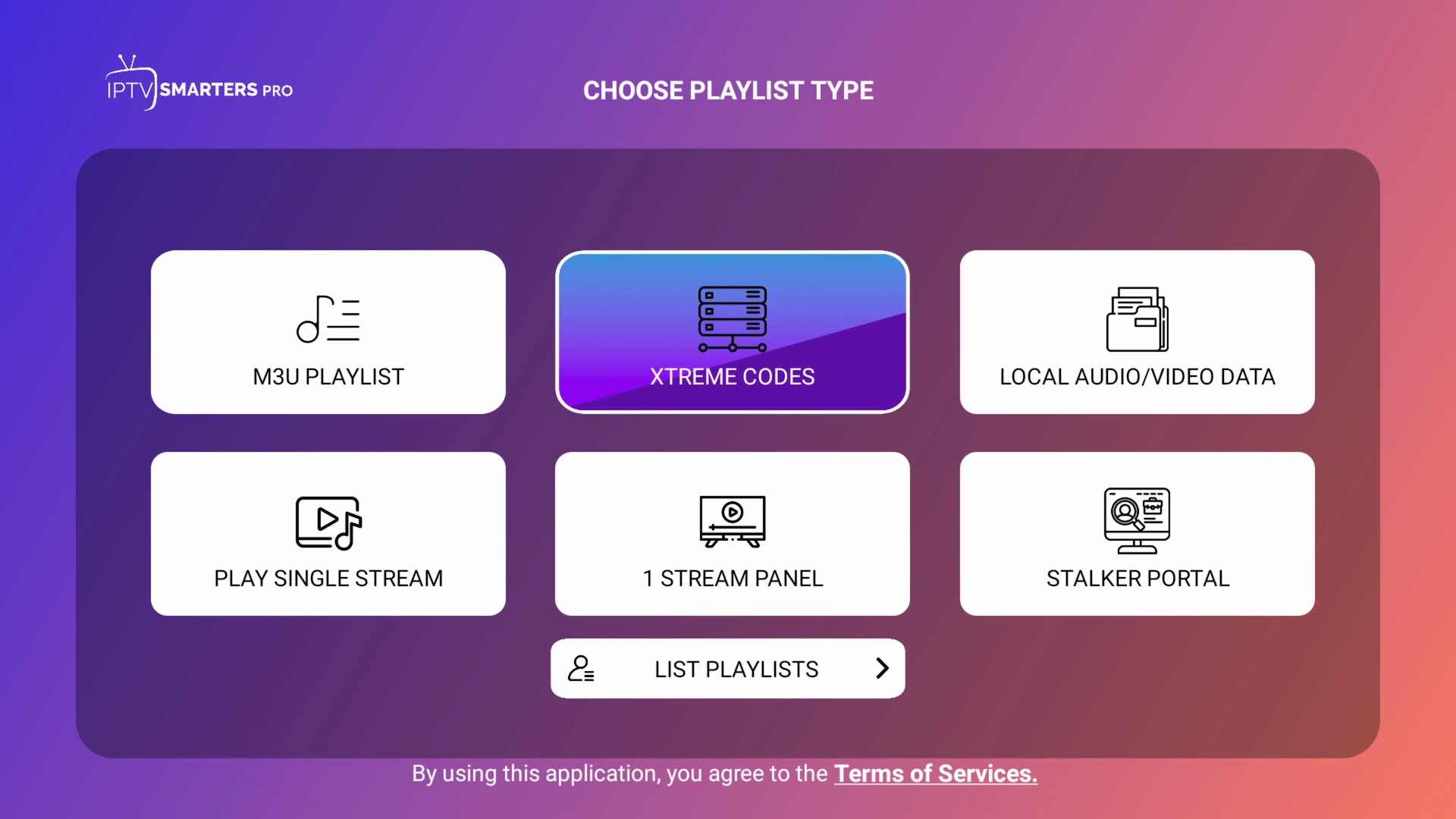
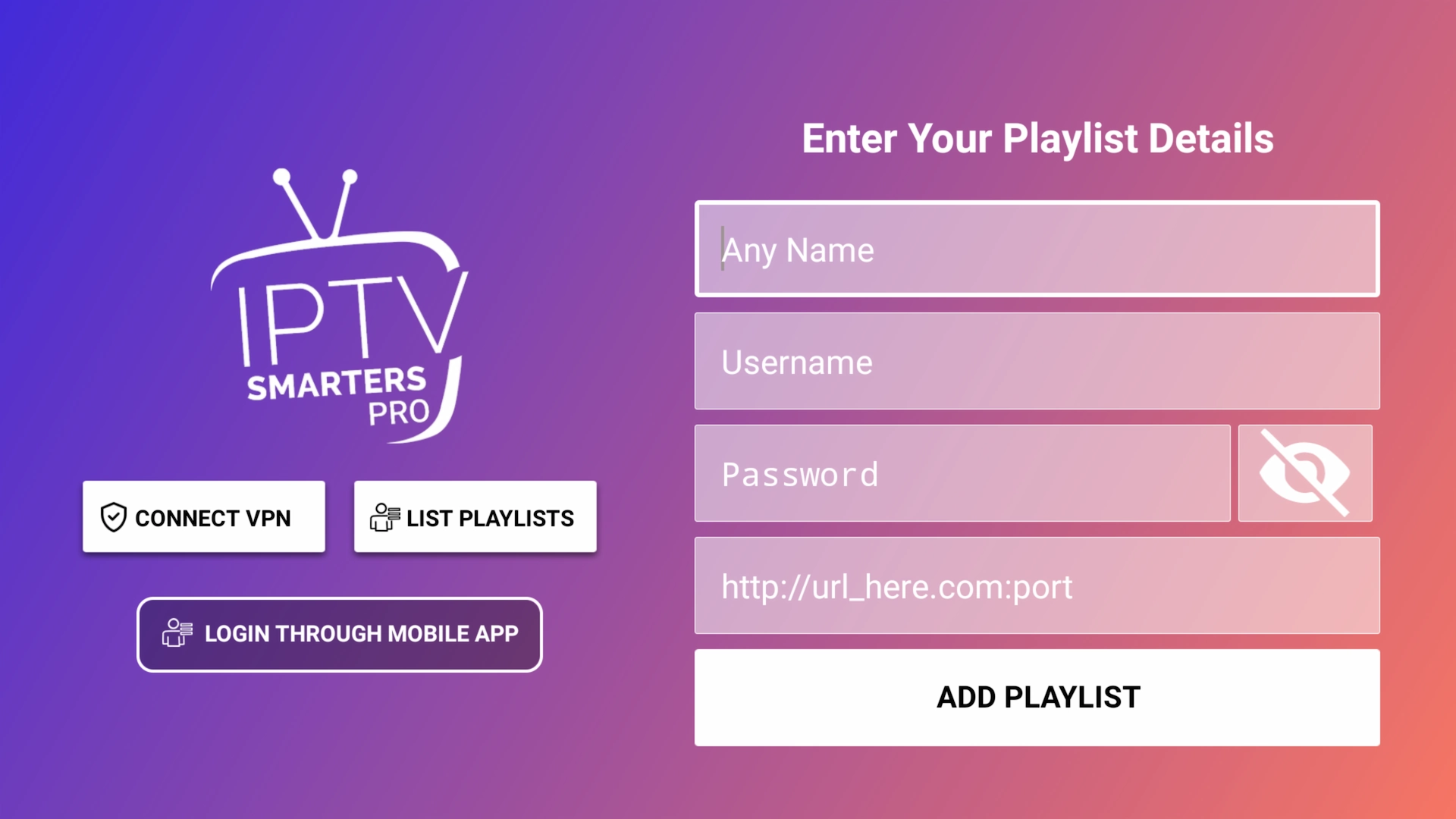
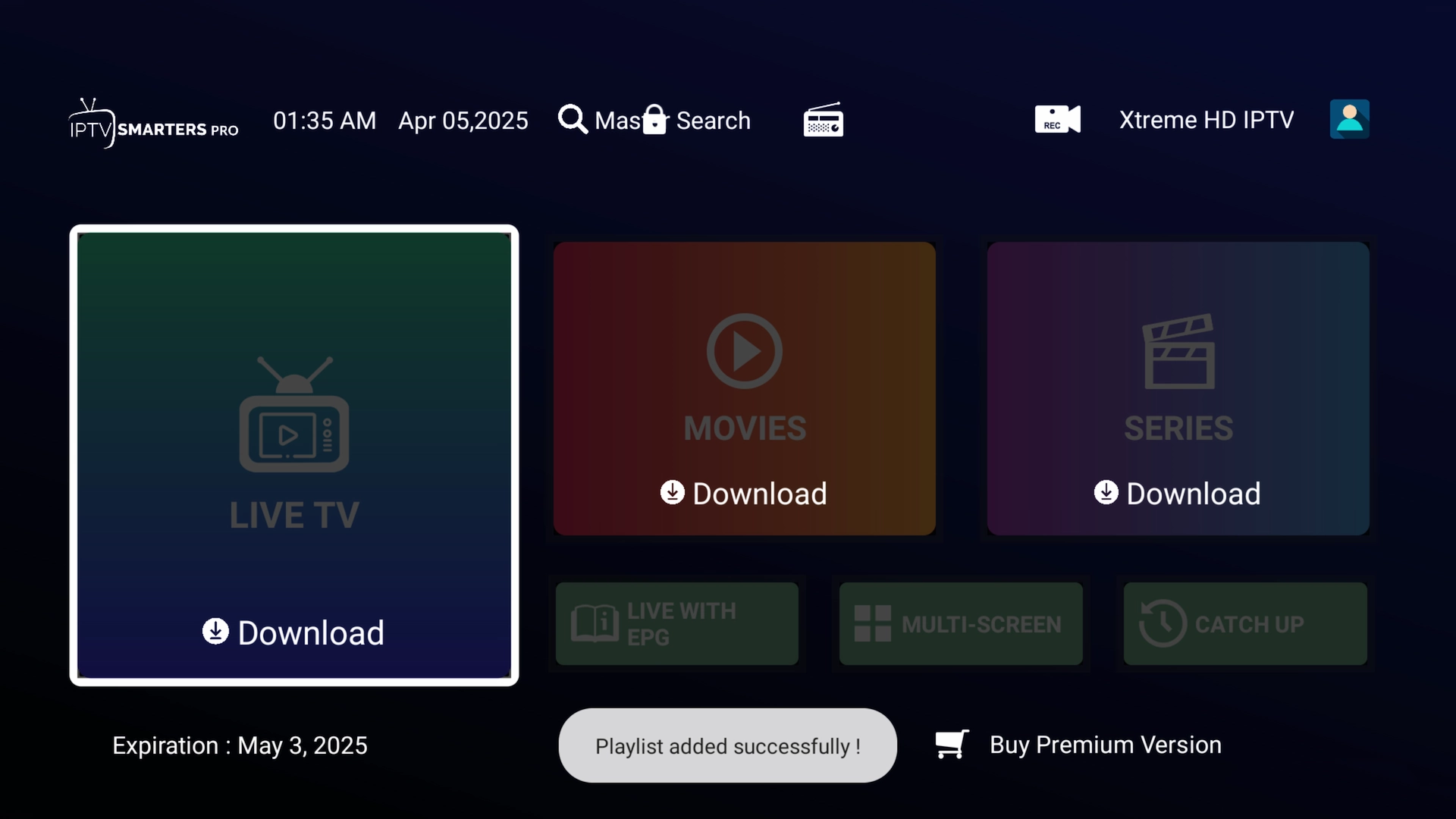
Choosing Xtream Codes API / Login with Xtream Codes Blank Xtream Codes login form Example Xtream Codes details filled in Playlist successfully added IPTV Smarters finishing the update and loading the EPG

Preview the interface

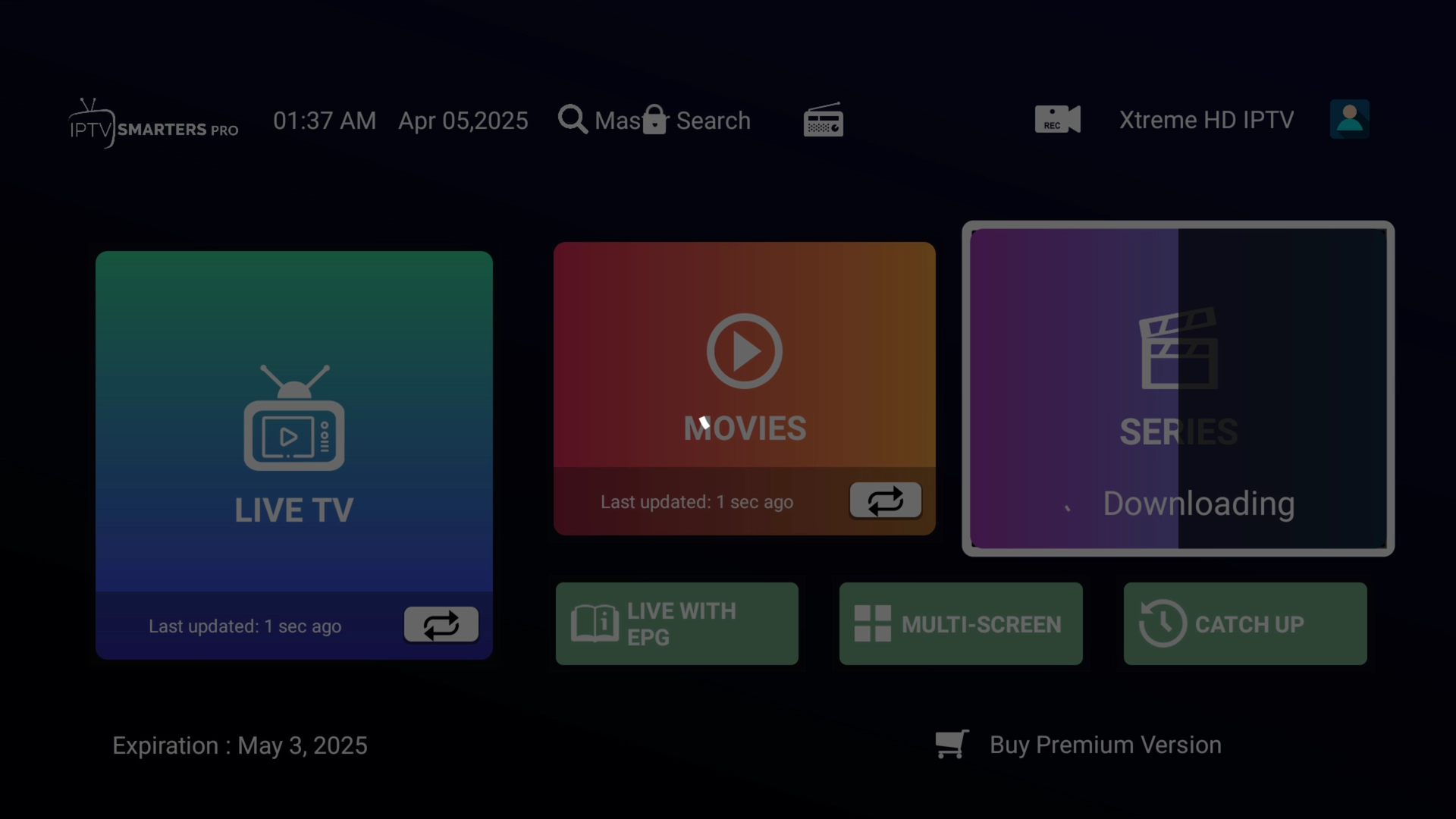
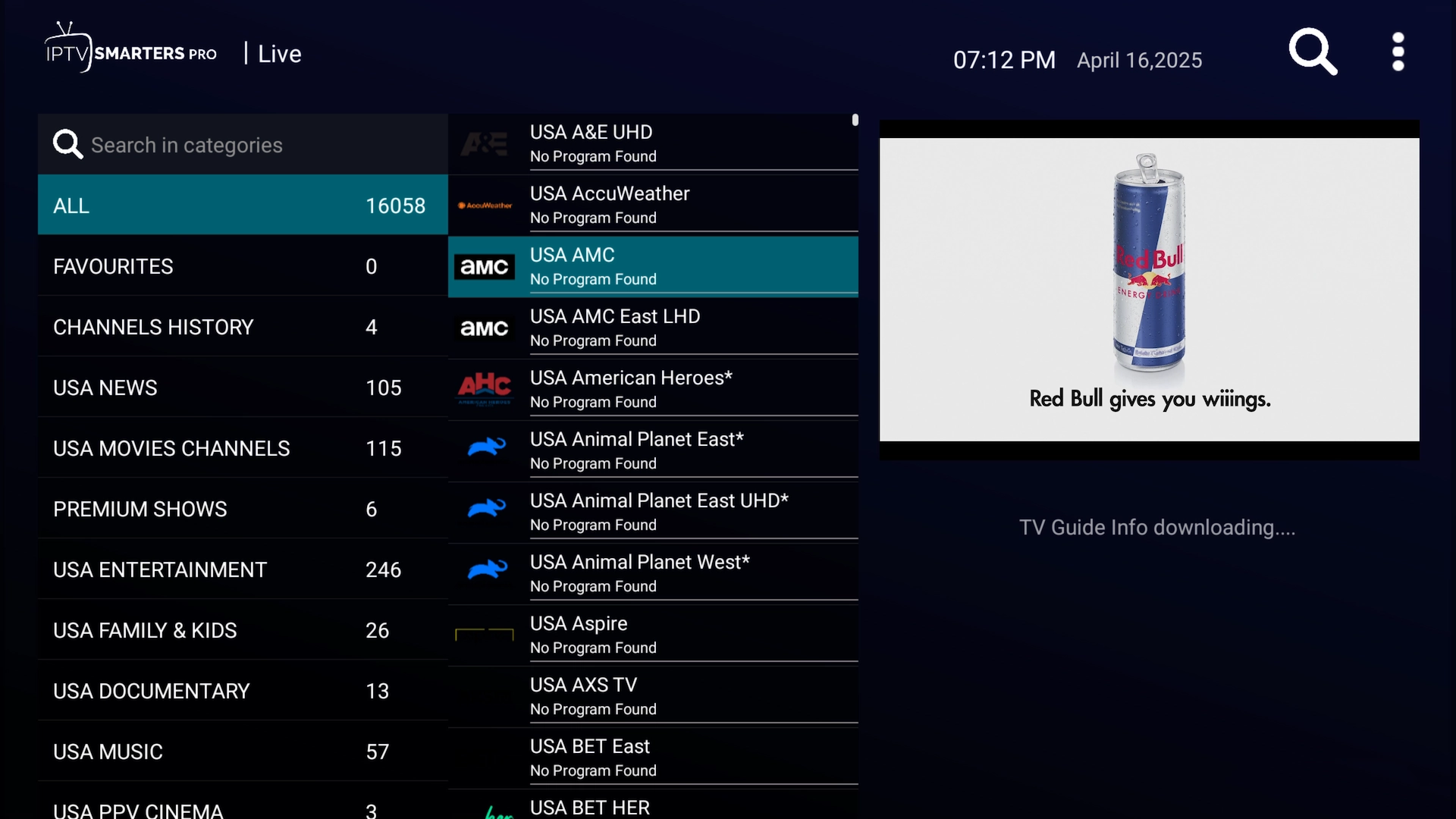
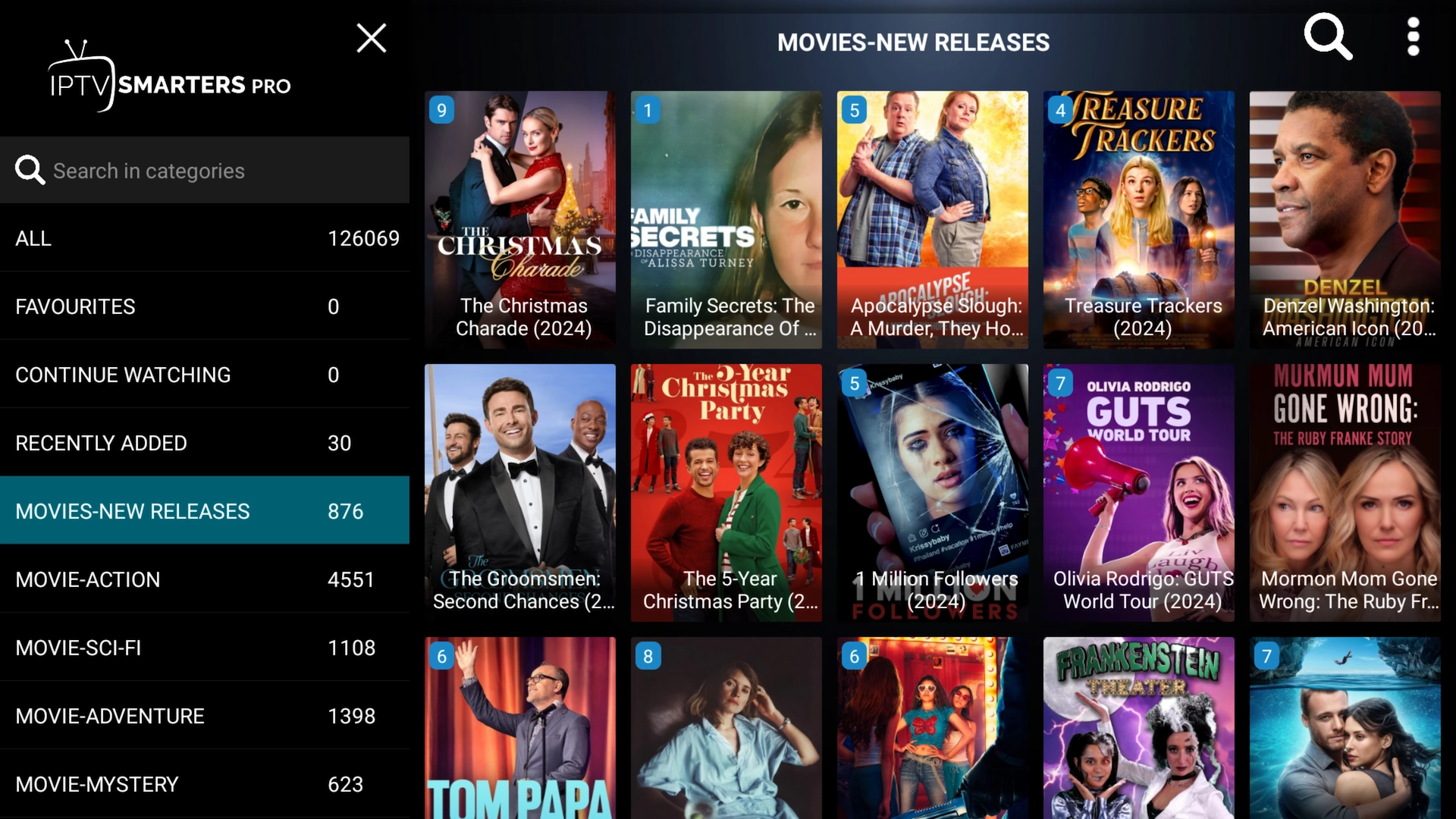
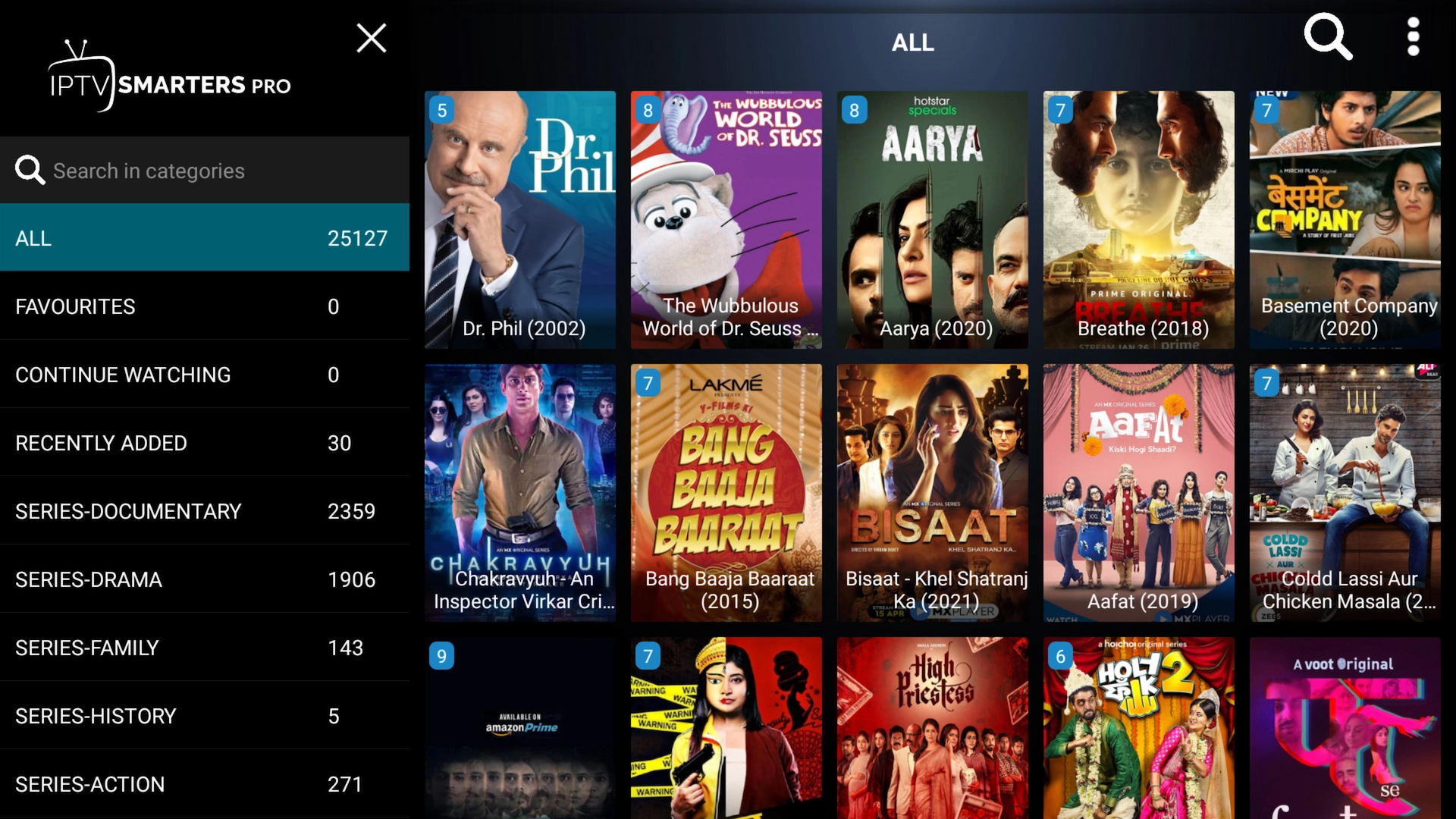
That's everything set up. Here's a quick look at where things live inside IPTV Smarters.
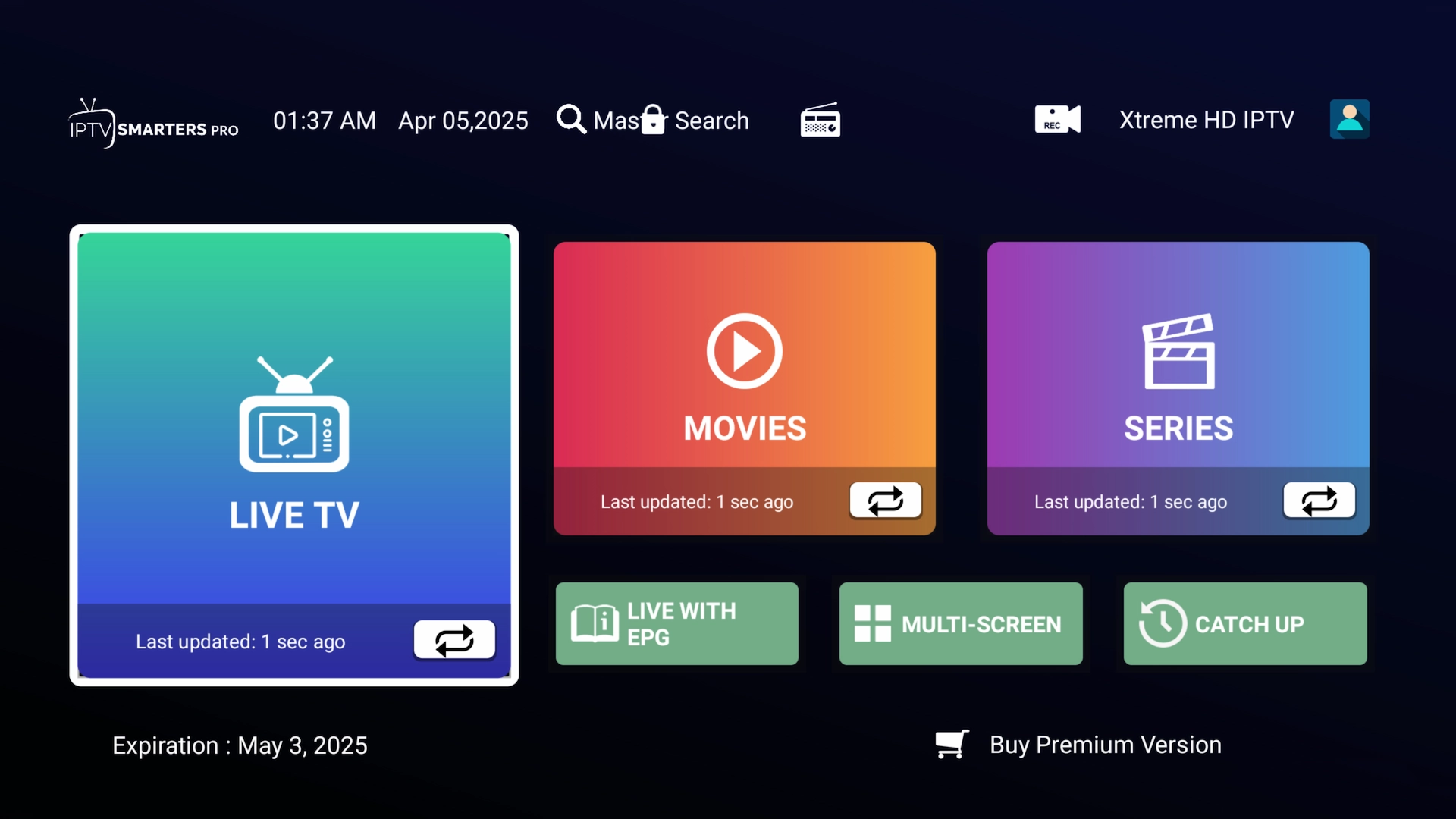
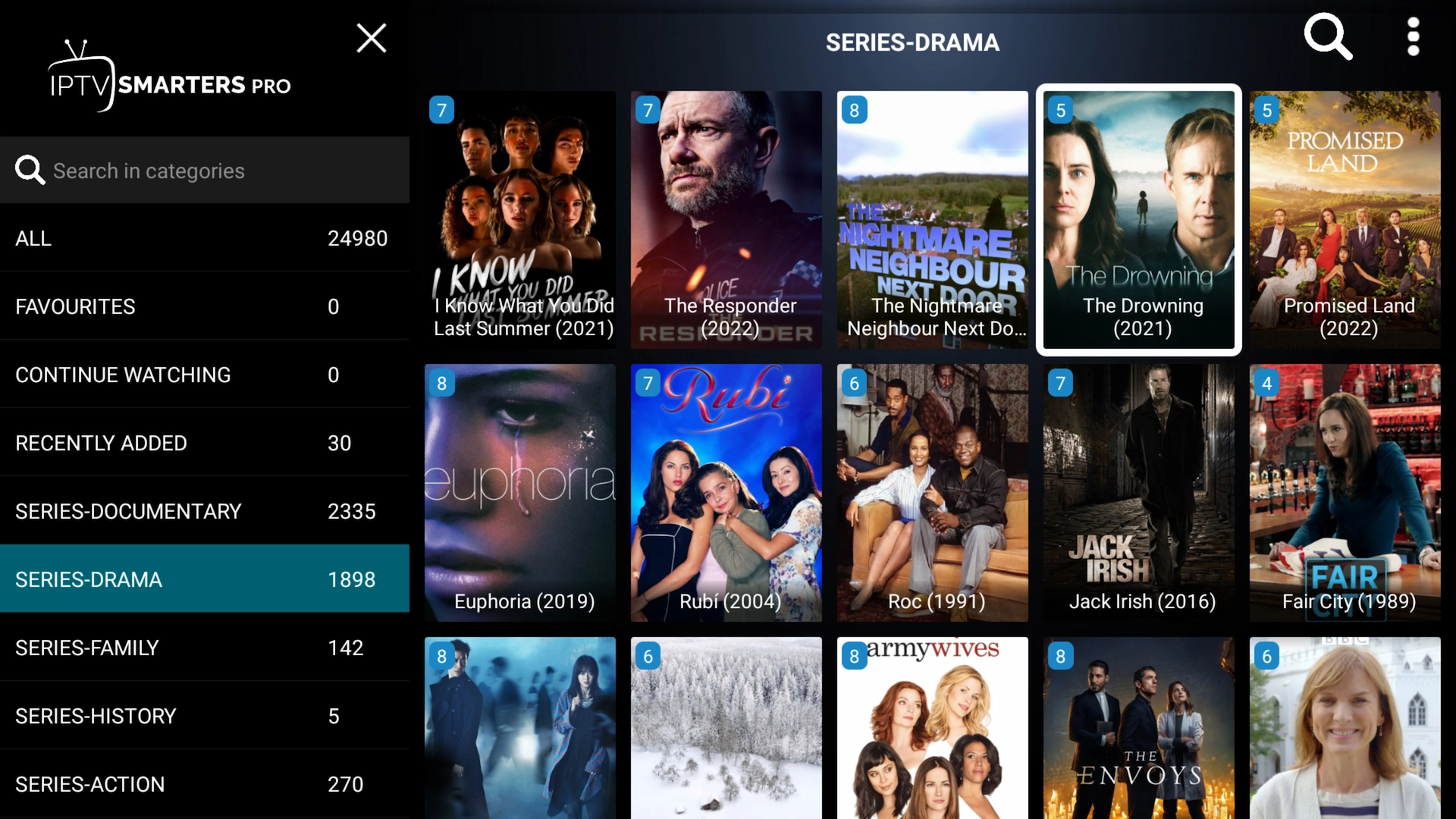
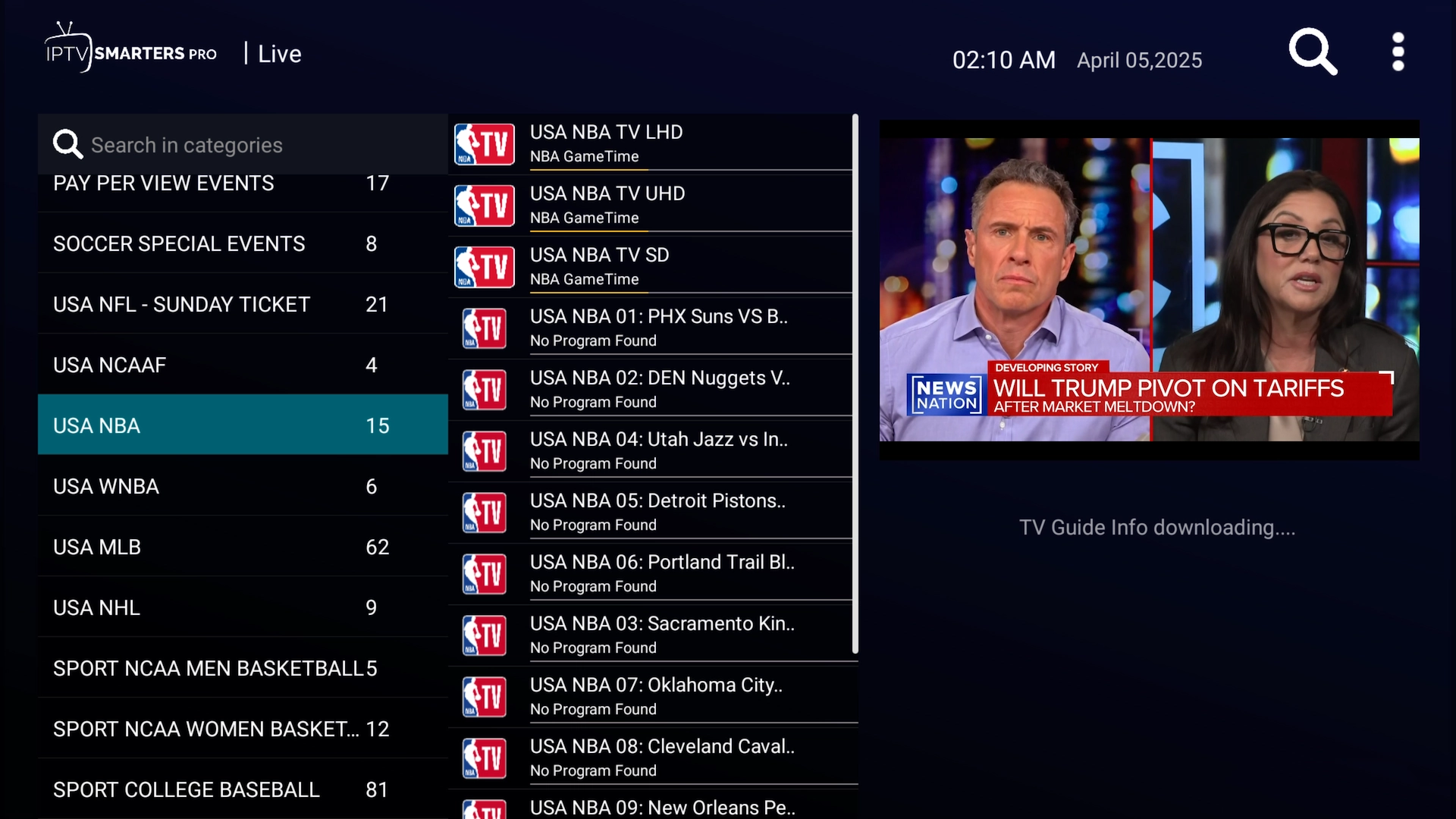
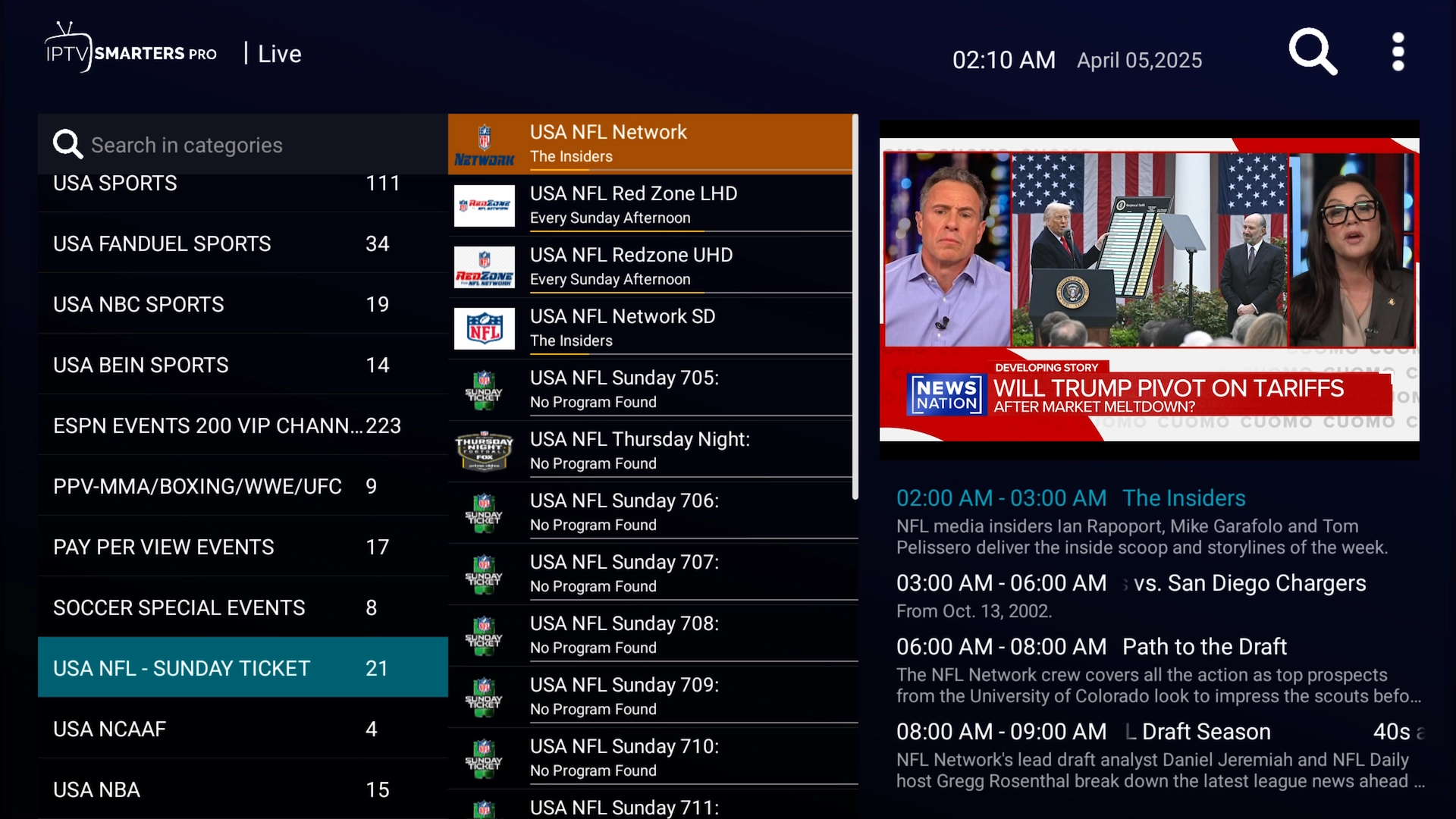
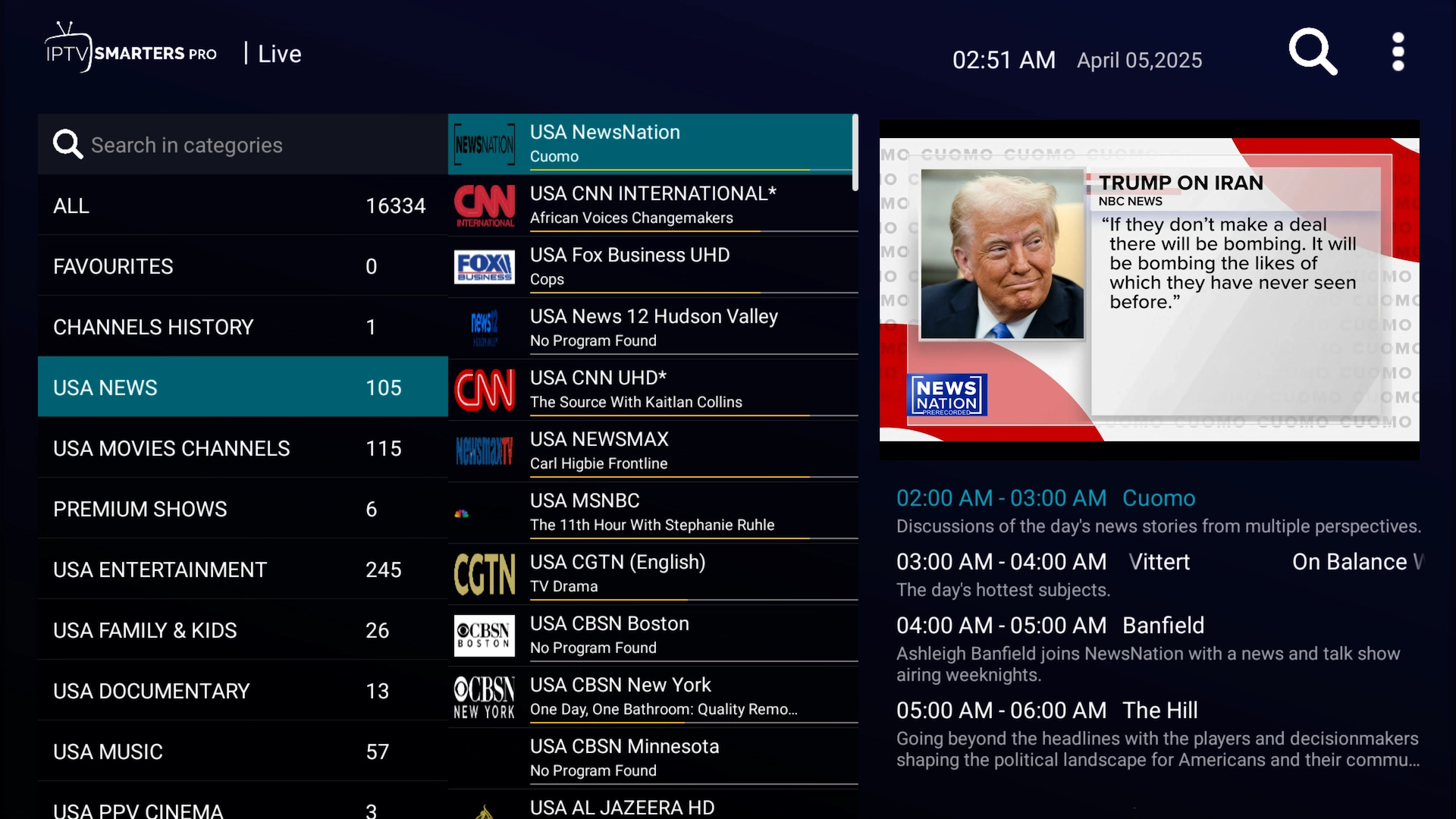
IPTV Smarters home screen All live TV channels New movie releases TV series library Drama series category Sports category League / Sunday Ticket category News category More news categories
You're all set! IPTV Smarters is installed and your Get Streamer HD IPTV account is logged in — enjoy live TV, movies and series.

Frequently asked questions

On Firestick and Android TV, yes — it is the easiest way to sideload IPTV Smarters. On Android phones and tablets you can install it directly from a browser instead.
Yes. It runs on the 2nd-gen Firestick, Firestick 4K and Fire TV Cube on Fire OS 6 or newer.
Yes — search the App Store for “Smarters Player Lite” and install it. The same app covers iPhone, iPad and Apple TV.

Ready to start streaming?

IPTV Smarters is installed — now bring it to life. Start a free 36-hour Get Streamer HD IPTV trial with instant delivery and no payment details required.

Start your free trial