How to install TiviMate on Firestick & Android TV (2026 step-by-step guide)

Sideload the app, add your Get A Streamer HD IPTV playlist with Xtream Codes, and start streaming in 4K — the whole process, screen by screen.

TiviMate — IPTV player for Firestick & Android TV

TiviMate is widely considered one of the best IPTV players you can run on an Amazon Firestick or an Android TV device. Its clean, TV-first interface handles big libraries beautifully — exactly what you want for Get A Streamer HD IPTV's 25,000+ live channels, 160,000+ movies and 35,000+ TV series. This guide walks you through the whole setup, from installing the app to adding your playlist and finding your way around.

1Install the Downloader app

TiviMate isn't always available to install directly, so the easiest route on a Firestick or Fire TV is to sideload it with the free Downloader app. Start by grabbing Downloader from the Amazon Appstore.
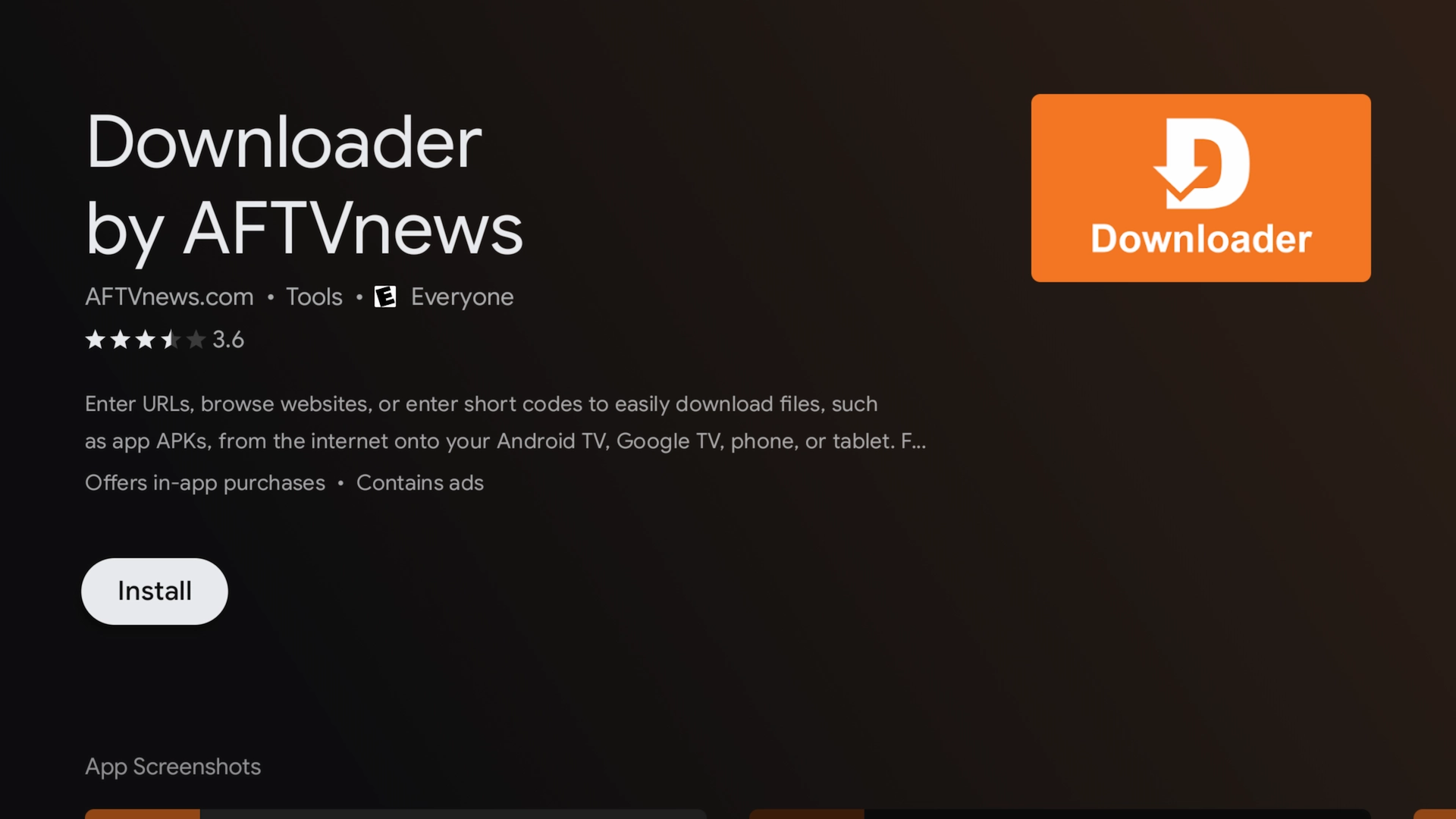
Downloader app highlighted in the Amazon Appstore

2Enable developer options & unknown sources

Before Downloader can install TiviMate, you need to give it permission to install apps. On a Firestick this lives under Developer Options; on Android TV you'll find it under Device Preferences.
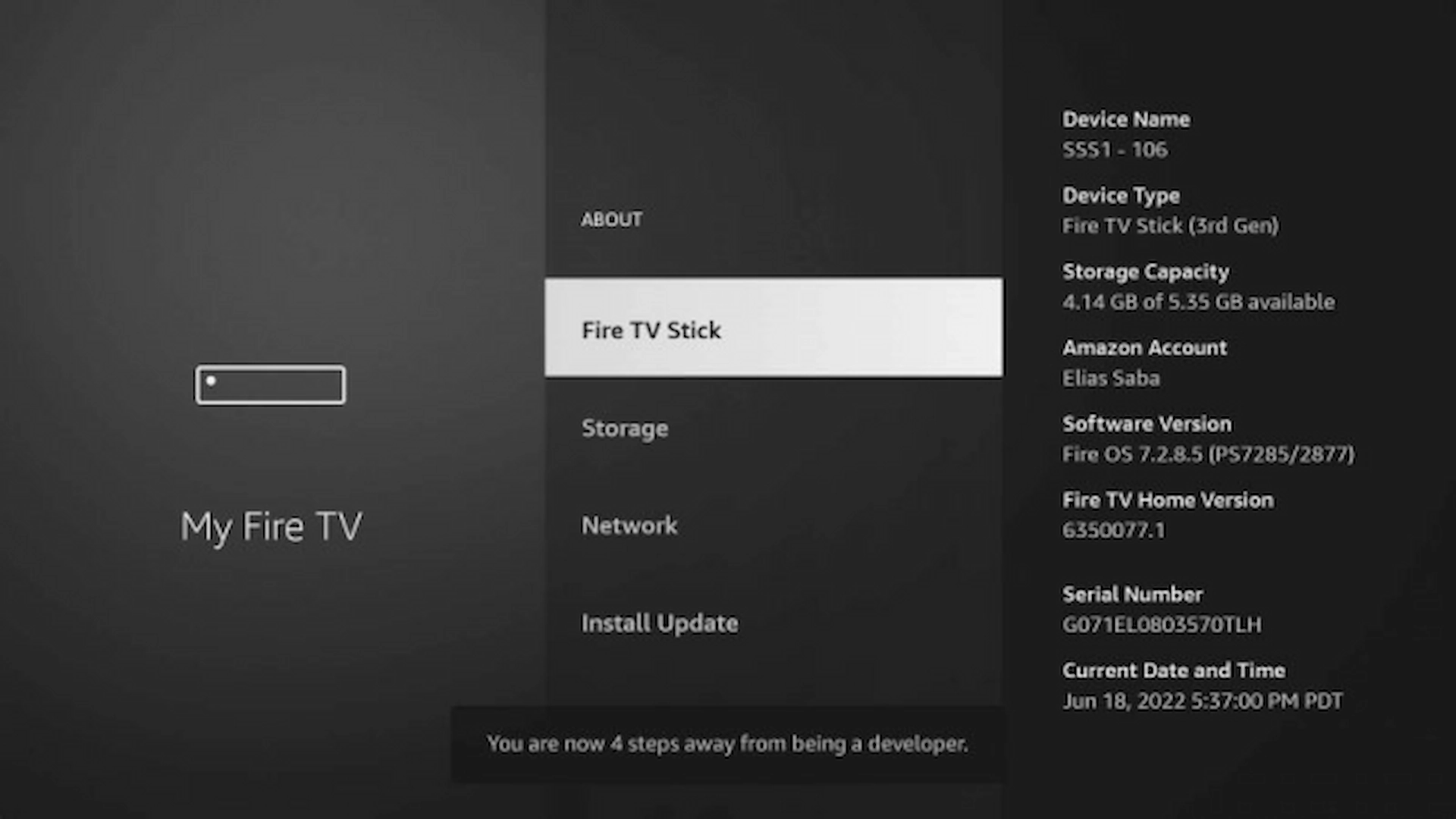
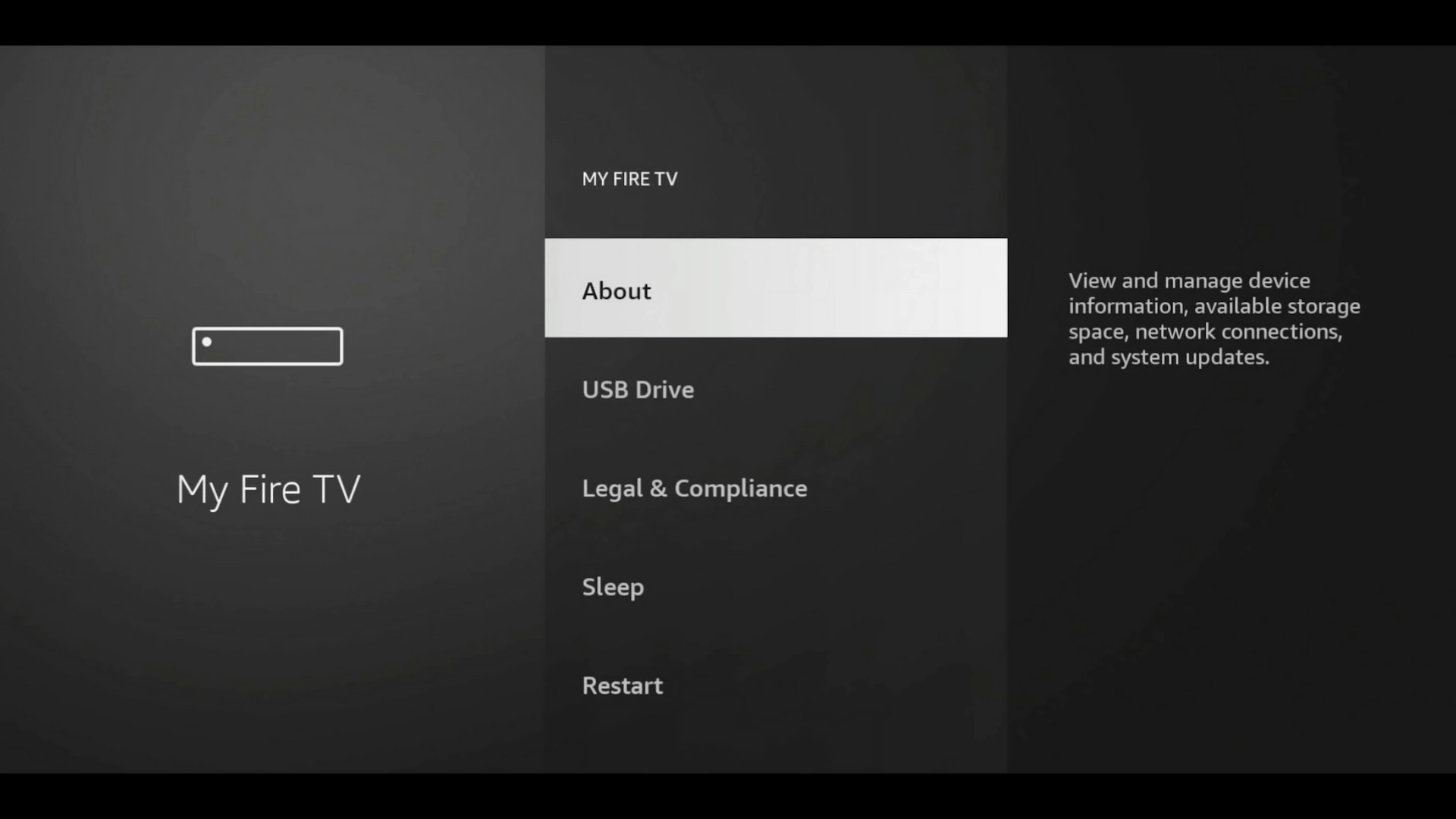
1. Open Settings → My Fire TV (or Device Preferences on Android TV).
Firestick Settings → My Fire TV
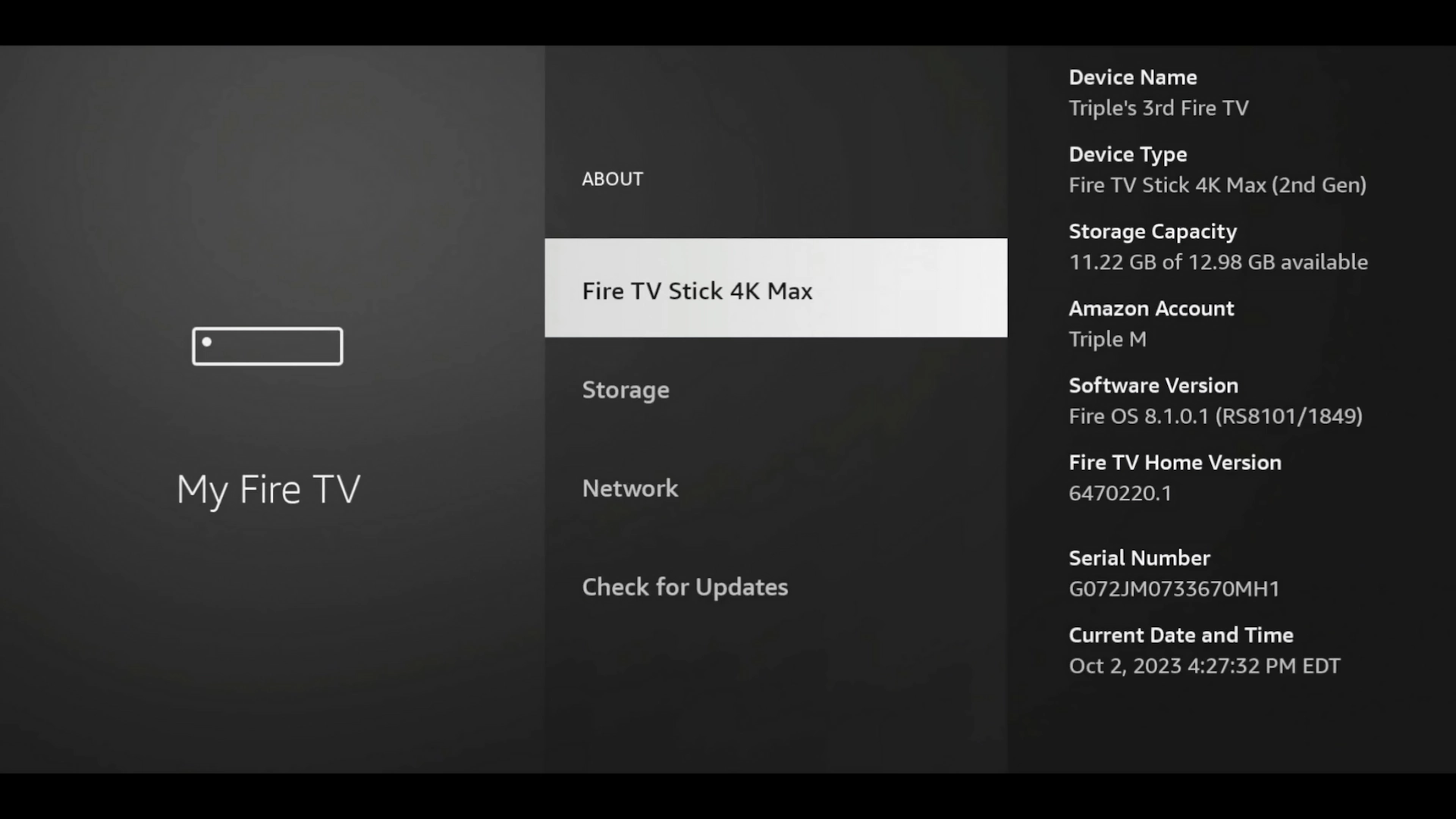
2. Choose About.
Firestick About menu
3. Highlight your device name and press Select seven times to unlock Developer Options.
Highlight your device name and press Select seven times
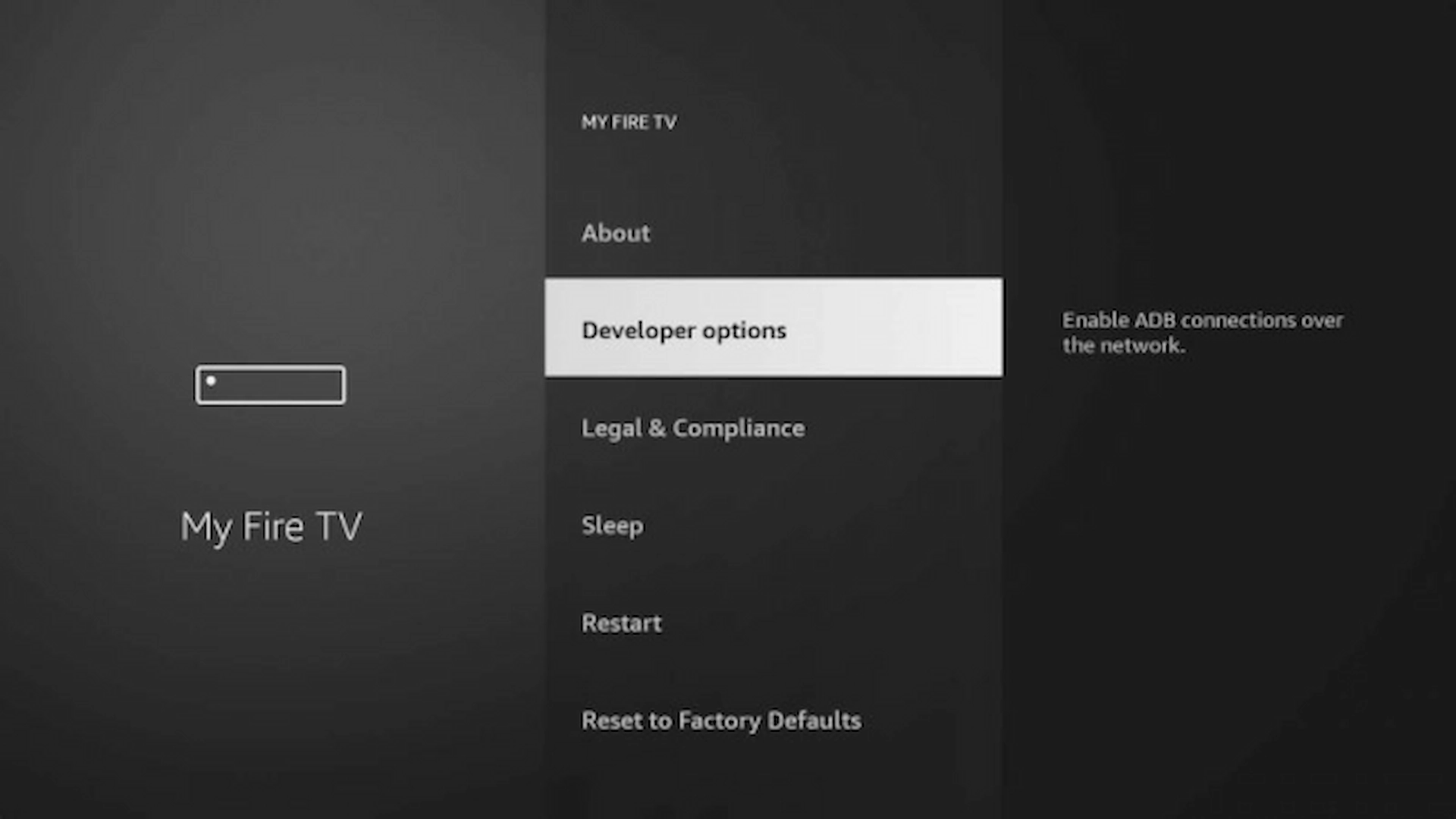
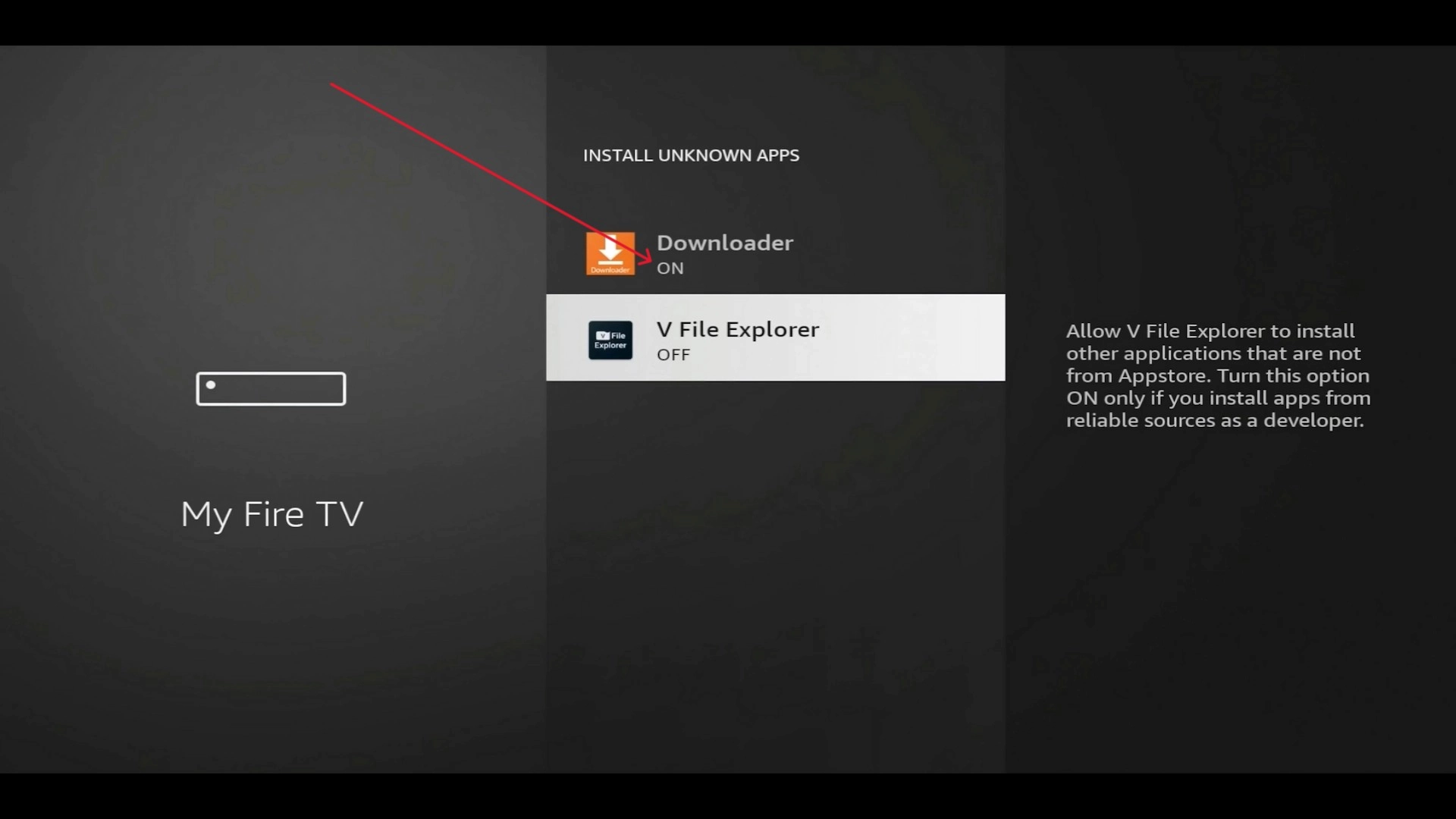
4. Go back, open Developer Options, then turn on Install unknown apps for Downloader.
Developer Options menu Install unknown apps switched ON for Downloader

3Download & install TiviMate

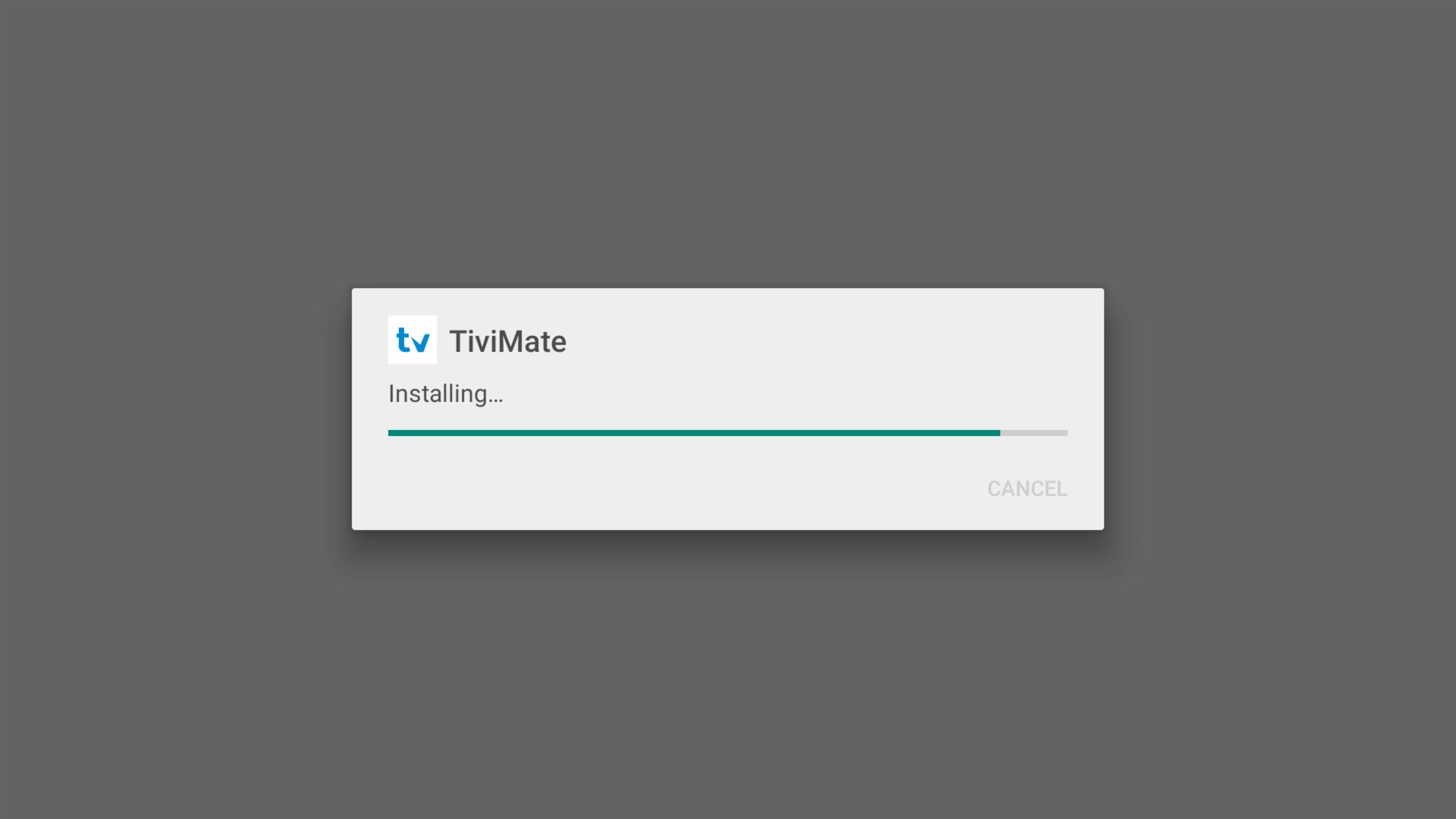
Open Downloader and enter the code 272483 (or type tivimate.com/apk) to fetch the official TiviMate APK, then install it.
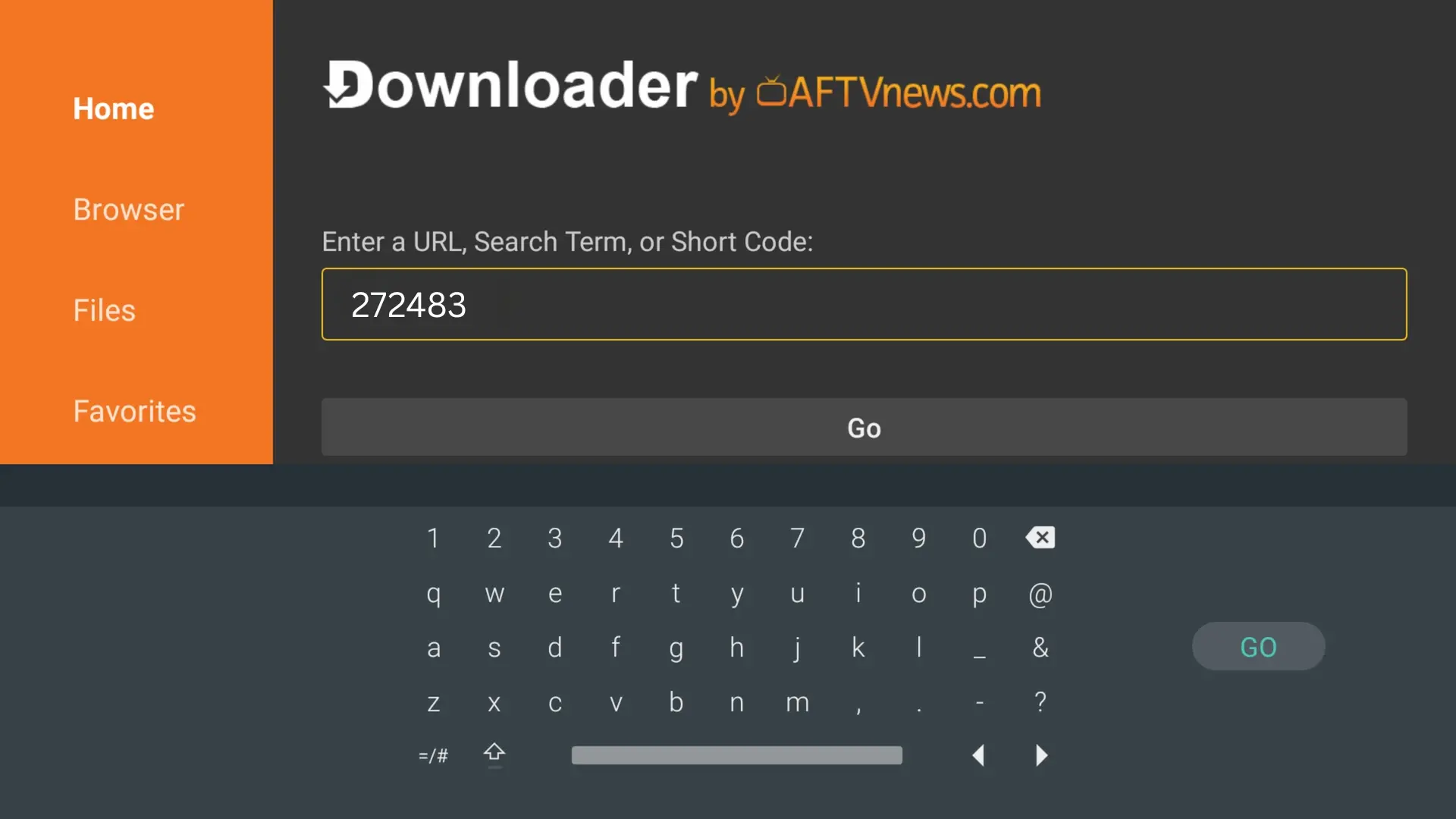
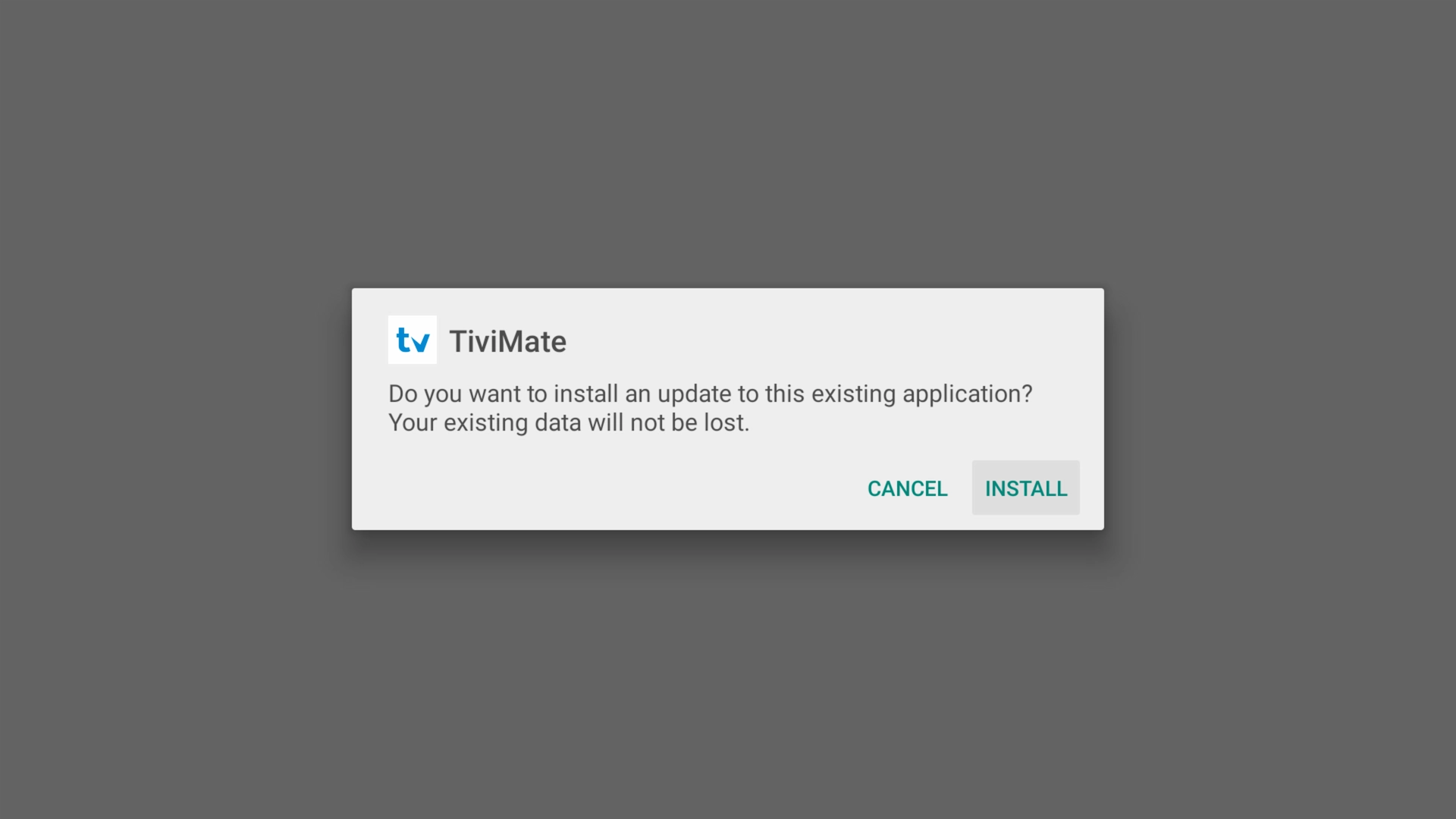
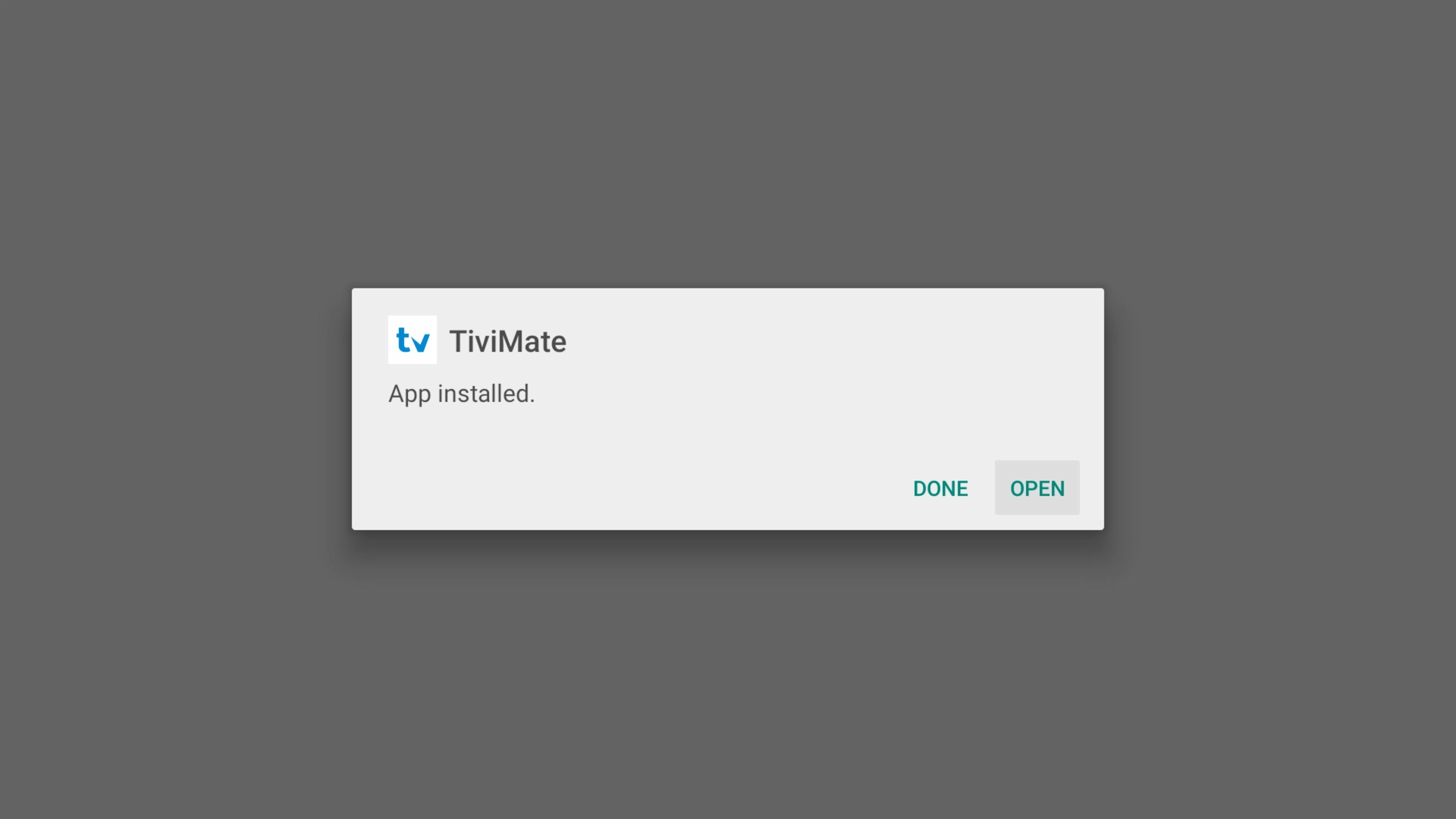
Entering the download code in Downloader TiviMate install prompt TiviMate installing Open TiviMate once it has installed

4Add your playlist with Xtream Codes

Open TiviMate and add your playlist using Xtream Codes. Don't have a subscription yet? You can start a free 36-hour Get A Streamer HD IPTV trial — no payment details needed.
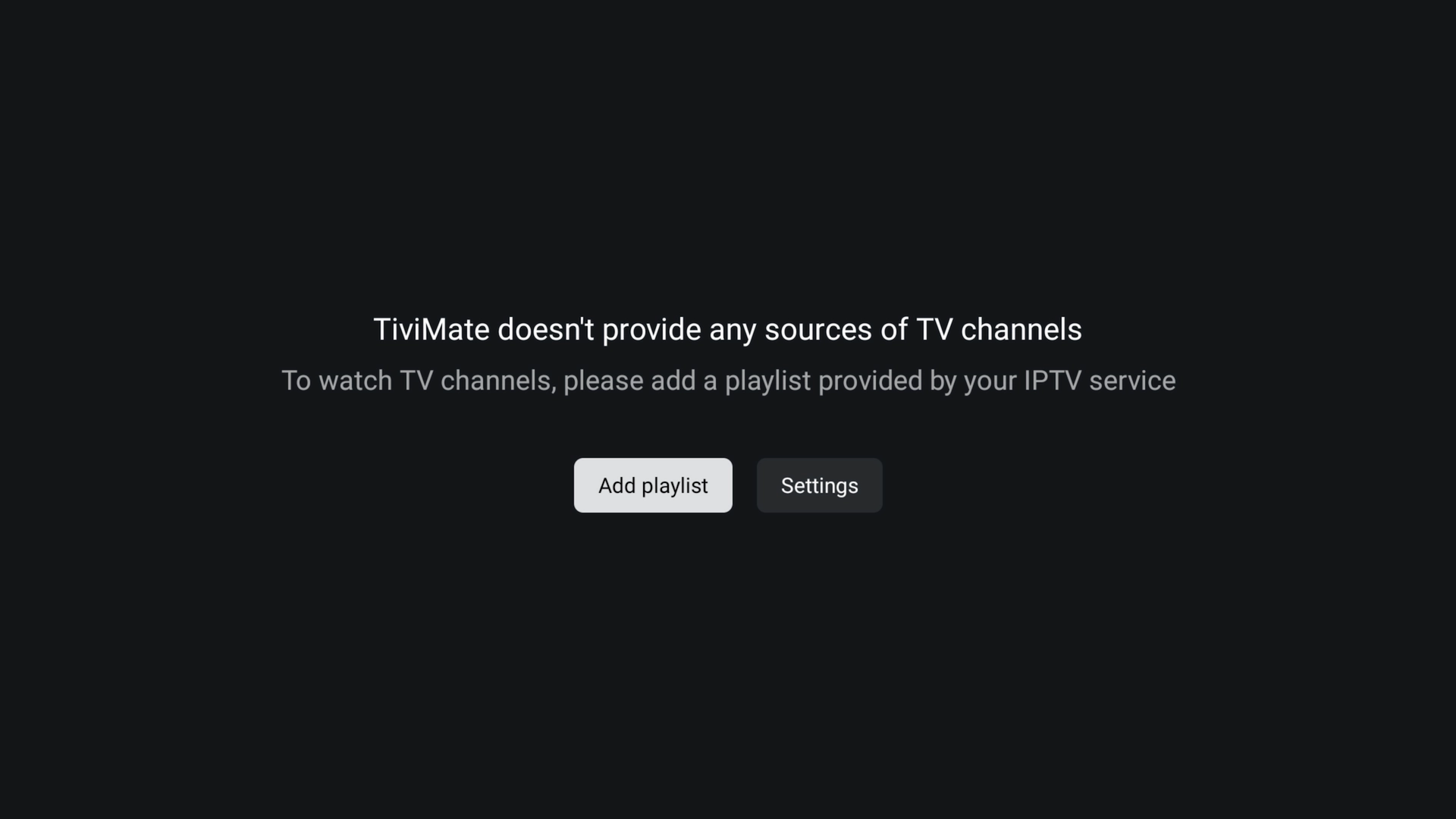
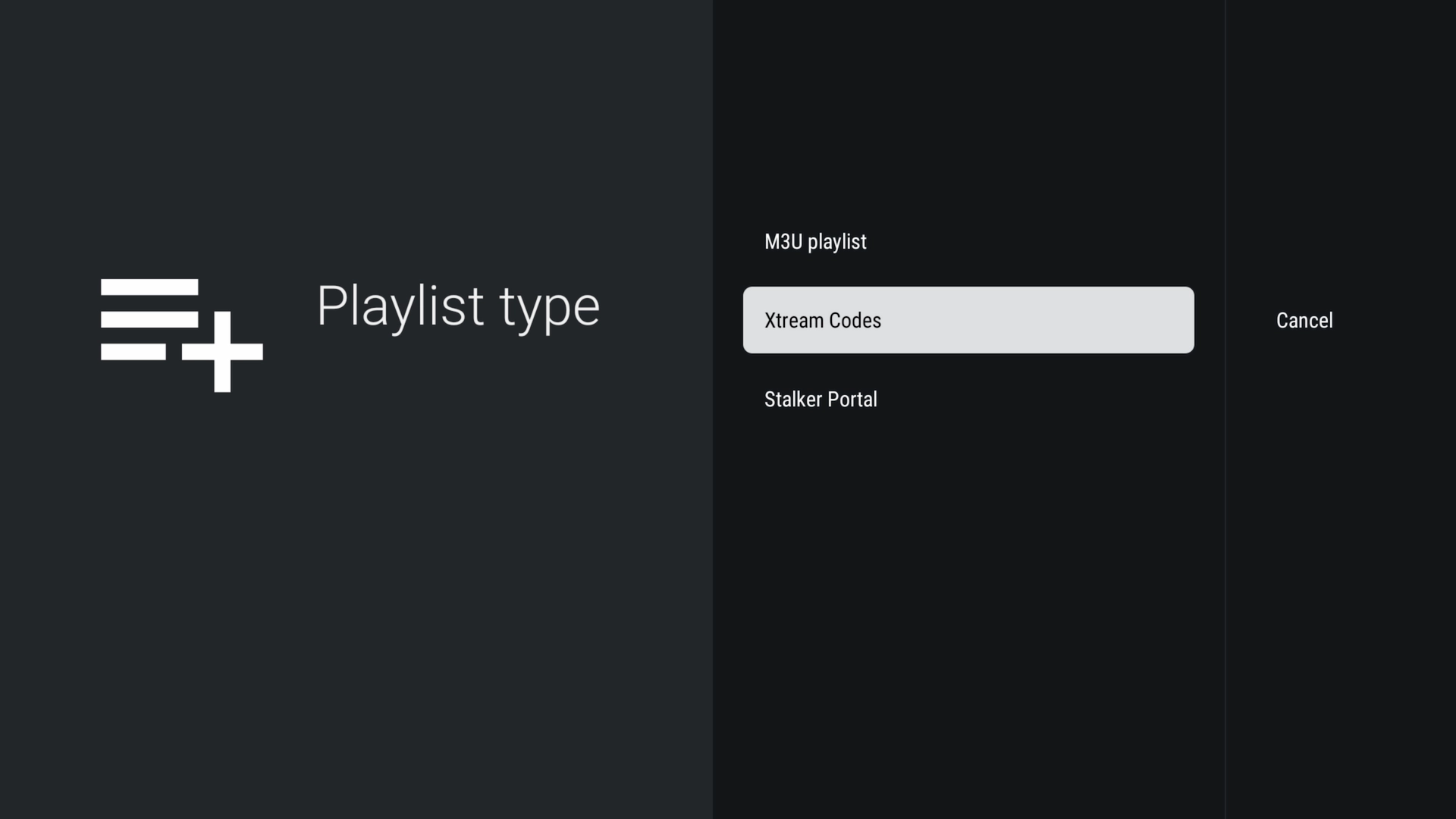
1. On the welcome screen, choose Add playlist.
TiviMate welcome screen — Add playlist
2. Select Xtream Codes.
Select Xtream Codes
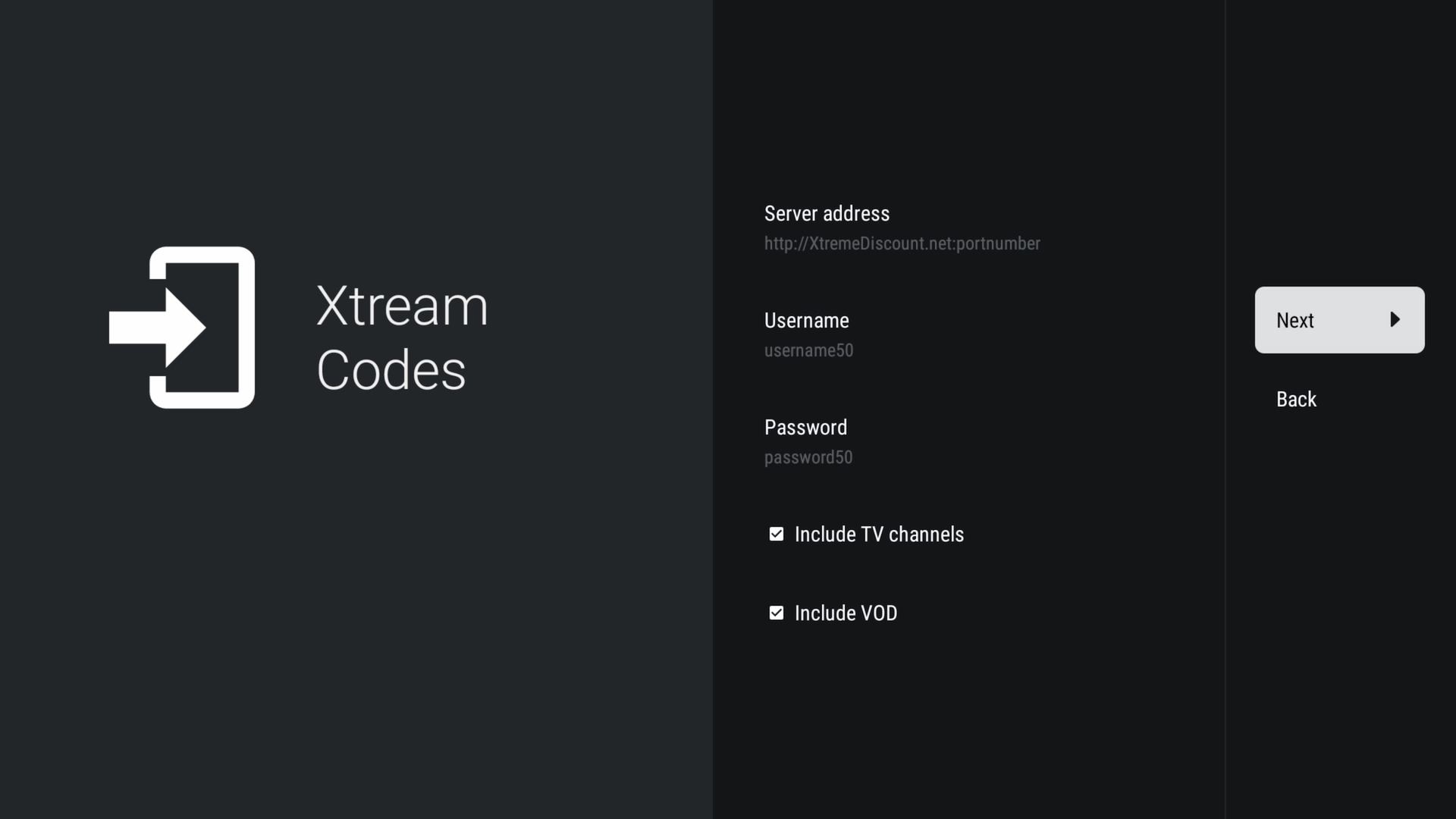
3. Enter the server URL, username and password from your Get A Streamer HD IPTV account.
Enter your Xtream Codes details
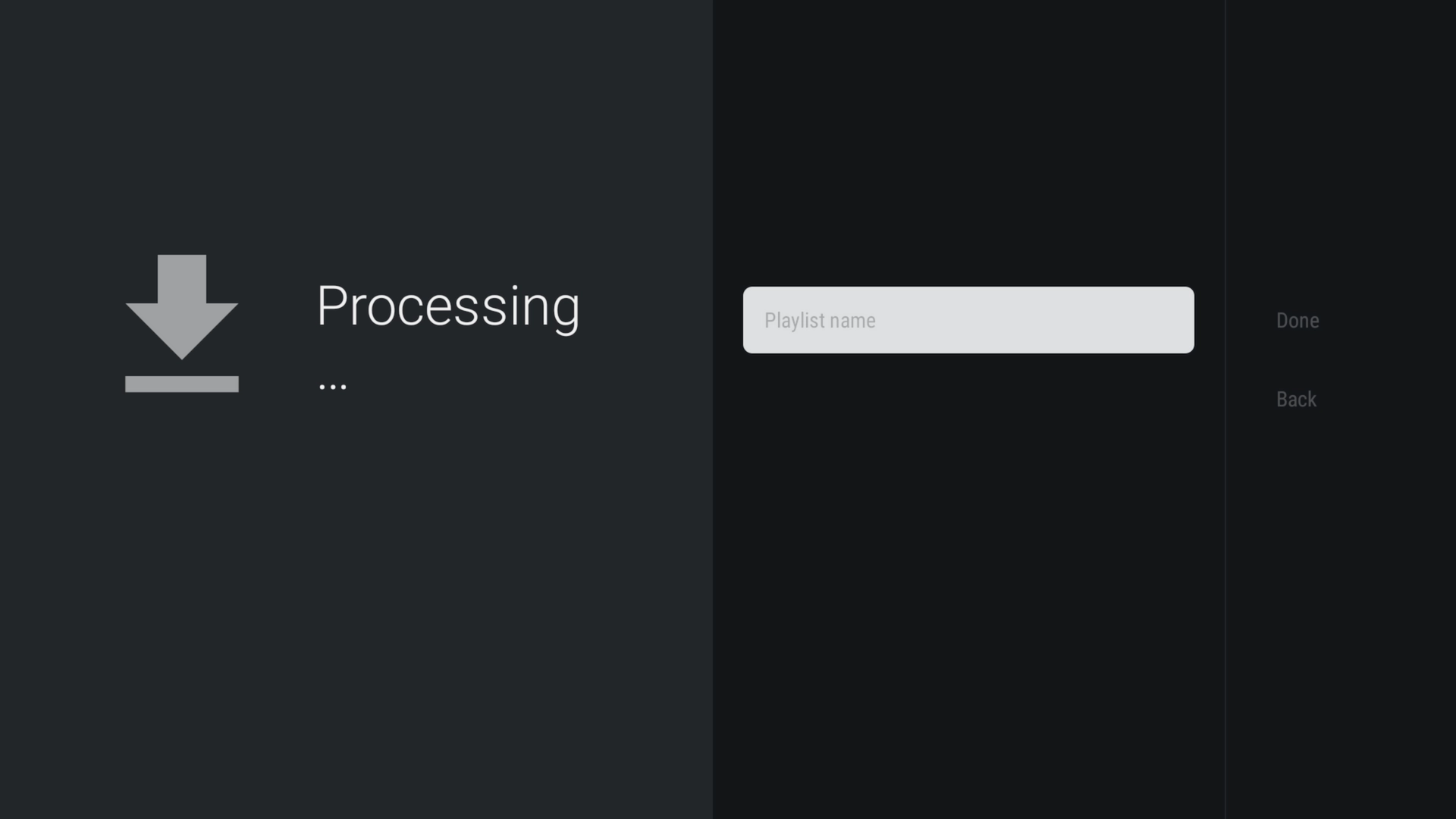
4. Let TiviMate process your playlist.
TiviMate processing the playlist
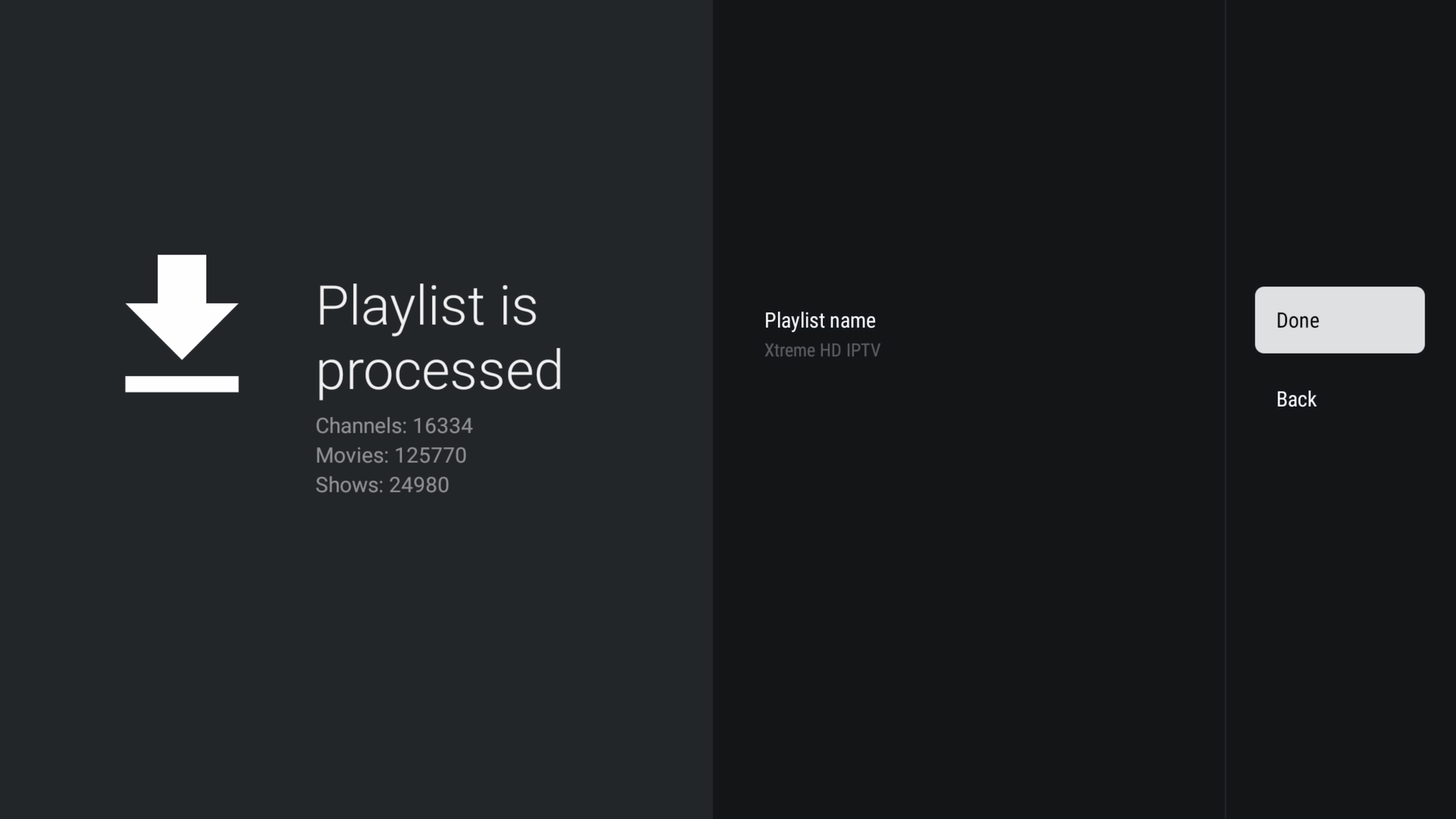
5. Give the playlist a name and finish up.
Name your playlist

5Explore the TiviMate interface

That's the hard part done — your channels, movies and series are ready to go. Here's a quick tour of where everything lives.
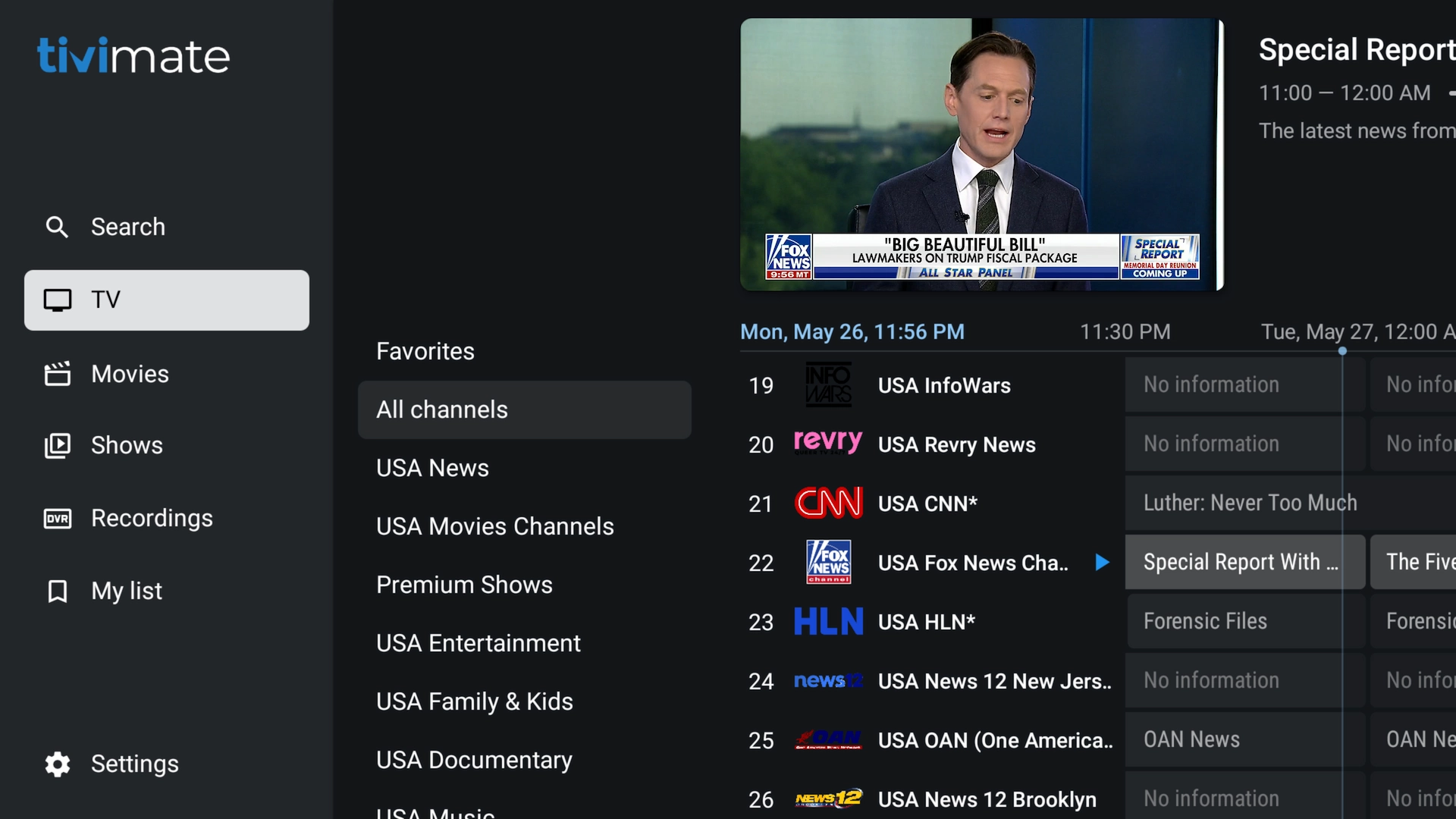
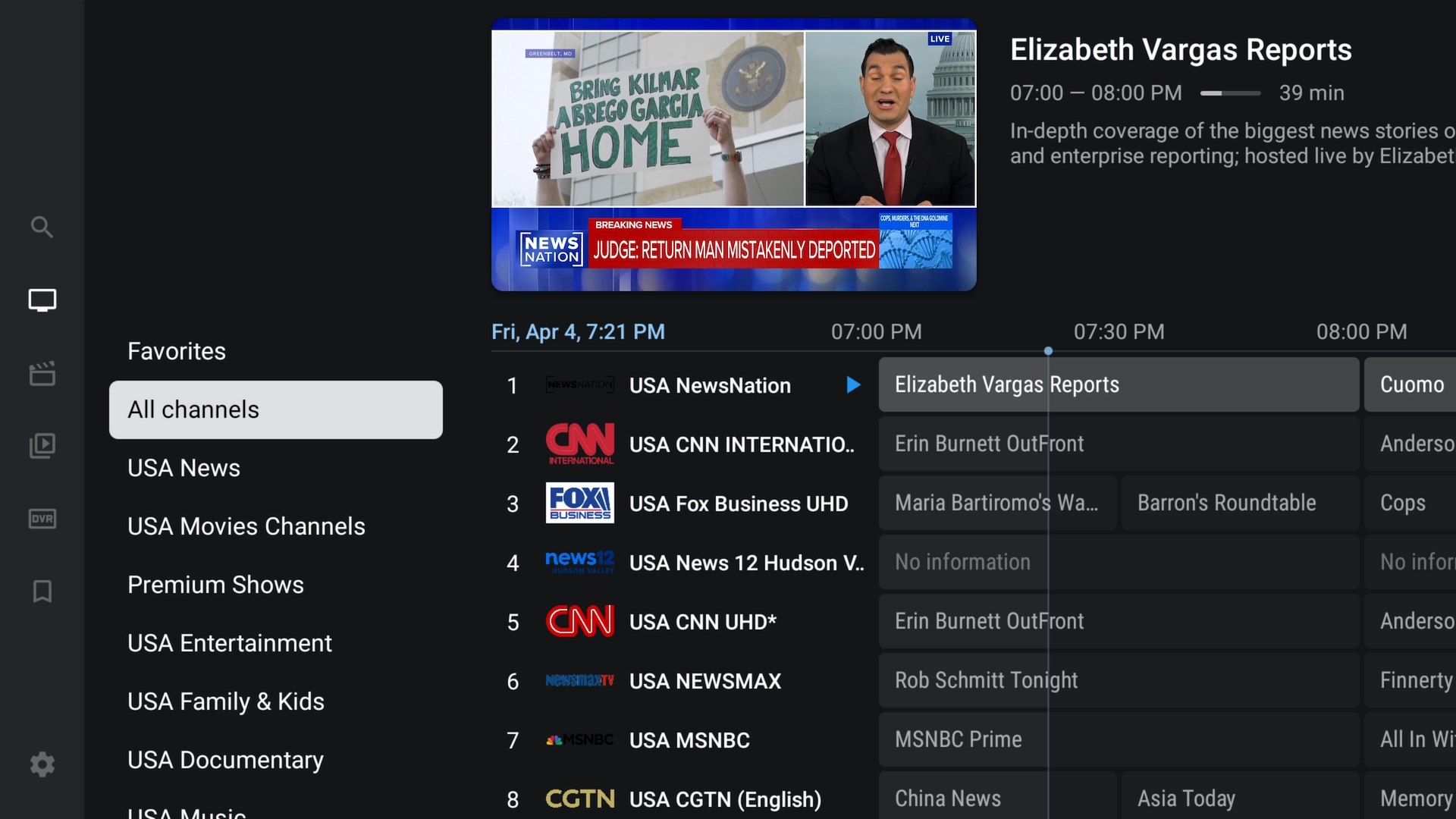
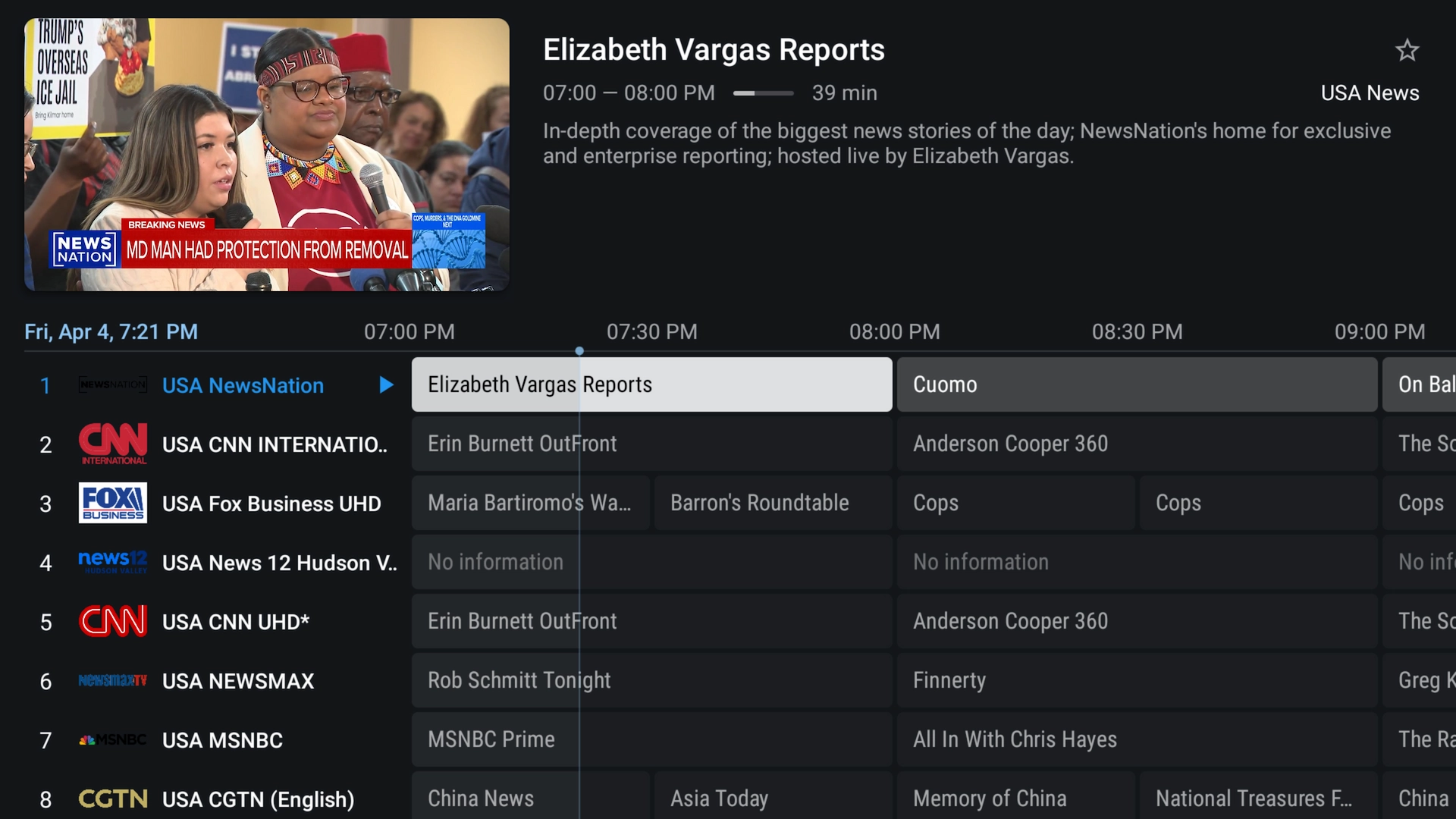
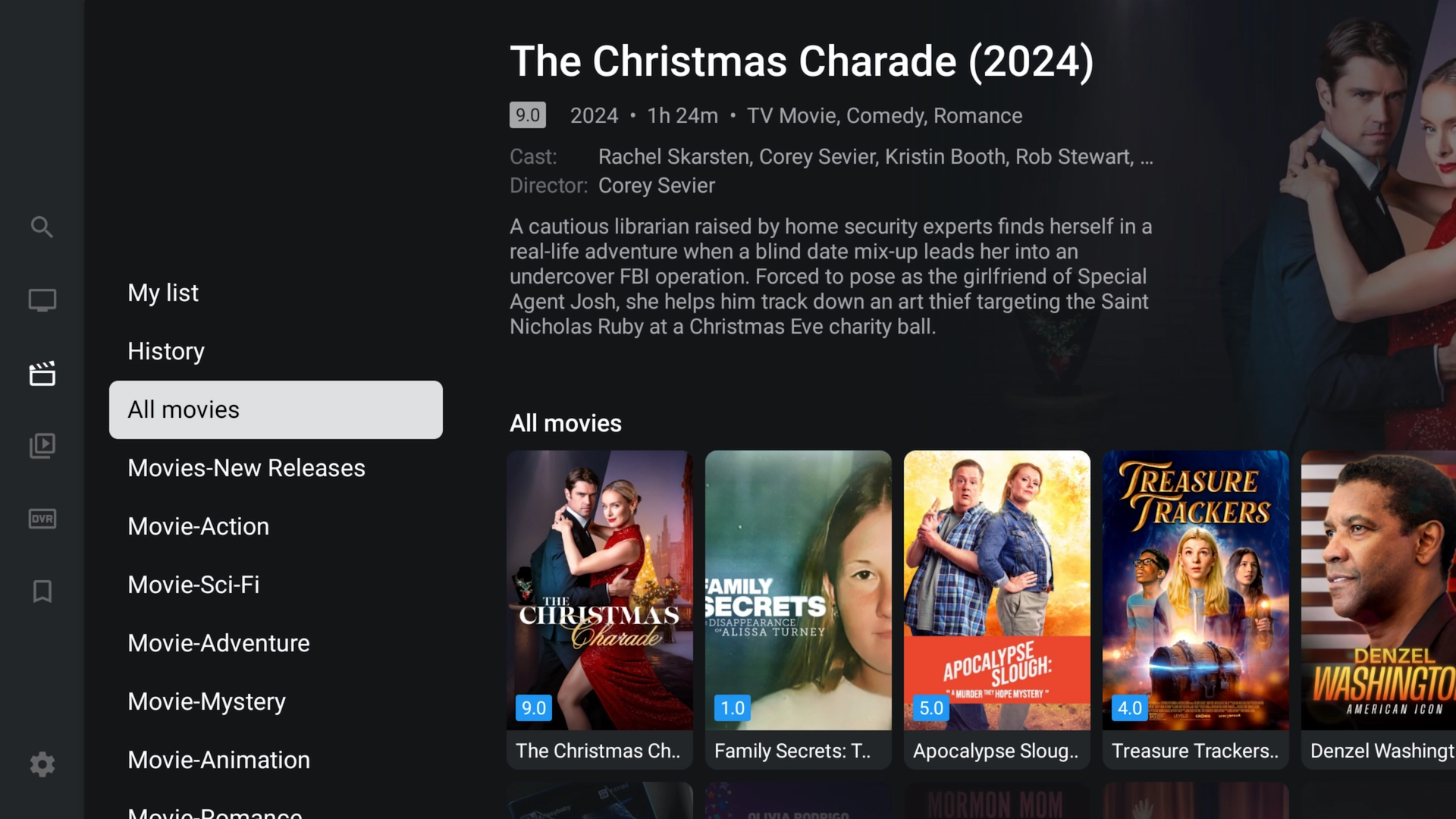
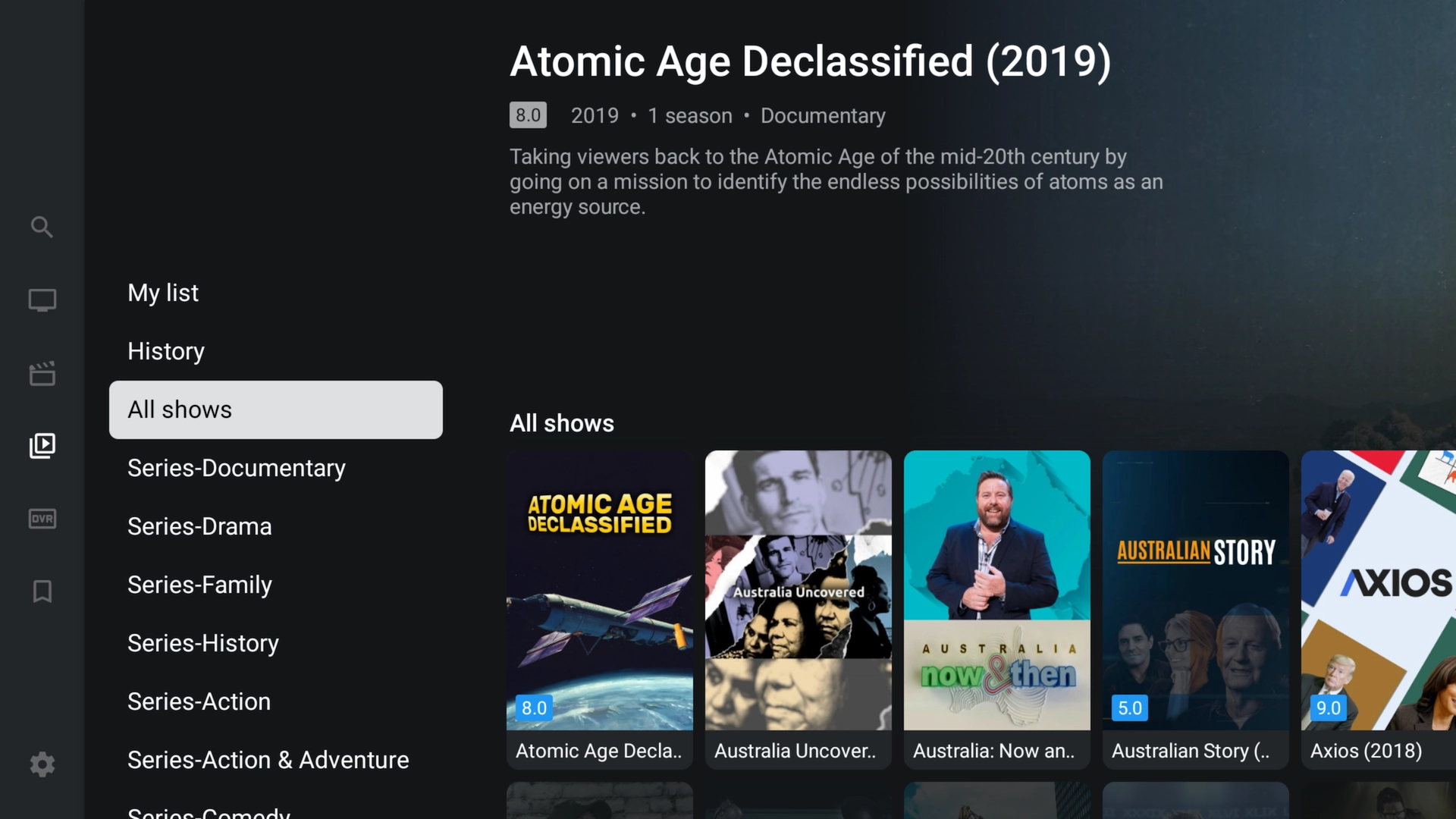
TiviMate main menu — Live TV, Movies and Series Live channels shown by category Full-screen electronic programme guide (EPG) Movies library in TiviMate TV series in TiviMate
You're all set! TiviMate is installed and your Get A Streamer HD IPTV playlist is loaded. Enjoy the show.

Frequently asked questions

Yes — it is the simplest way to sideload TiviMate onto a Firestick or Android TV, since the app is not always offered directly in the store.
Open Downloader again, enter the code 272483 (or type tivimate.com/apk), and install the newest version over the top of your current one.
No — TiviMate is built for Android TV-style devices. On Apple hardware, use UHF – Love Your IPTV instead. See our UHF setup guide.

Ready for premium content?

You've installed TiviMate — now bring it to life. Start a free 36-hour Get A Streamer HD IPTV trial with instant delivery and no payment details required.

Start your free trial